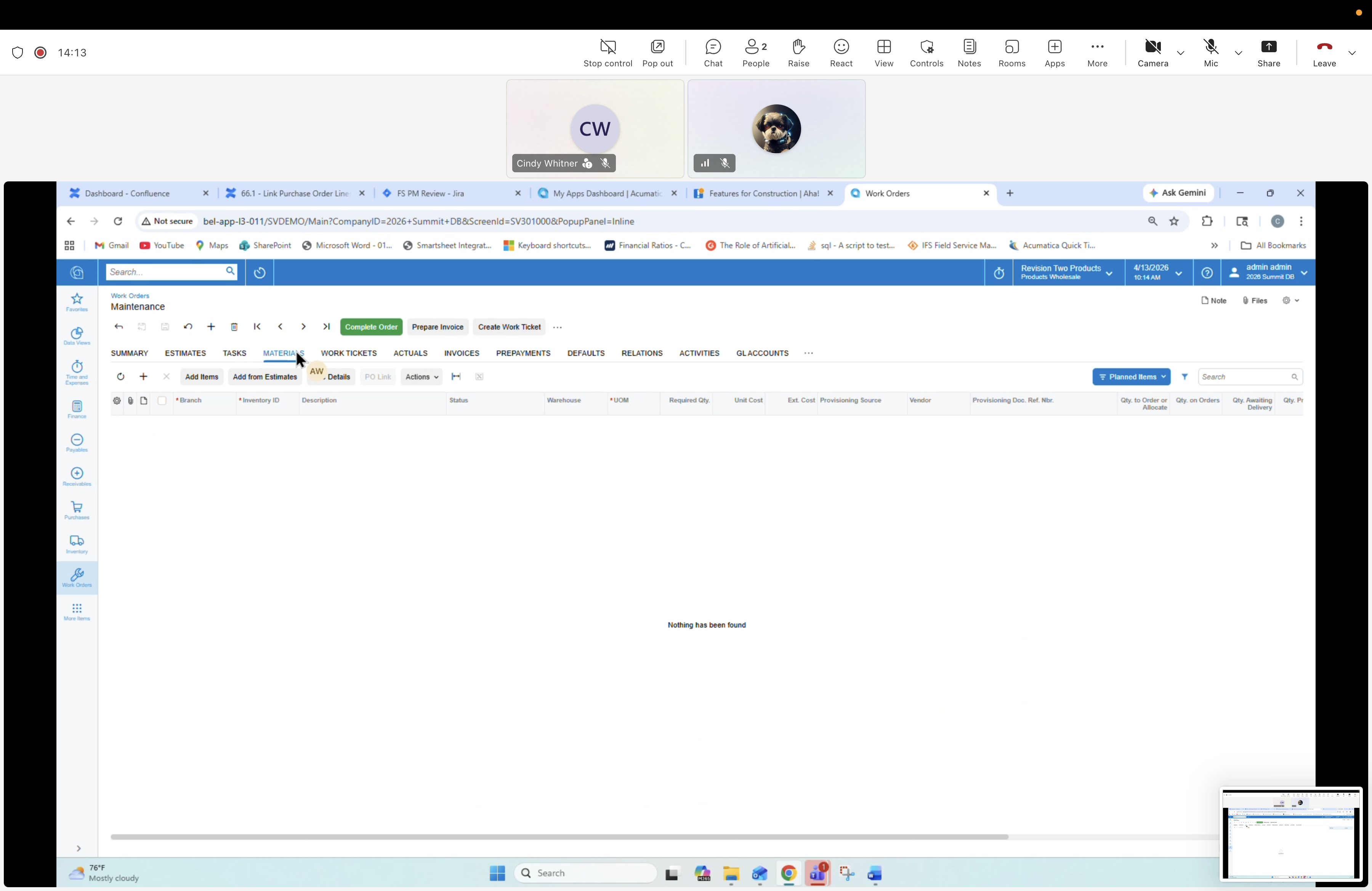
09 — Work Order: MATERIALS tab (empty)
Description
Materials tab of a new Work Order (empty). Lists materials planned/consumed — source of truth feeding Work Tickets.
Screen
Work Orders form — header "Maintenance". Active tab: MATERIALS.
Tabs (top)
SUMMARY, ESTIMATES, TASKS, MATERIALS, WORK TICKETS, ACTUALS, INVOICES, PREPAYMENTS, DEFAULTS, RELATIONS, ACTIVITIES, GL ACCOUNTS. Process buttons: Complete Order, Prepare Invoice, Create Work Ticket.
MATERIALS tab contents
Toolbar: Add Items, Add from Estimates, PO Link, Actions, Planned Items filter. Columns: Branch, Inventory ID, Description, Status, Warehouse, *UOM, Required Qty, Unit Cost, Est. Cost, Processing Source, Version, Processing Doc. Ref. Nbr., Qty. to Order or Allocate, Qty. on Orders, Qty. Awaiting Delivery.