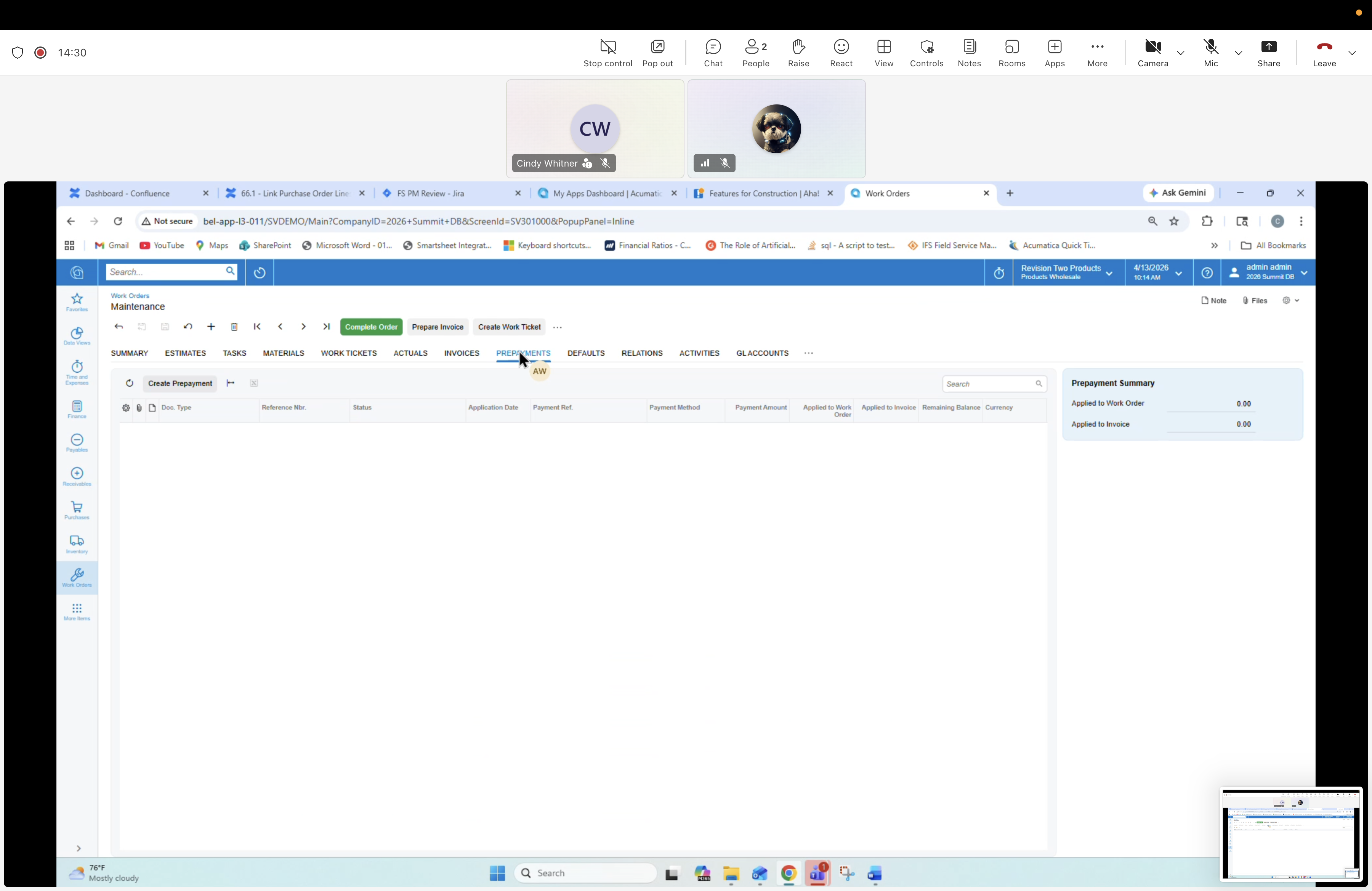
13 — Work Order: PREPAYMENTS tab (empty)
Description
Prepayments tab (empty). Field prepayments (e.g. AcuPay collections, quote deposits) applied to the order.
Screen
Work Orders form — header "Maintenance". Active tab: PREPAYMENTS.
Tabs (top)
SUMMARY, ESTIMATES, TASKS, MATERIALS, WORK TICKETS, ACTUALS, INVOICES, PREPAYMENTS, DEFAULTS, RELATIONS, ACTIVITIES, GL ACCOUNTS. Process buttons: Complete Order, Prepare Invoice, Create Work Ticket.
PREPAYMENTS tab contents
Toolbar: Create Prepayment. Columns: Doc. Type, Reference Nbr, Status, Application Date, Payment Ref, Payment Method, Payment Amount, Applied to Work Order, Applied to Invoice, Remaining Balance, Currency. Summary: Applied to Work Order 0.00, Applied to Invoice 0.00.