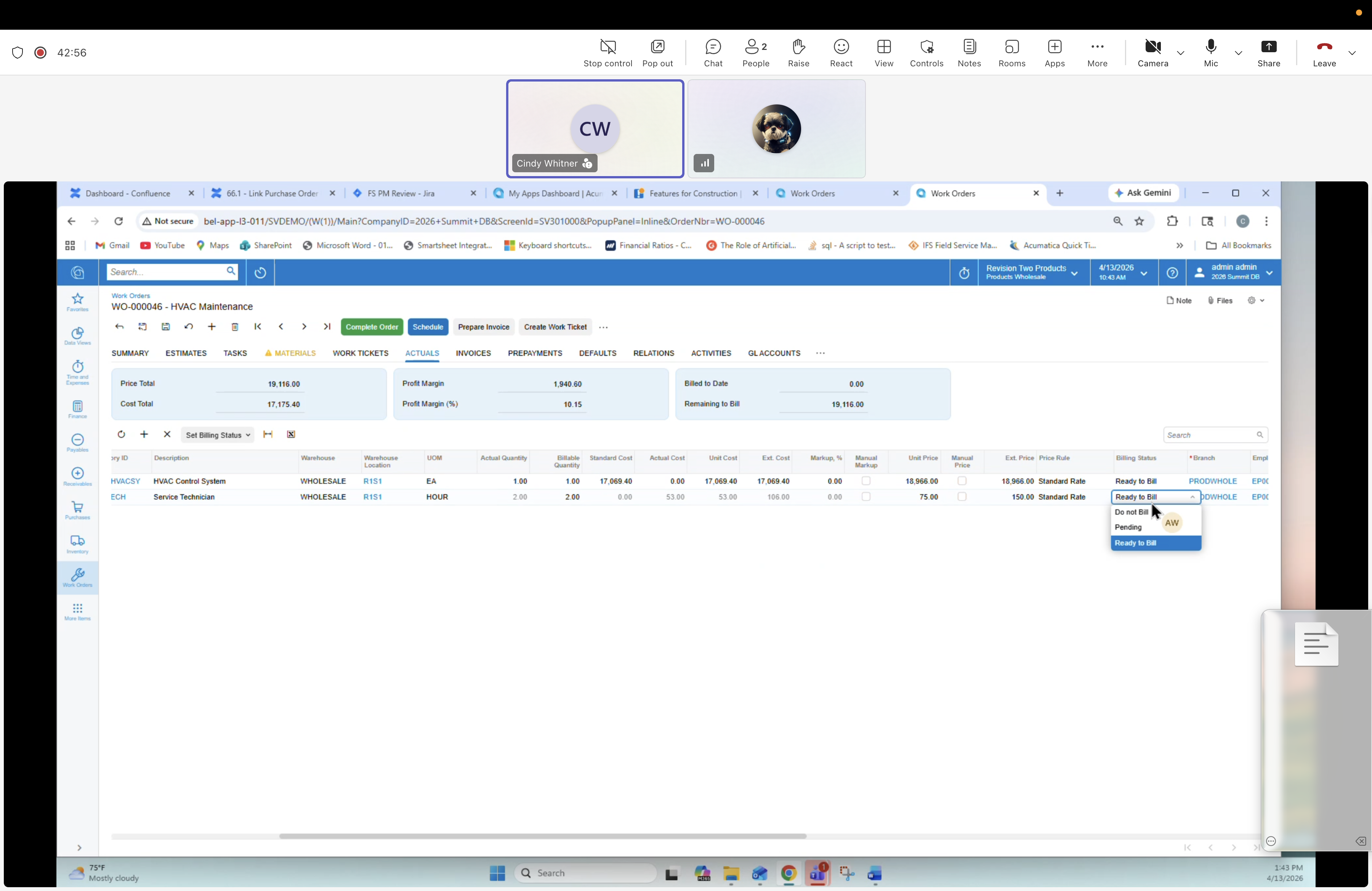
40 — Work Order: Actuals tab (Set Billing Status → Ready to Bill)
Description
The Set Billing Status dropdown is open on the Actuals tab. Options are Hold, Do not Bill, Pending, Ready to Bill (highlighted). Setting lines to Ready to Bill releases them to the AR / Invoicing module in the back office. Key architectural change: you can bill selectively per line.
Dropdown options
- Hold
- Do not Bill
- Pending
- Ready to Bill (highlighted)