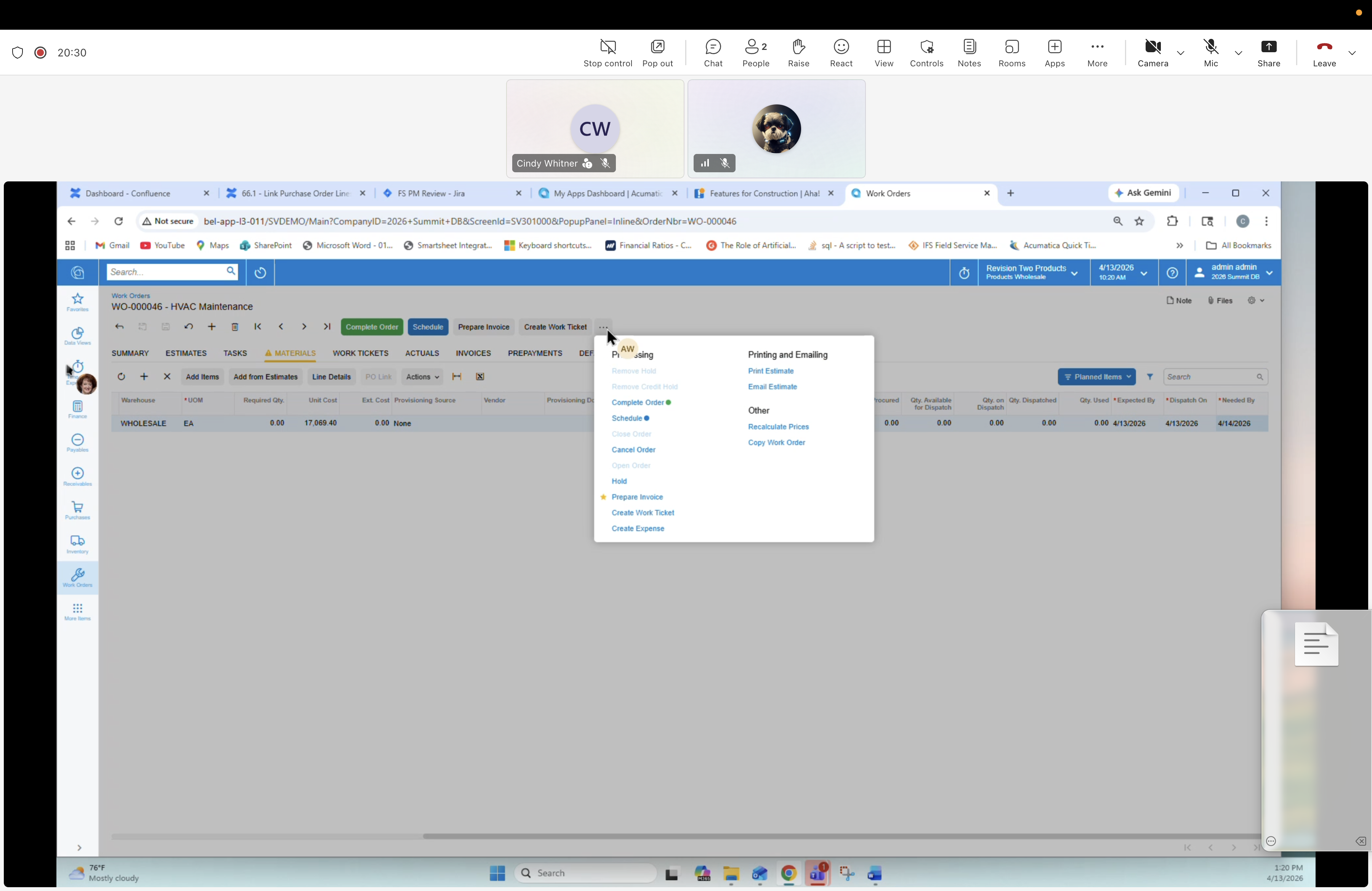
22 — Work Order: Actions menu
Description
The Work Order Actions dropdown is open on top of the Materials tab. Shows the process/print/inquiry/approval actions you can run against a Work Order.
Menu groups
- Processing: Complete Order (Jot), Schedule?, Request Invoice, Create Order Ticket, Create Prepayment, Create Expense
- Printing and Emailing: Print Estimate, Email Estimate
- Other: Reschedule Prices, Copy Work Order
- (Header actions visible on the form: Complete Order · Prepare Invoice · Create Work Ticket)