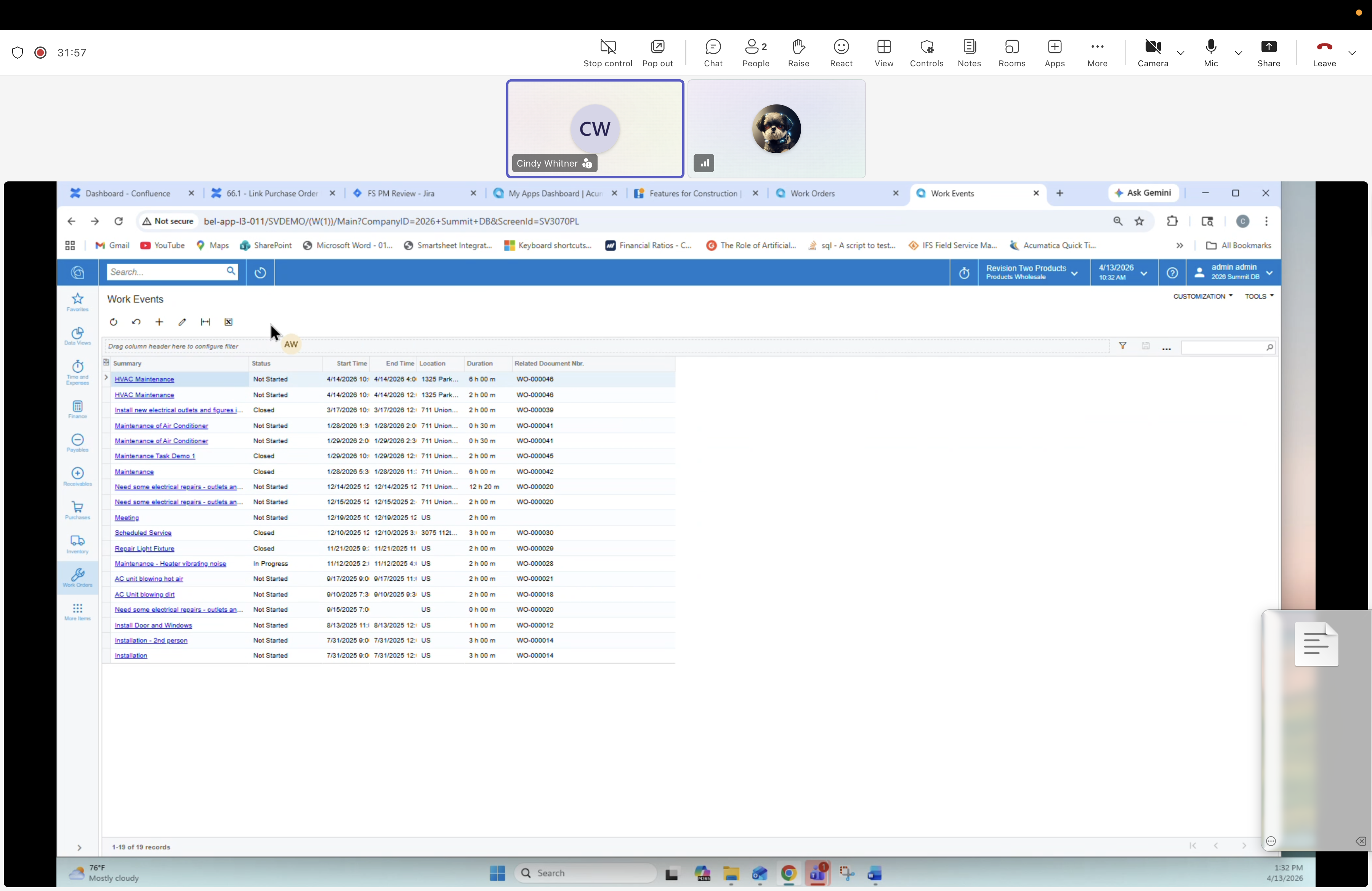
27 — Work Events: List view
Description
The Work Events list/inquiry screen — all scheduling records across the system. Used by dispatch to review status, drag actions, etc. Provides a flat view complementing the Calendar Board. In mobile terms, these work events are what drive the technician day view and route.
Columns
- Summary
- Status (Not Started, Created, In Progress, Confirmed...)
- Start Date / End Date Hour:Min
- Location
- Workforce Assigned/Related
Example rows visible
Multiple HVAC Maintenance, Maintenance Work for Air Control... rows for 4/10/2026–4/14/2026 with various statuses (Not Started, Created, In Progress).