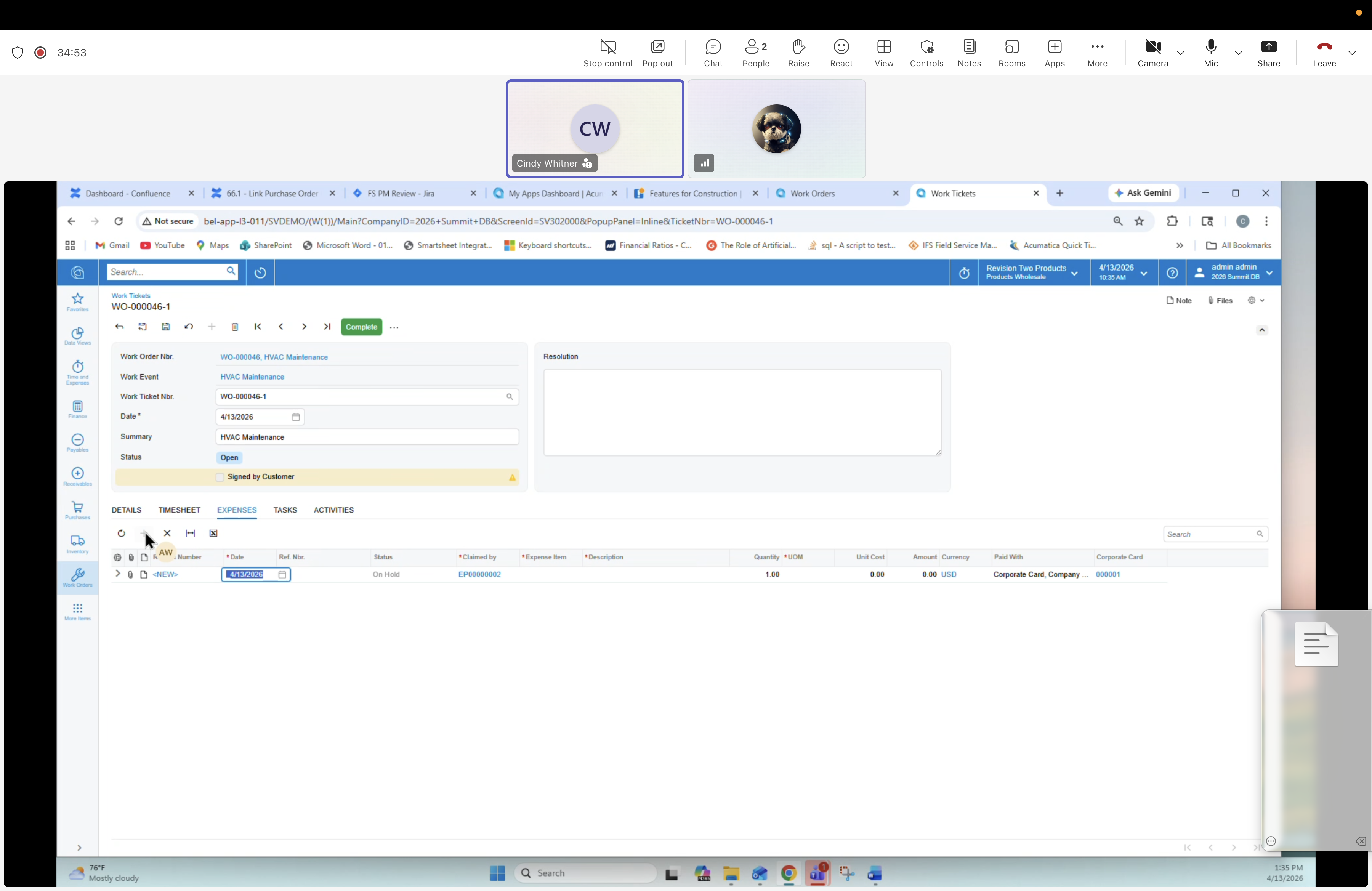
30 — Work Ticket: Timesheet tab (technician home base)
Description
The Work Ticket for the technician — the mobile/field "home base" view. Created from the confirmed Work Event. Each technician creates or opens their own Work Ticket from that event and logs everything they did for the event here. In this screenshot the TIMESHEET tab is what is visible, not the Details tab. Work Ticket is best understood as a view and execution entry point, not a data container — it aggregates state from the Work Order and pushes actuals back.
Screen
Work Tickets — WO-000046-1 (HVAC Maintenance · 4/10/2026 line).
Header fields
- Work Order Nbr: WO-000046 · HVAC Maintenance
- Work Event: HVAC Maintenance
- Work Ticket Nbr: WO-000046-1
- Date: 4/13/2026
- Summary: HVAC Maintenance
- Status: Open · Signed by Customer (checkbox)
- Resolution (rich text)
Top tabs
DETAILS, TIMESHEET (visible in this screenshot), EXPENSES, TASKS, ACTIVITIES. Process: Complete.
Timesheet row
- Employee ID: EPL00000002
- Labor Item: SVCTECH
- Date: 4/13/2026
- Time Spent: 00:00
- Earning Type: RG
- Status: Open
- Description: Service Technician
Note
The inventory/details flow appears later in the source set. This screenshot should not be used to describe the Details tab.