01
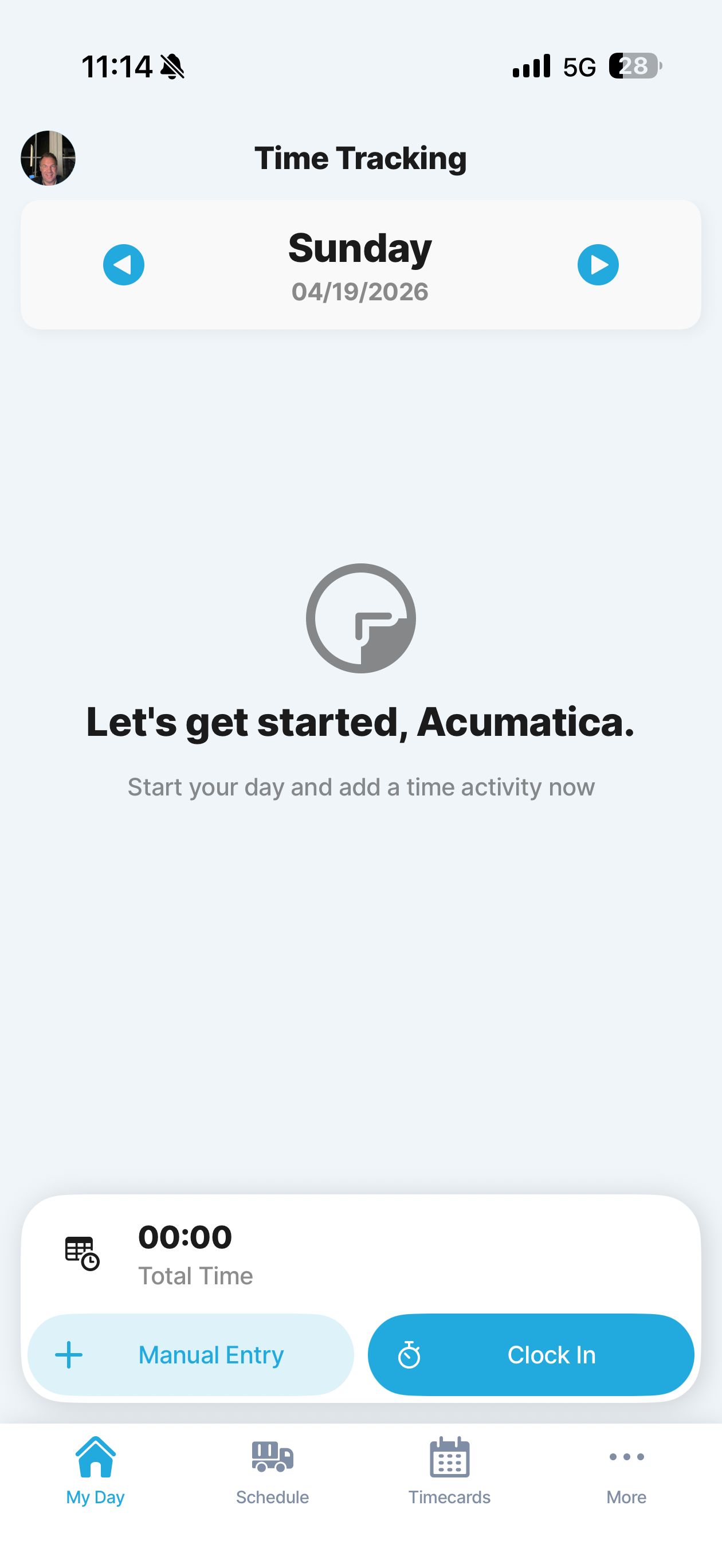
Time Tracking Home
Landing screen for technician time capture. Shows the day total and gives two clear entry points: Manual Entry or Clock In.
Built from the original customer walkthrough, transcript, design document, and source screenshots. The overview below focuses on a Jigx mobile app that prioritizes ease of use, low keyboard dependency, and voice-first field execution.
This mobile plan is built from the original customer demo, the transcript and design document, the 49 source screenshots in this folder, the existing derived screen-flow, and the customer's follow-up email from April 16, 2026. The target is a Jigx mobile experience for field users that is optimized for mobile execution, reduces keyboard input, and treats voice, scan, and guided capture as first-class interaction models.
Show the operational site separately from billing so one service location can support multiple customers and contacts, with technicians allowed to edit those relationships in v1.
Show technicians the assigned task details, checklist items, estimated duration, and required activity details before execution starts.
Use the back-office-created work order as the record of truth for the job, including service location, billing customer, requester, severity, and summary.
Let technicians add or review estimate lines on the work order so commercial scope stays visible before work starts.
Show the tasks that will later drive scheduling and field execution, while keeping task creation as an open v1 scope question.
Show planned material lines on the work order, including items added from estimates and dispatch-facing quantity context.
Support technician collection of pre-payments on the work order in v1 and keep estimate print or email actions close at hand.
Use calendar-board scheduling to turn work-order tasks into work events assigned to specific technicians or teams.
Make the technician home screen a map-backed schedule of upcoming work events so the user can see what is next and where to go.
Show the technician the work event record with work-order, location, workforce, and task context before execution starts.
Open the scheduled task from the work event so the technician sees the checklist, workforce, and event linkage before creating a ticket.
Create the technician-specific work ticket from the work event and use that ticket as the execution record for everything done on site.
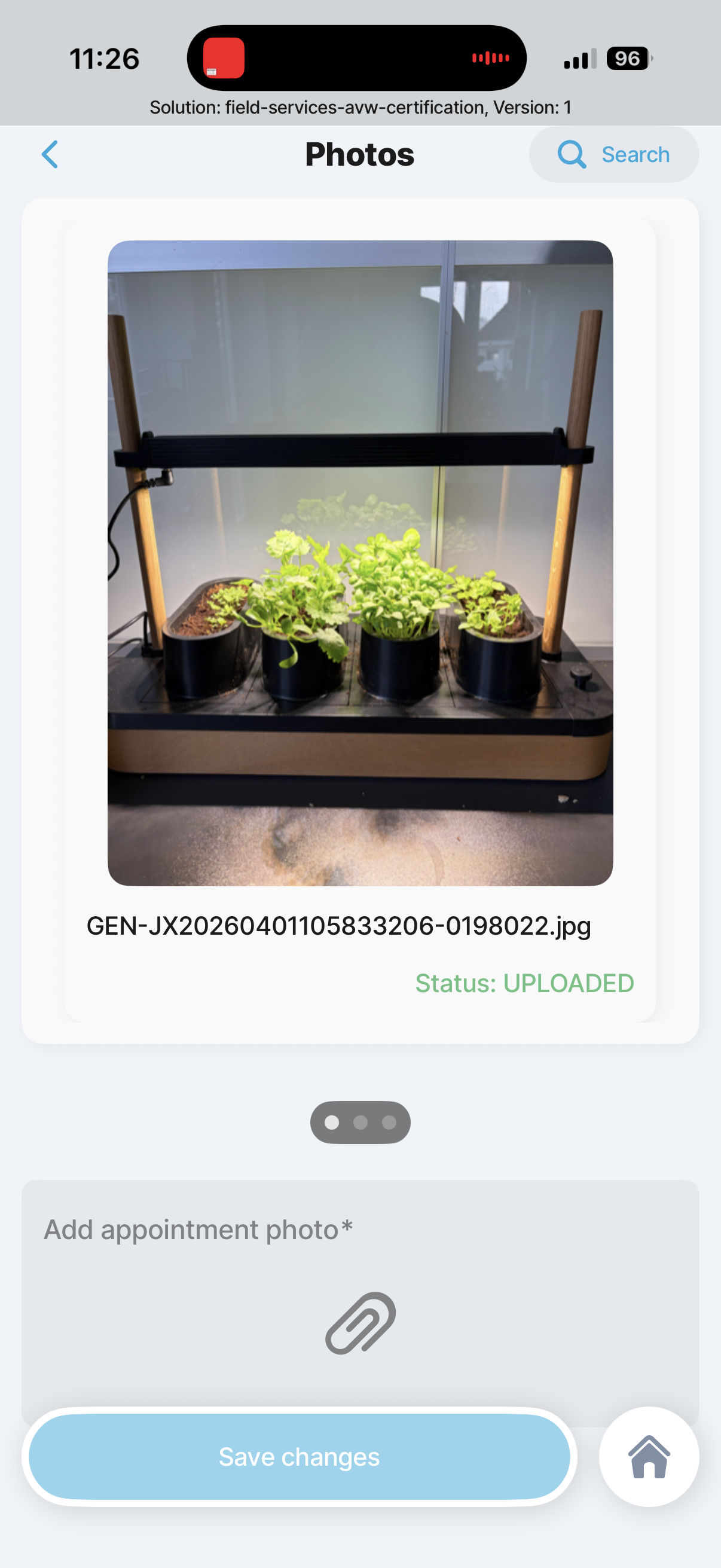
Run the technician through required task forms, readings, pass or fail capture, and required evidence without relying on memory.
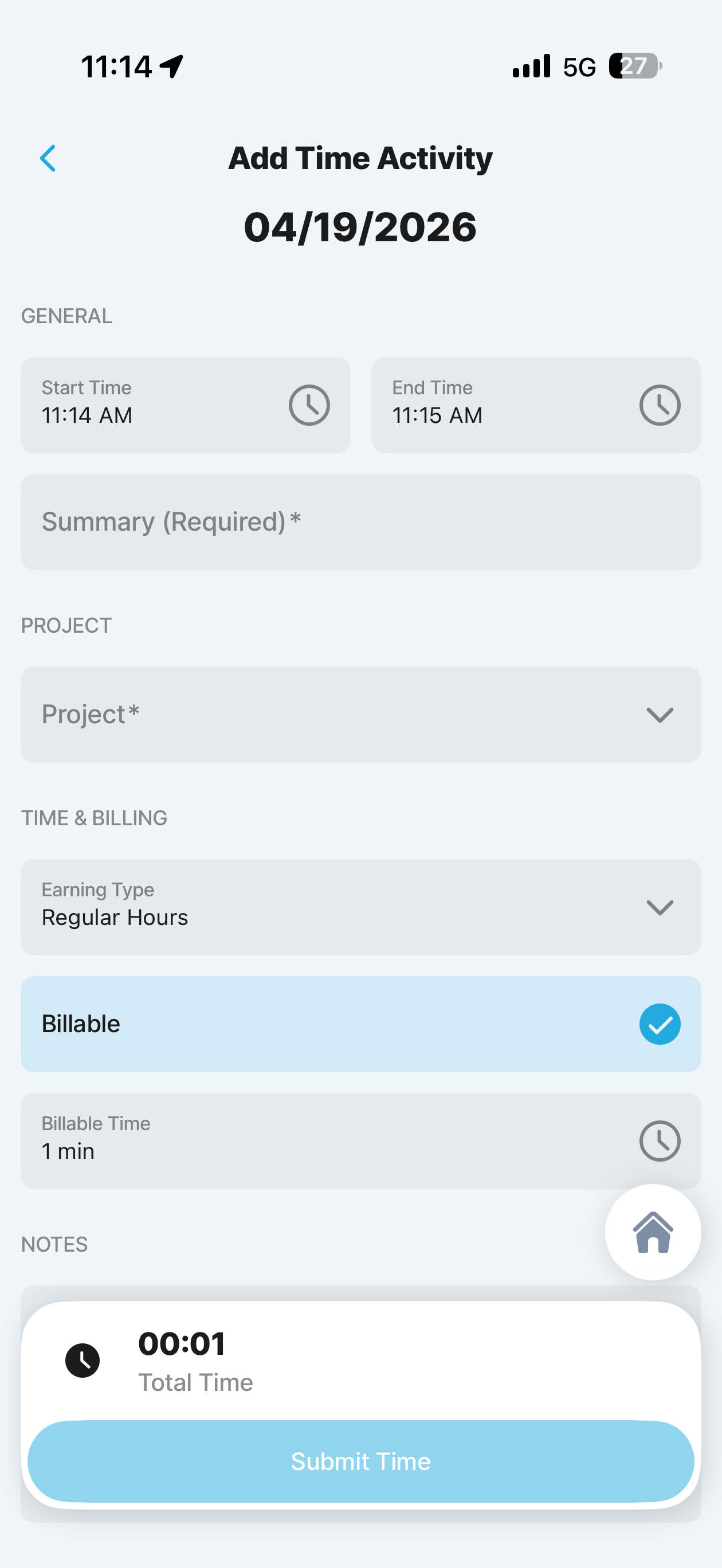
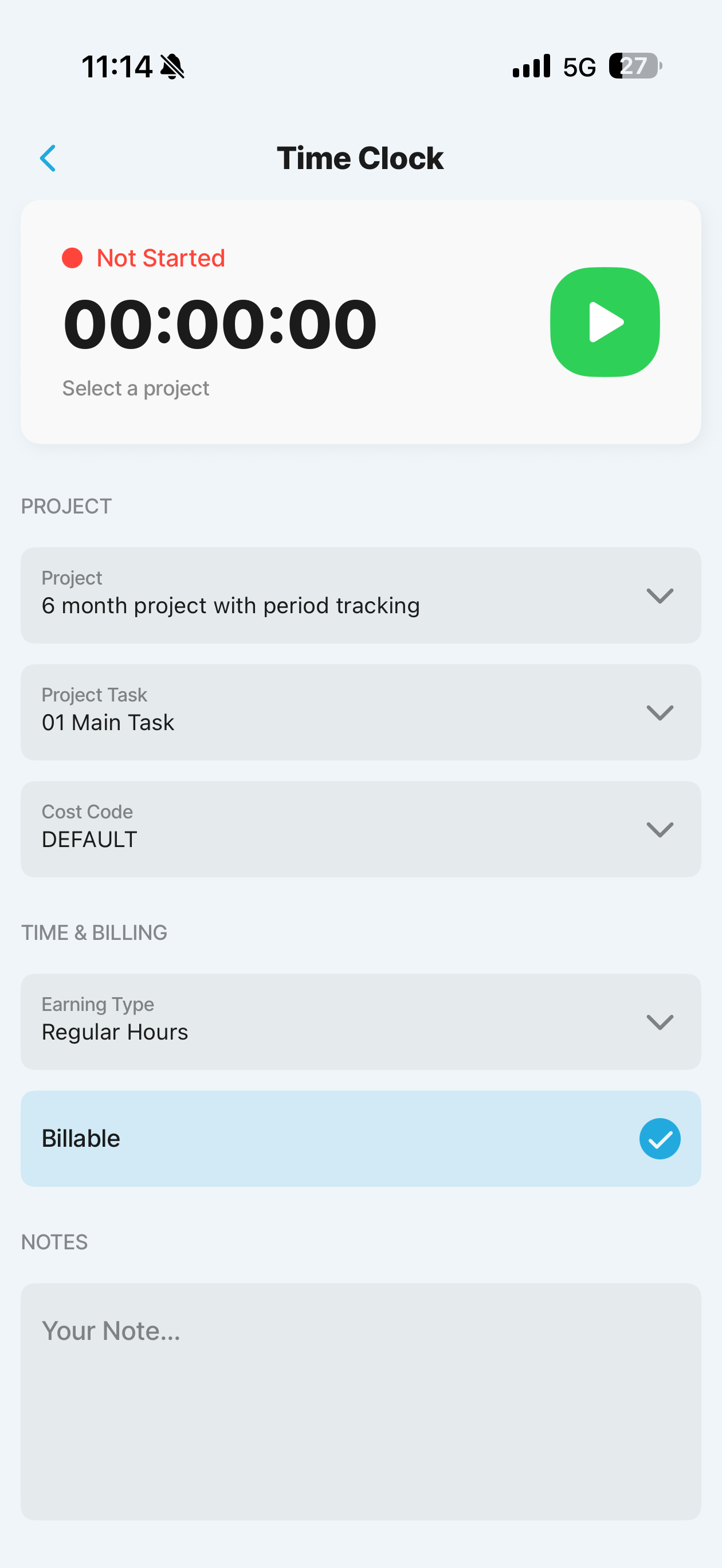
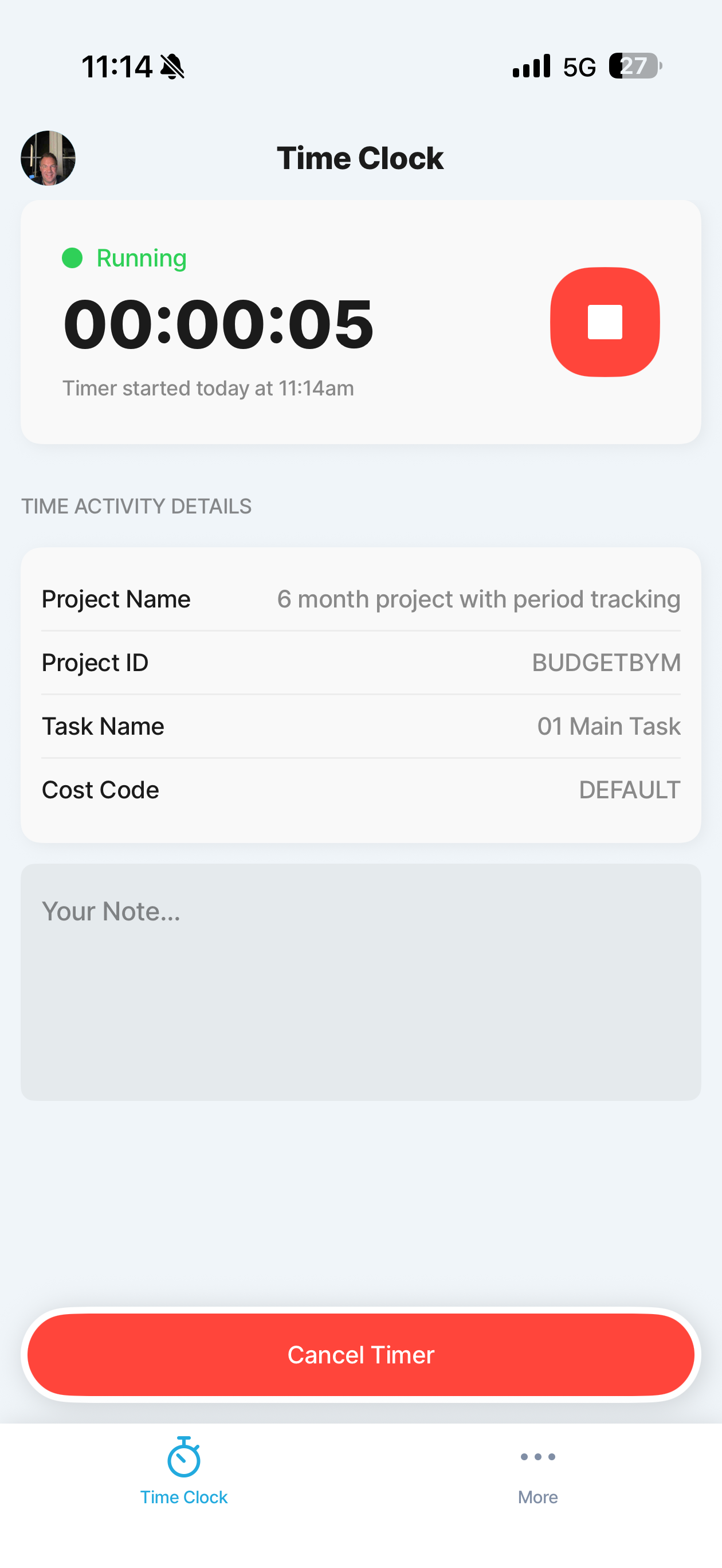
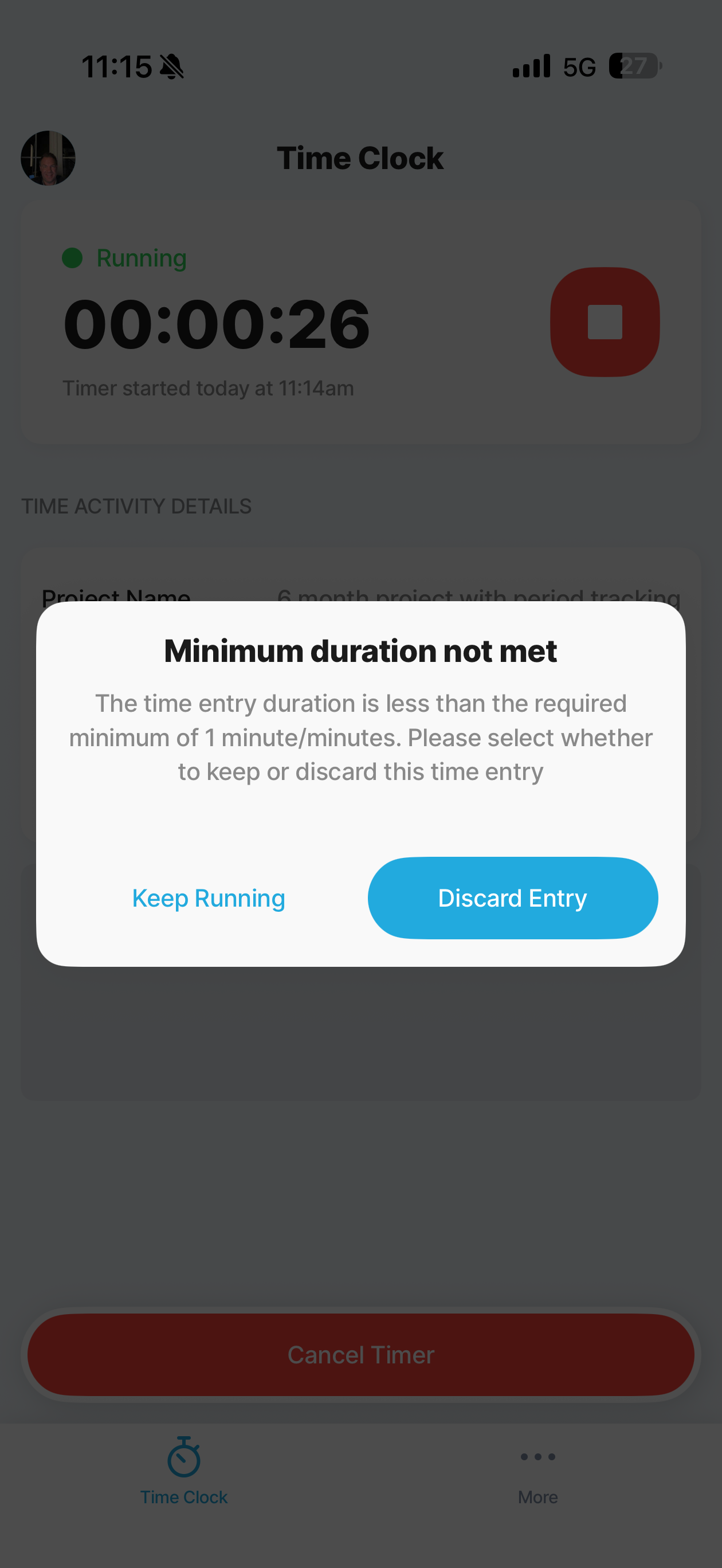
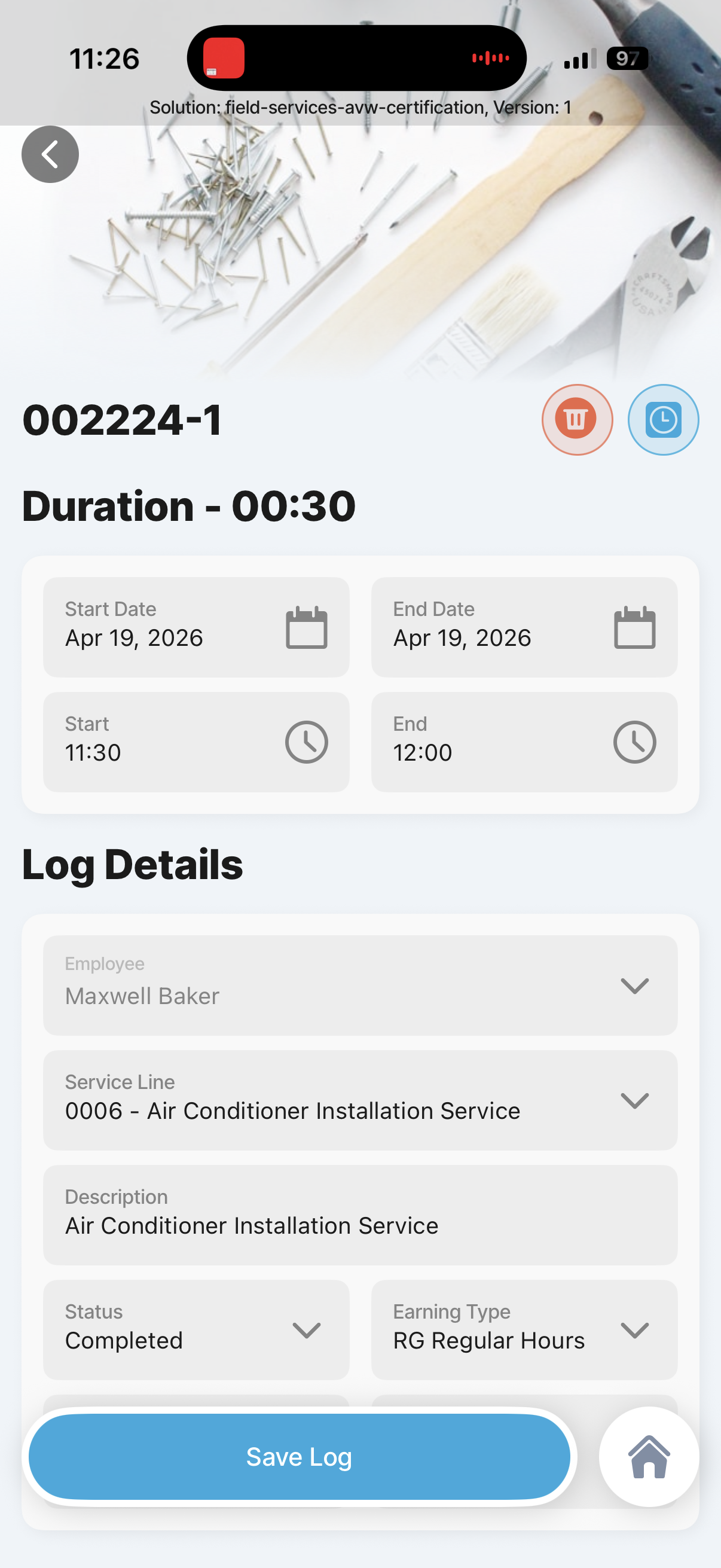
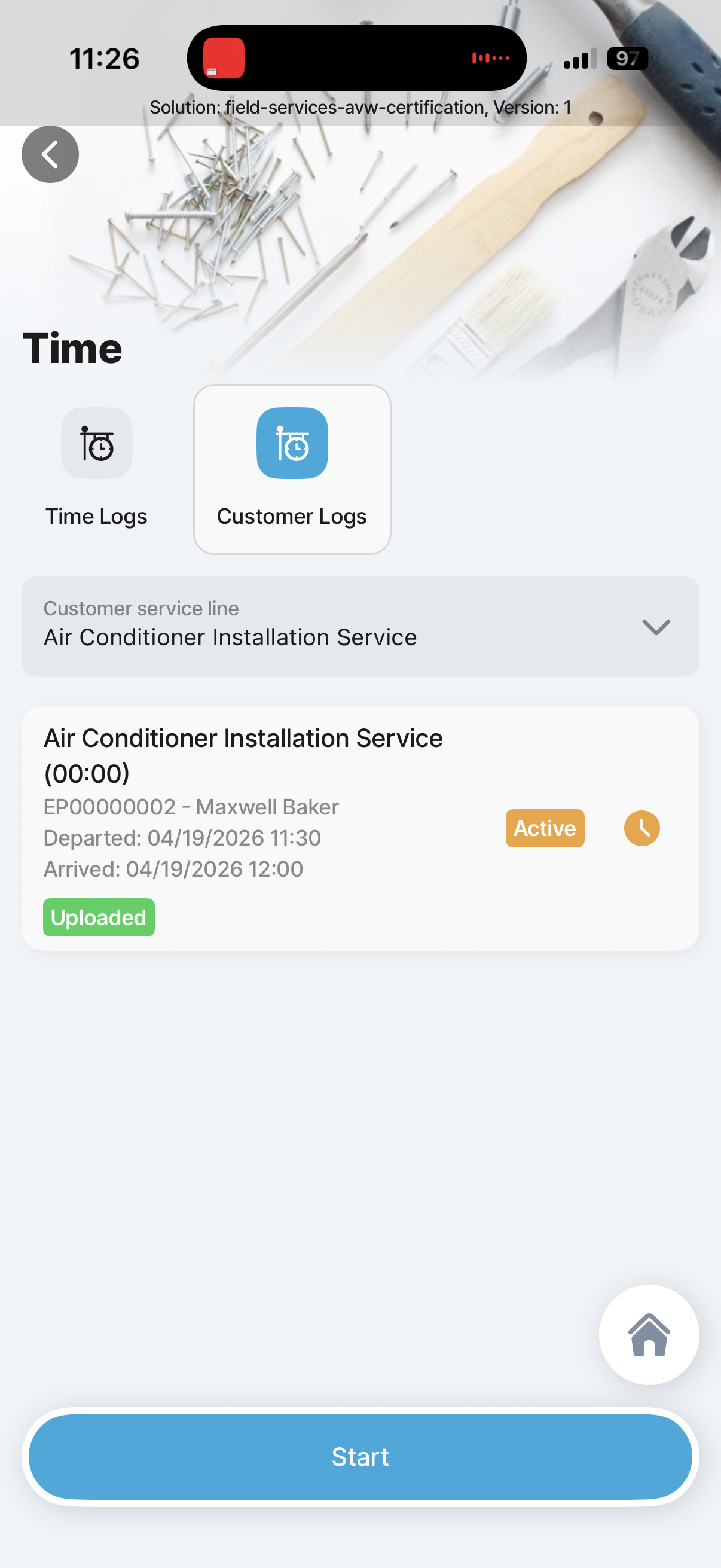
Make time entry easy with live clock in or out, manual entries, voice commands, and background-safe timer behavior.
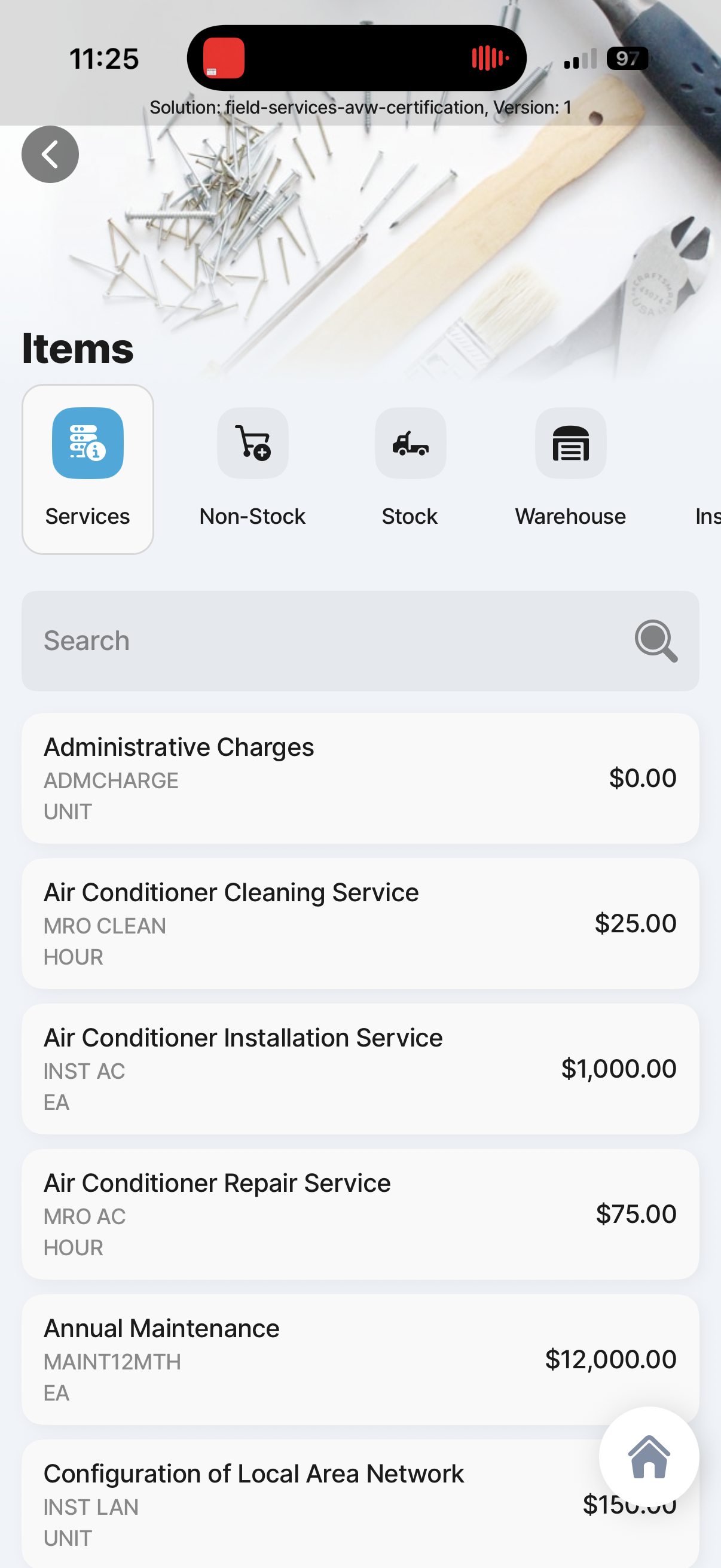
Add material by barcode, work-order items, truck stock, or full inventory lookup, and request items from back office when unavailable.
Capture expense receipts from the camera, extract as much detail as possible automatically, and review the fields before posting the expense to the work ticket.
Use work-ticket activities for complex notes and follow-up actions, including routing quote or support requests to teammates.
Generate the customer-facing report, collect signature, and present a clean service summary without extra admin work.
Keep actuals and ready-to-bill status visible to the technician as read-only finance context, with final control still owned by back office.
Let the technician see invoice outcomes tied to the work order without turning the mobile app into a full AR editing surface.
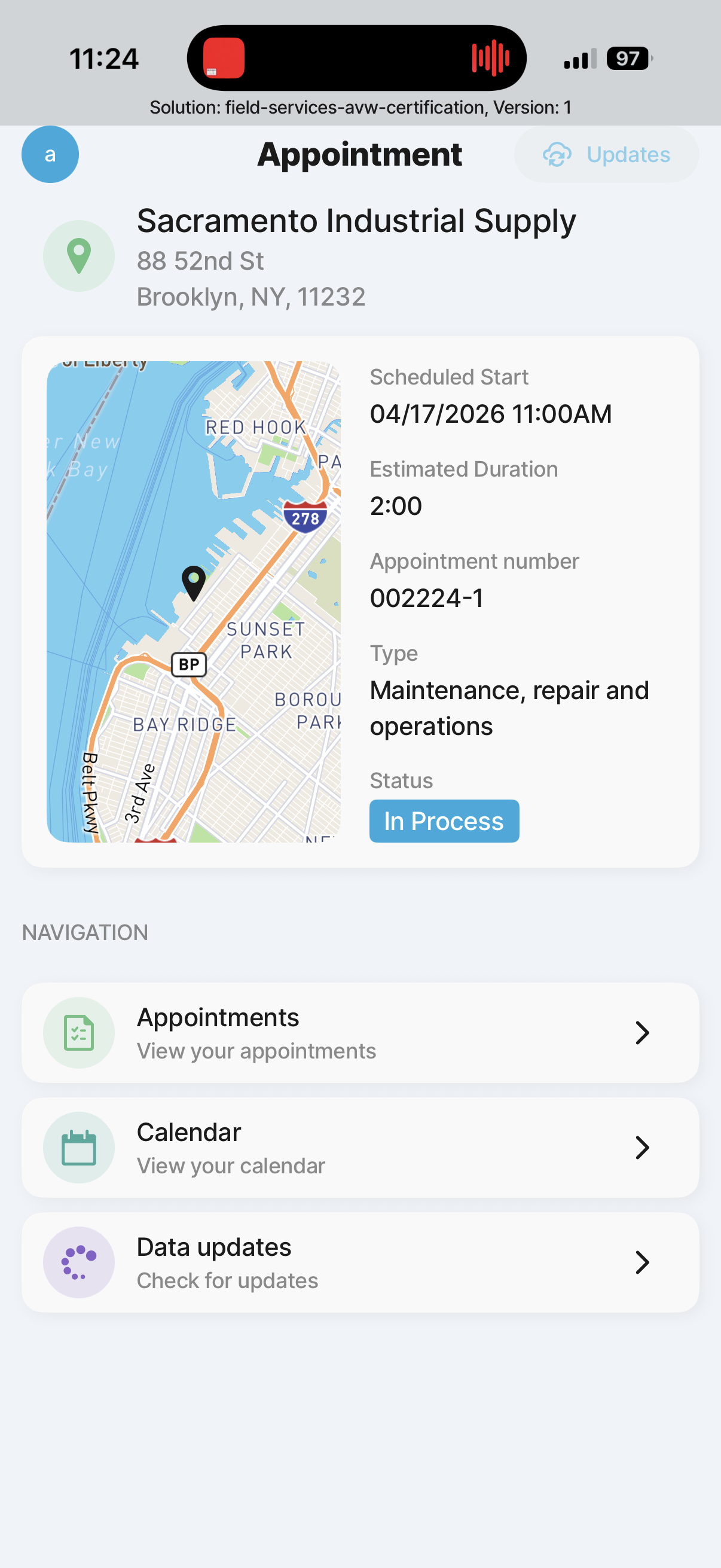
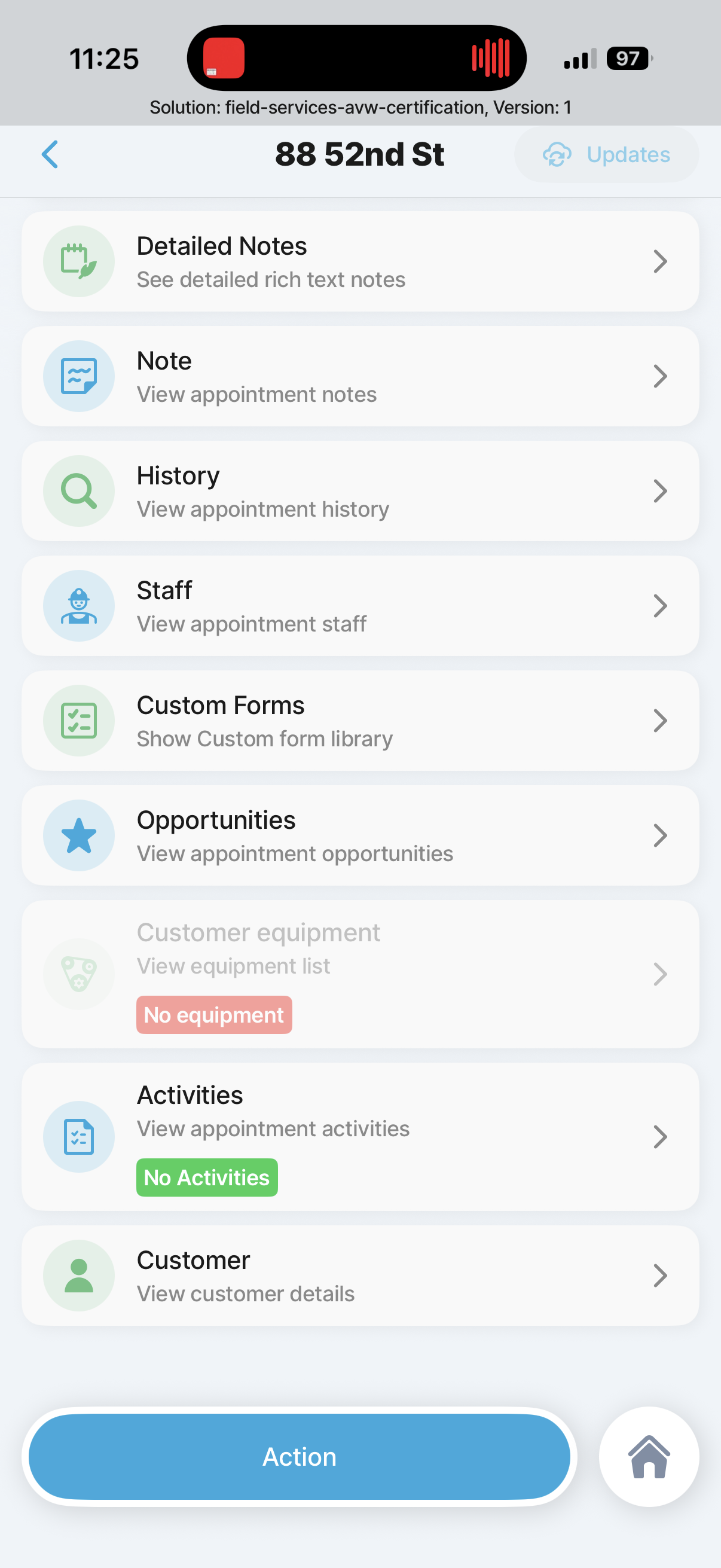
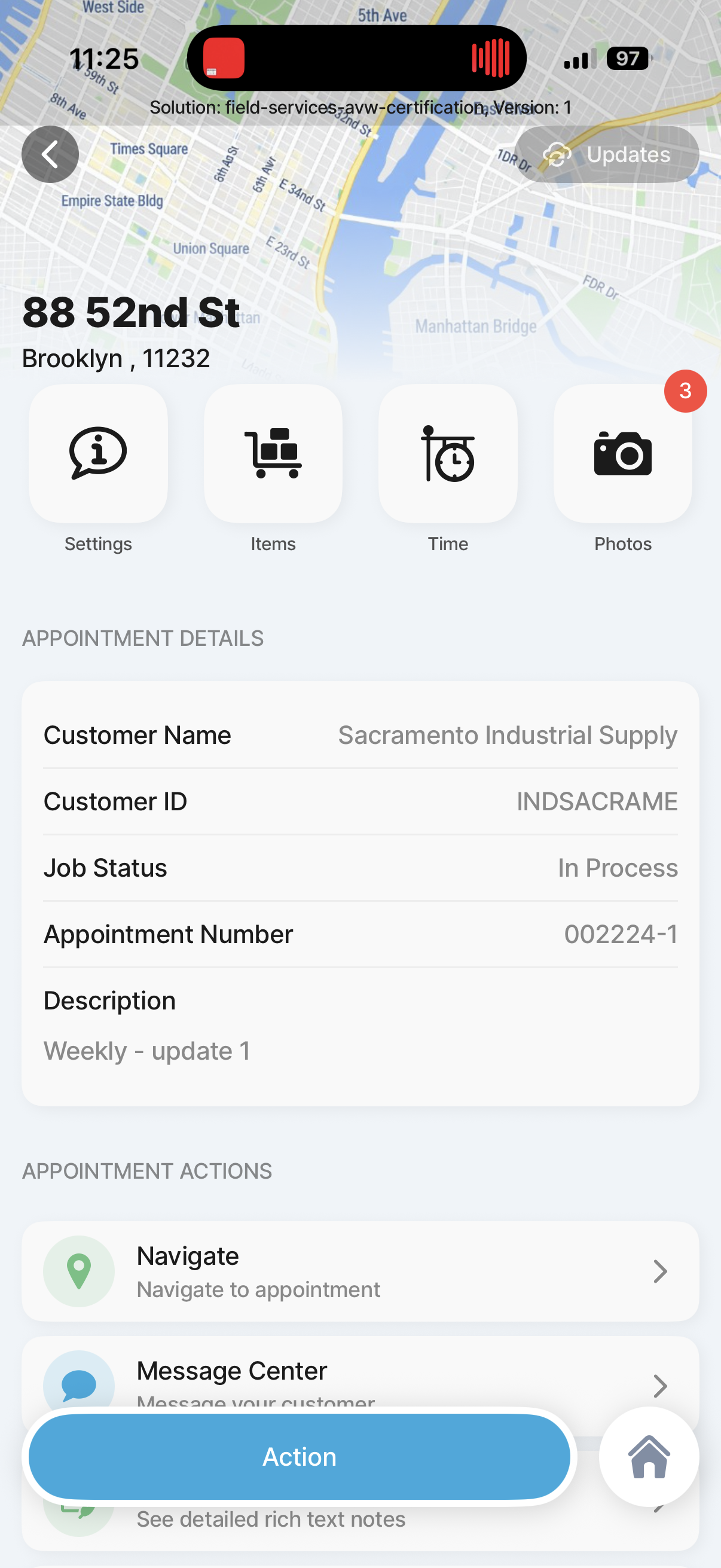
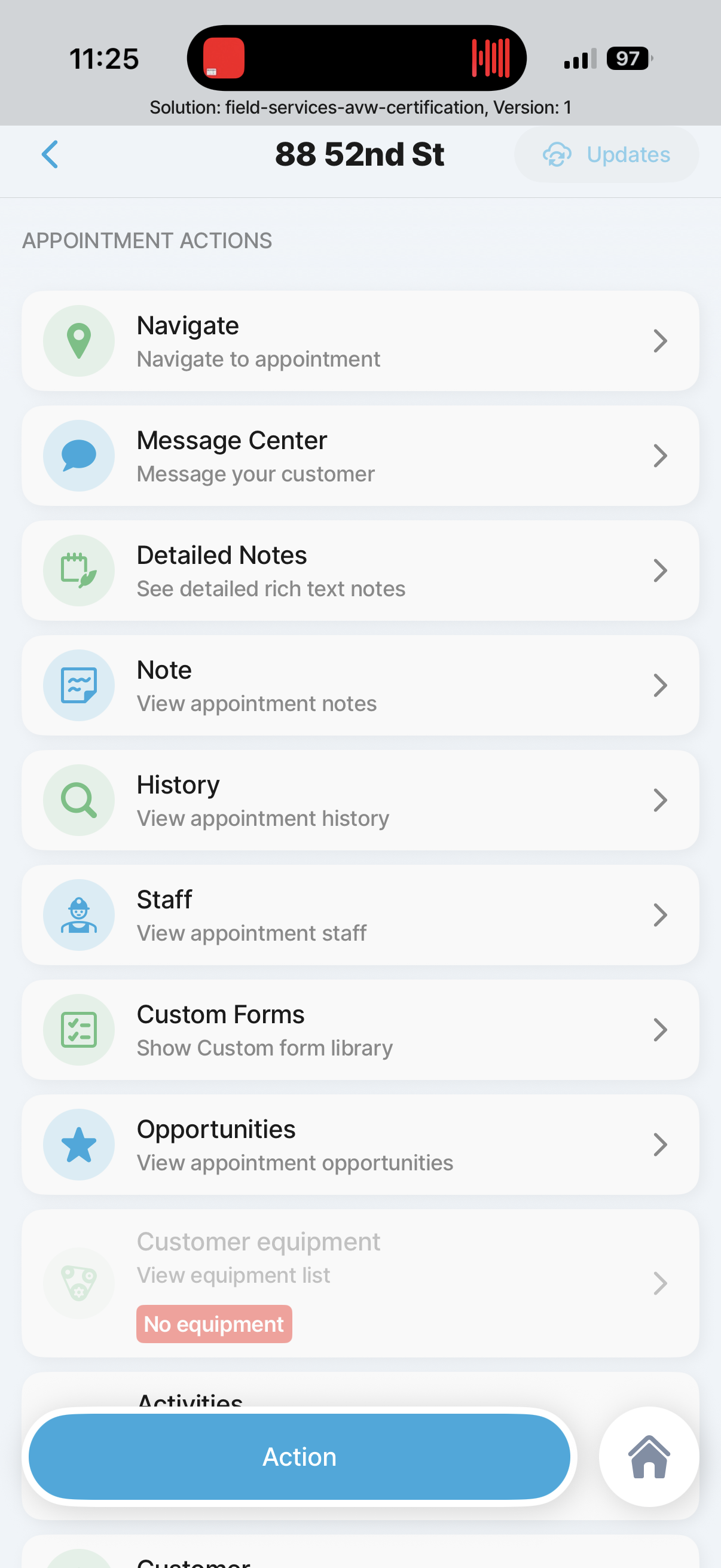
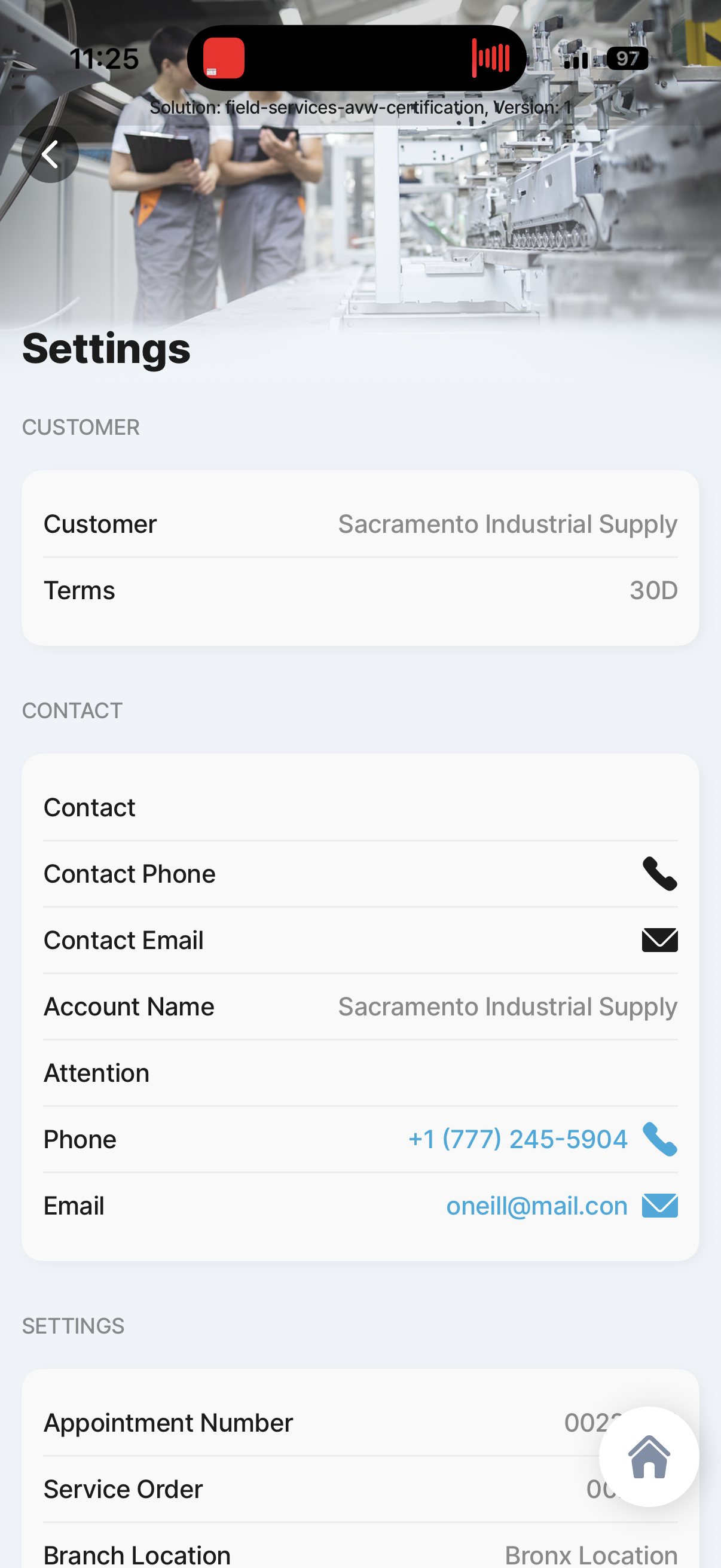
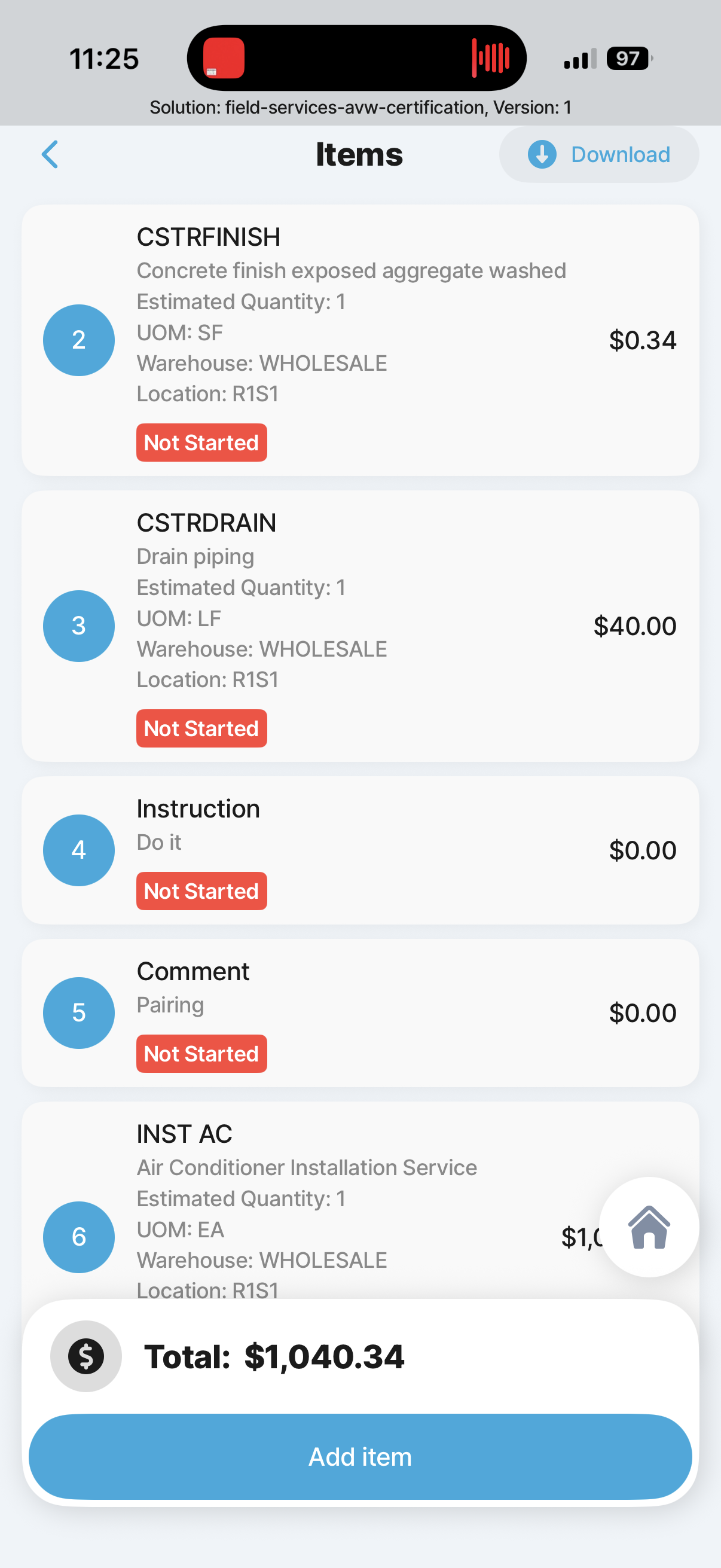
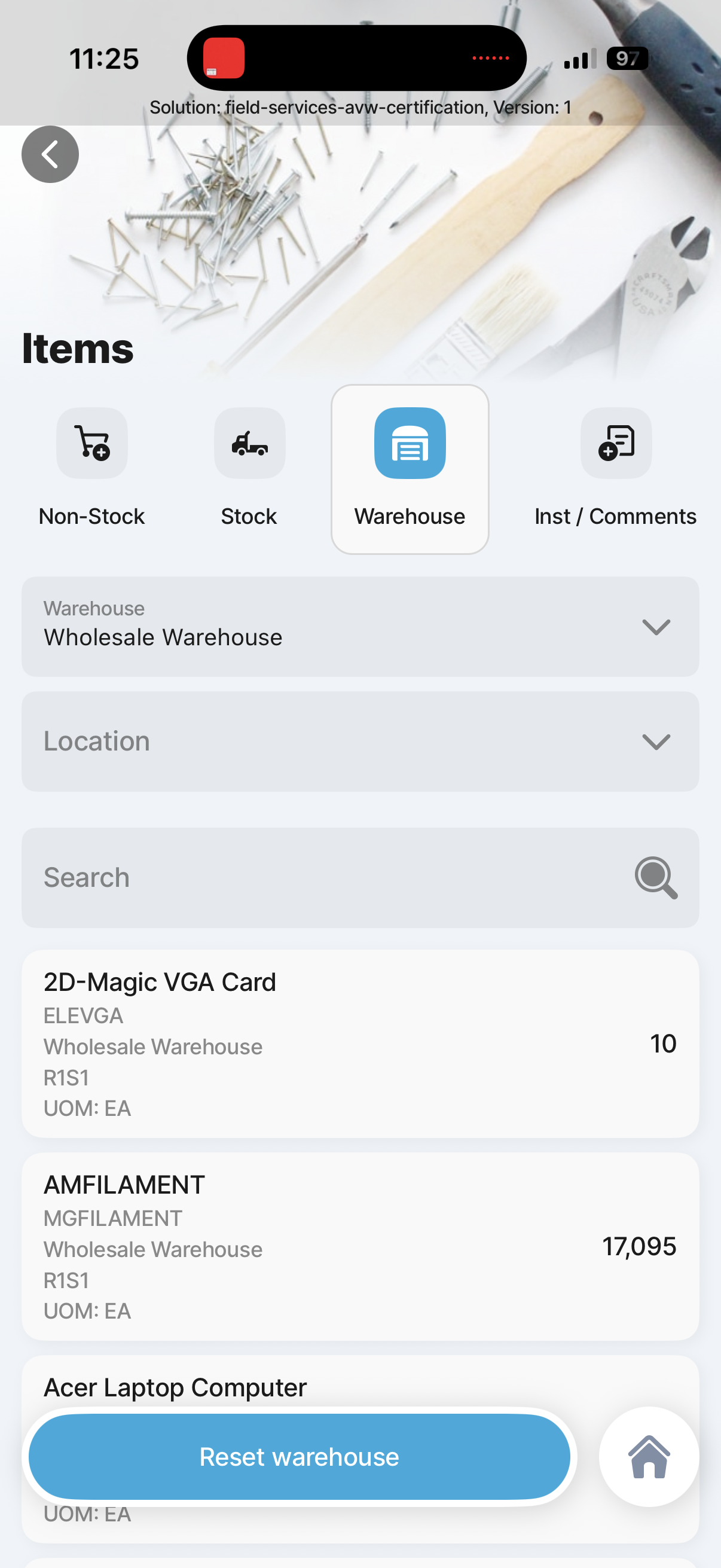
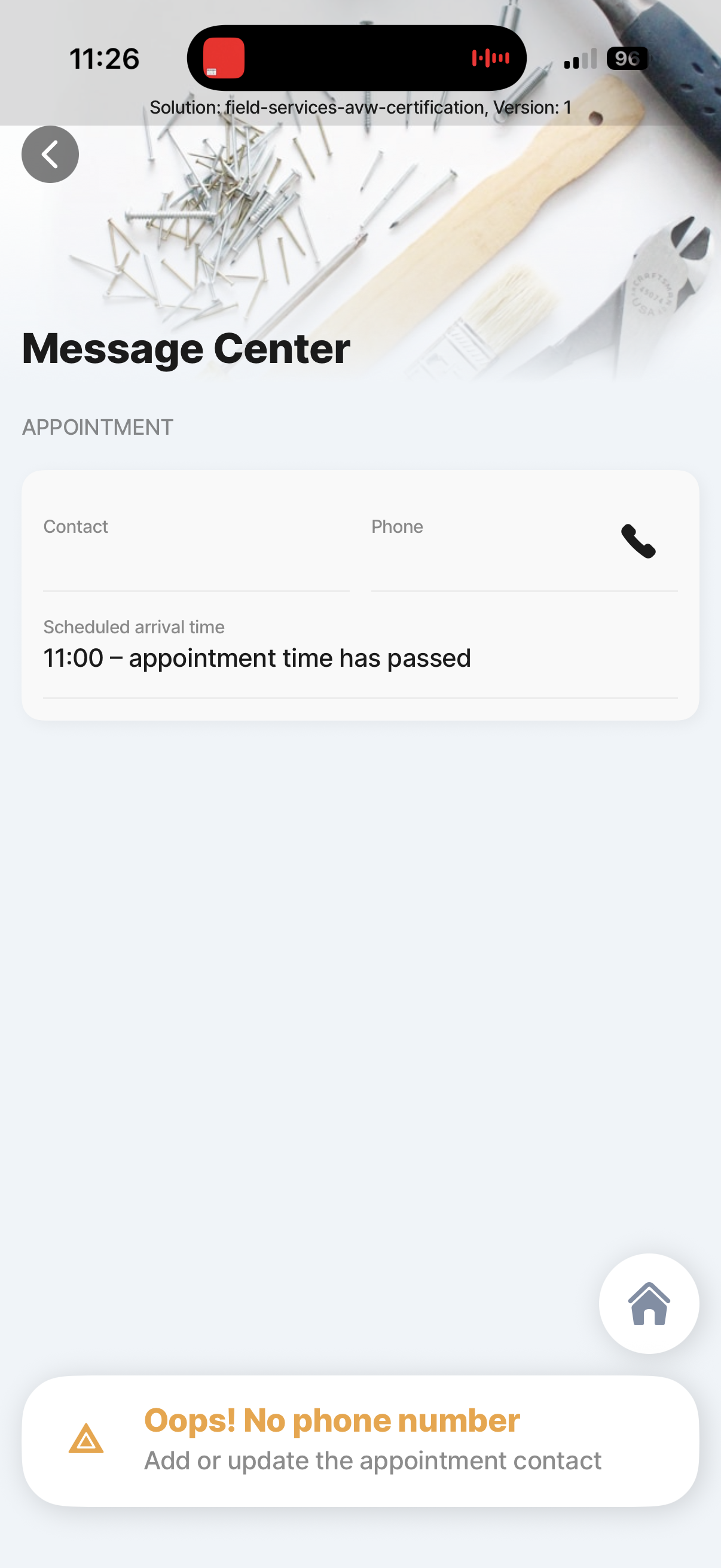
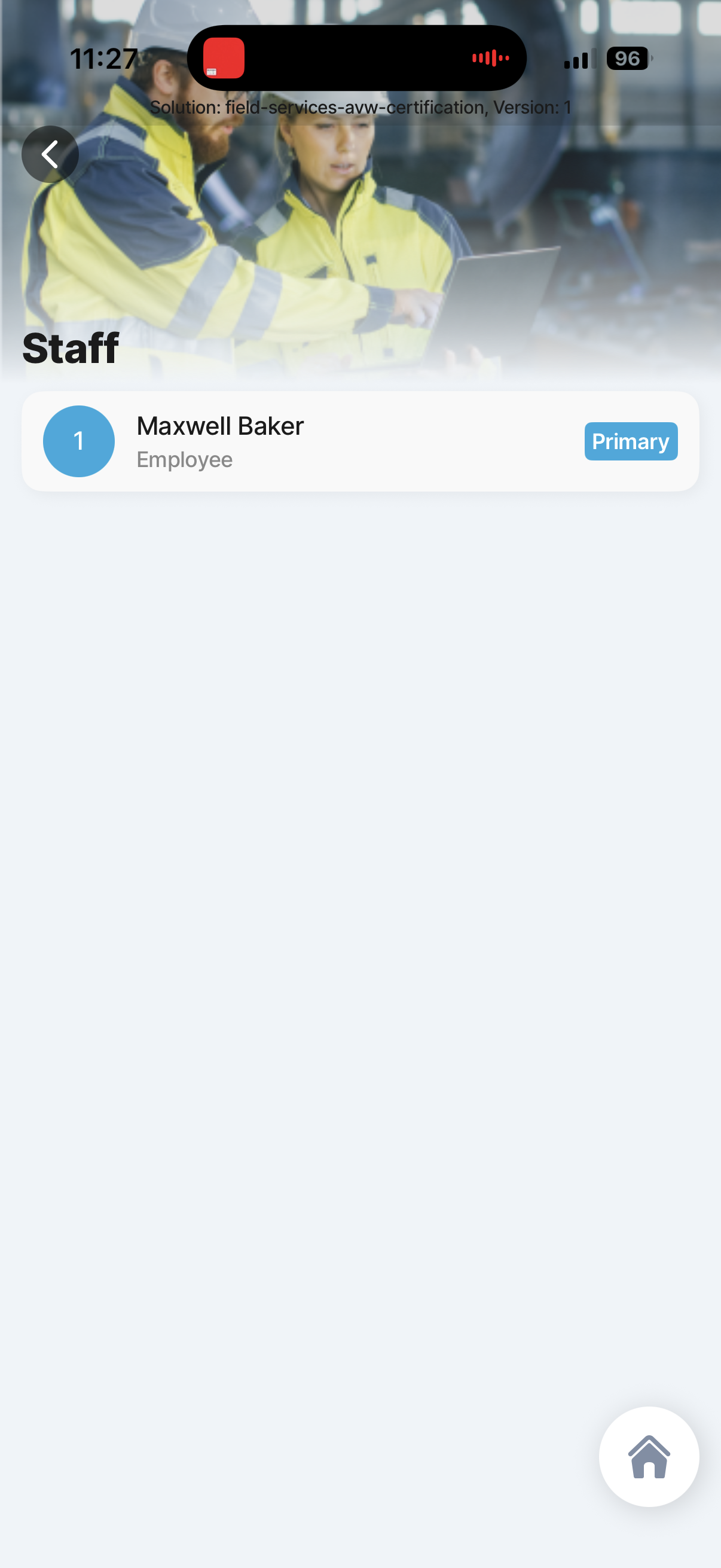
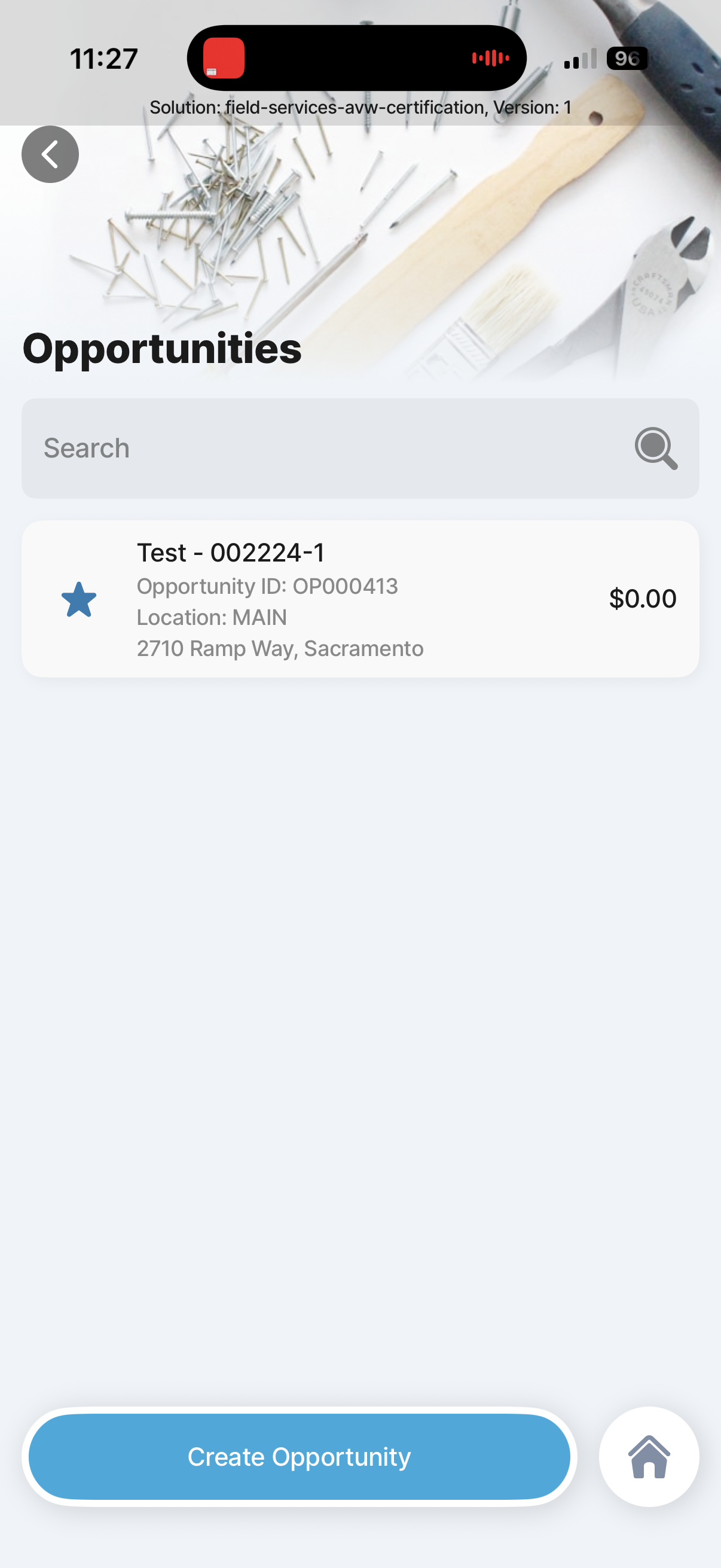
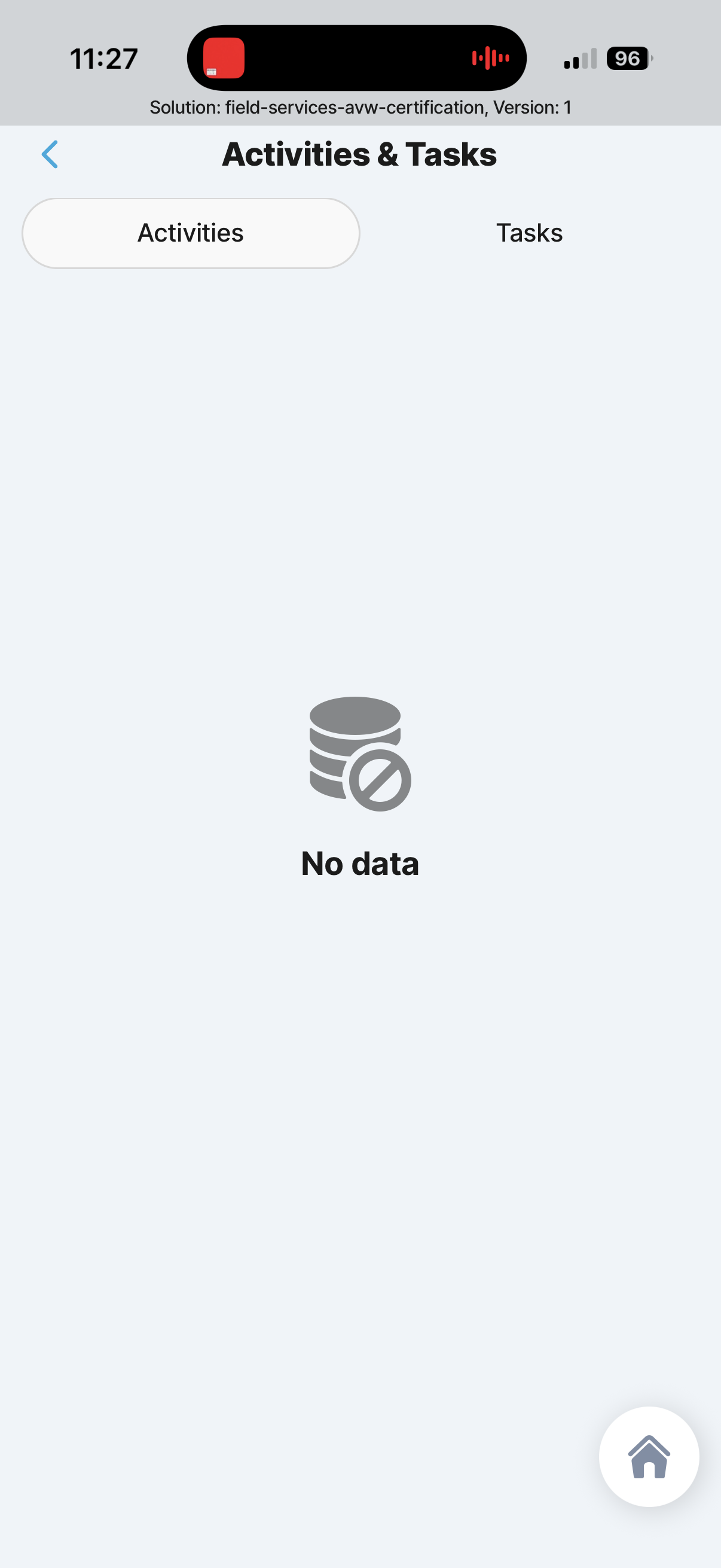
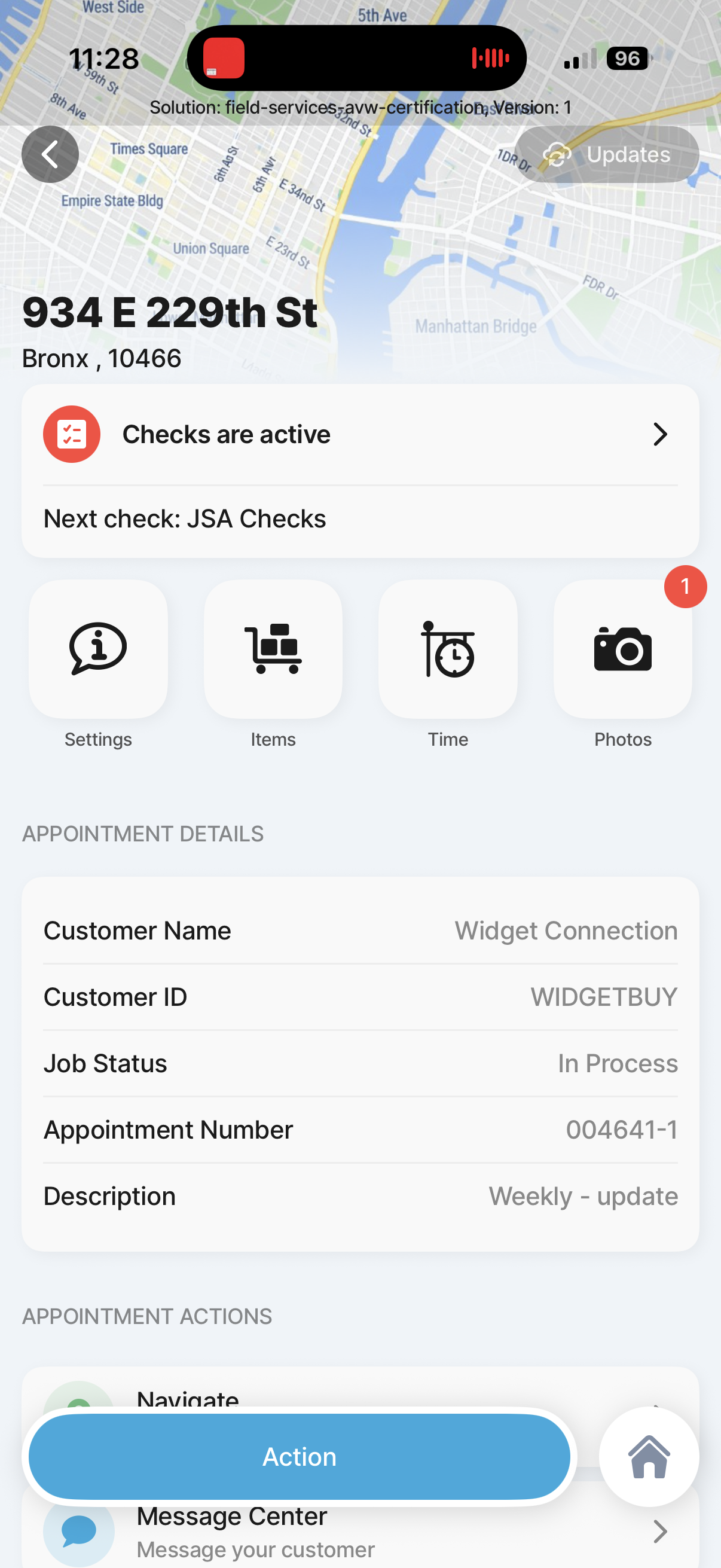
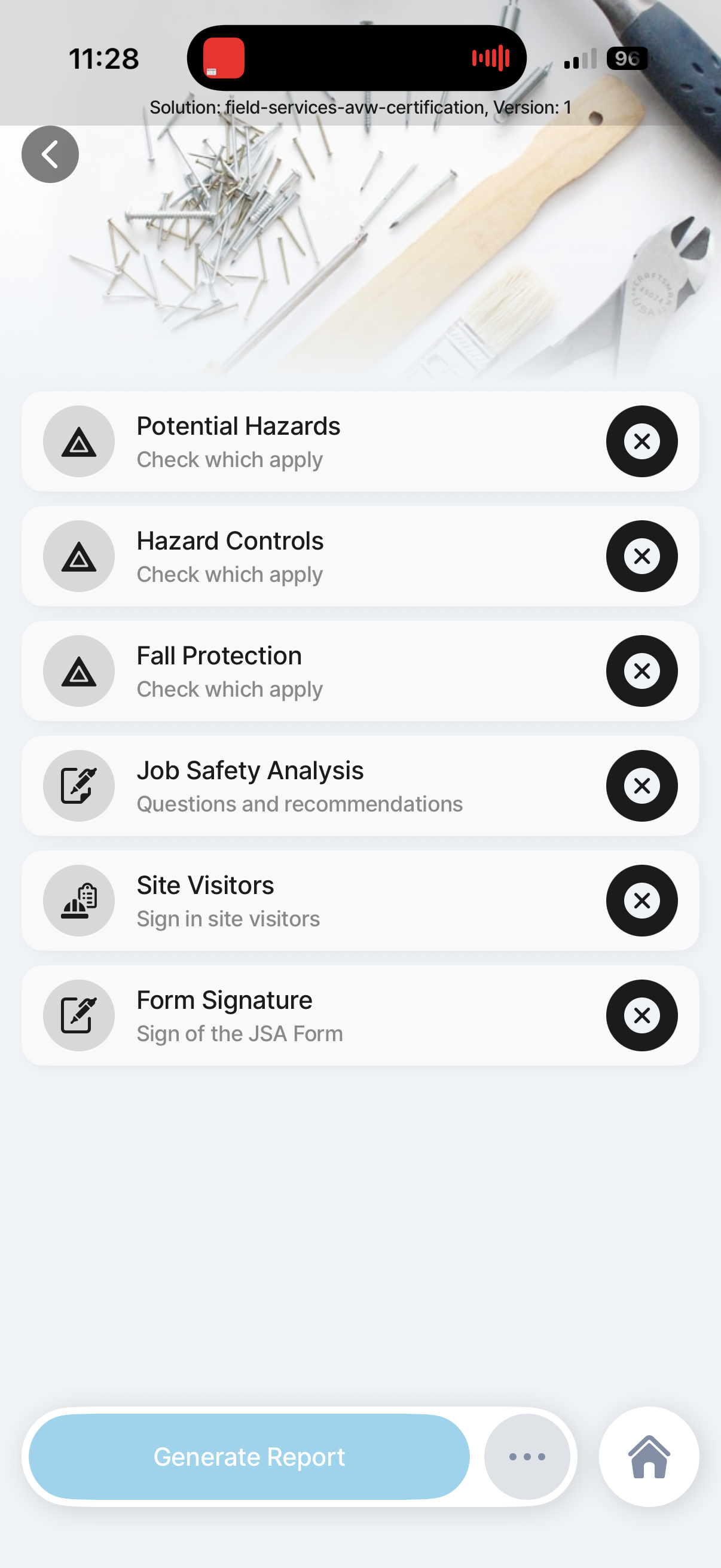
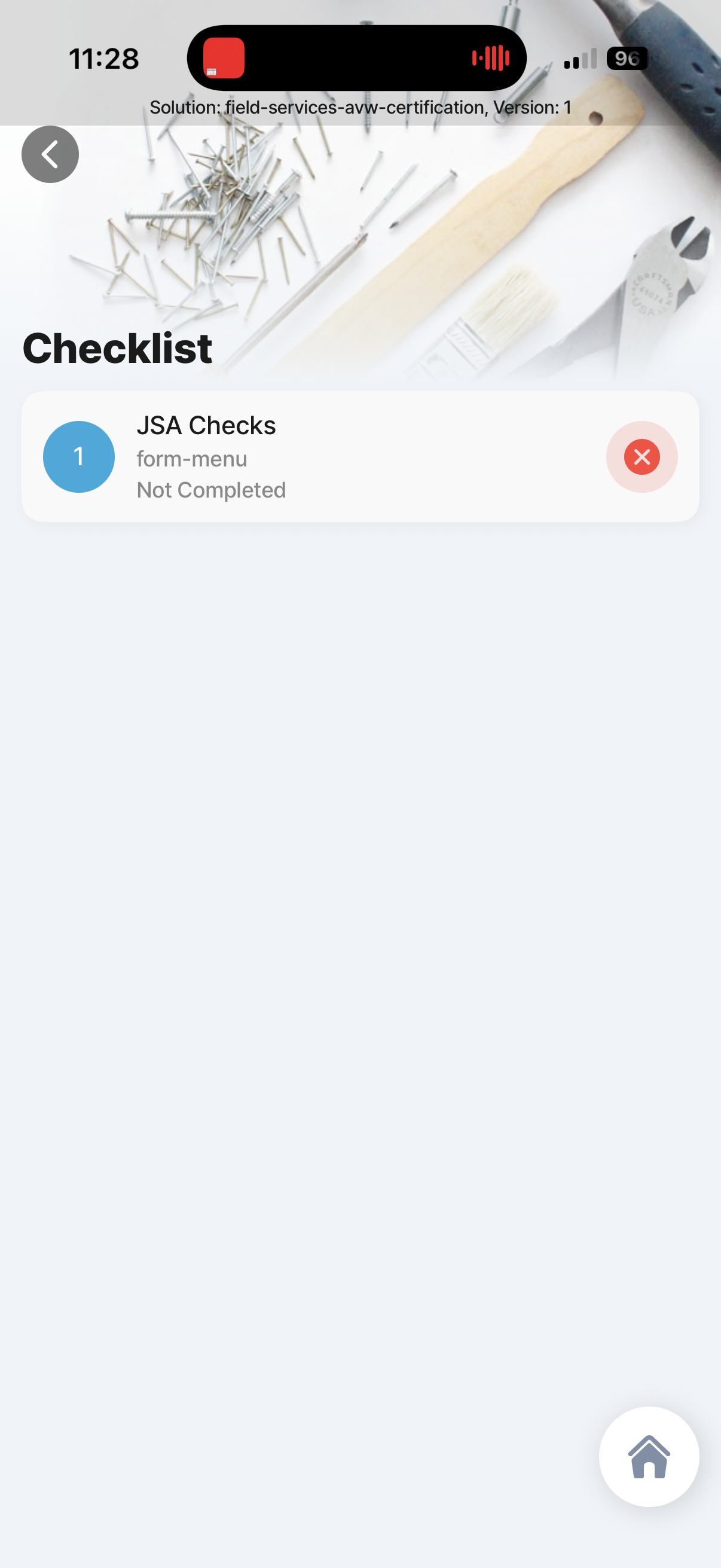
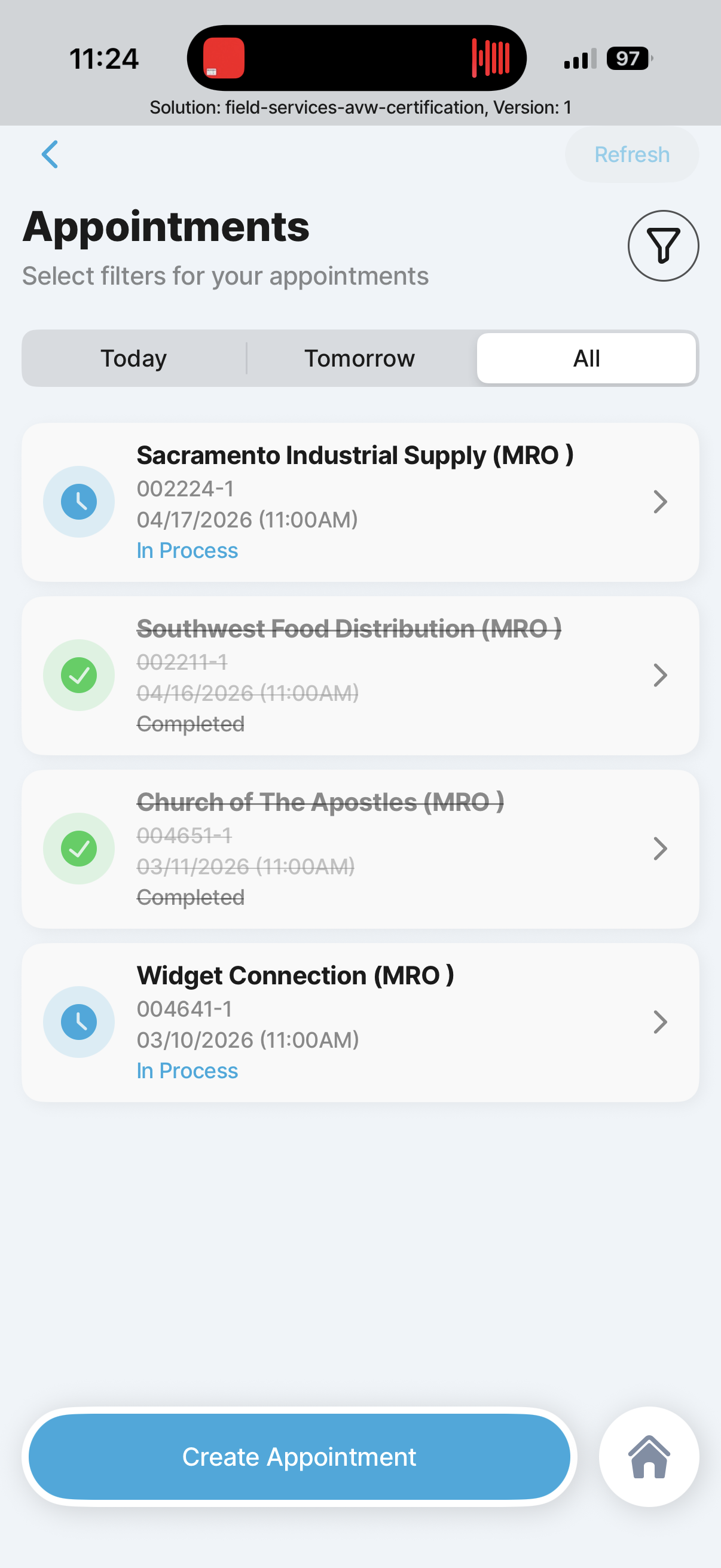
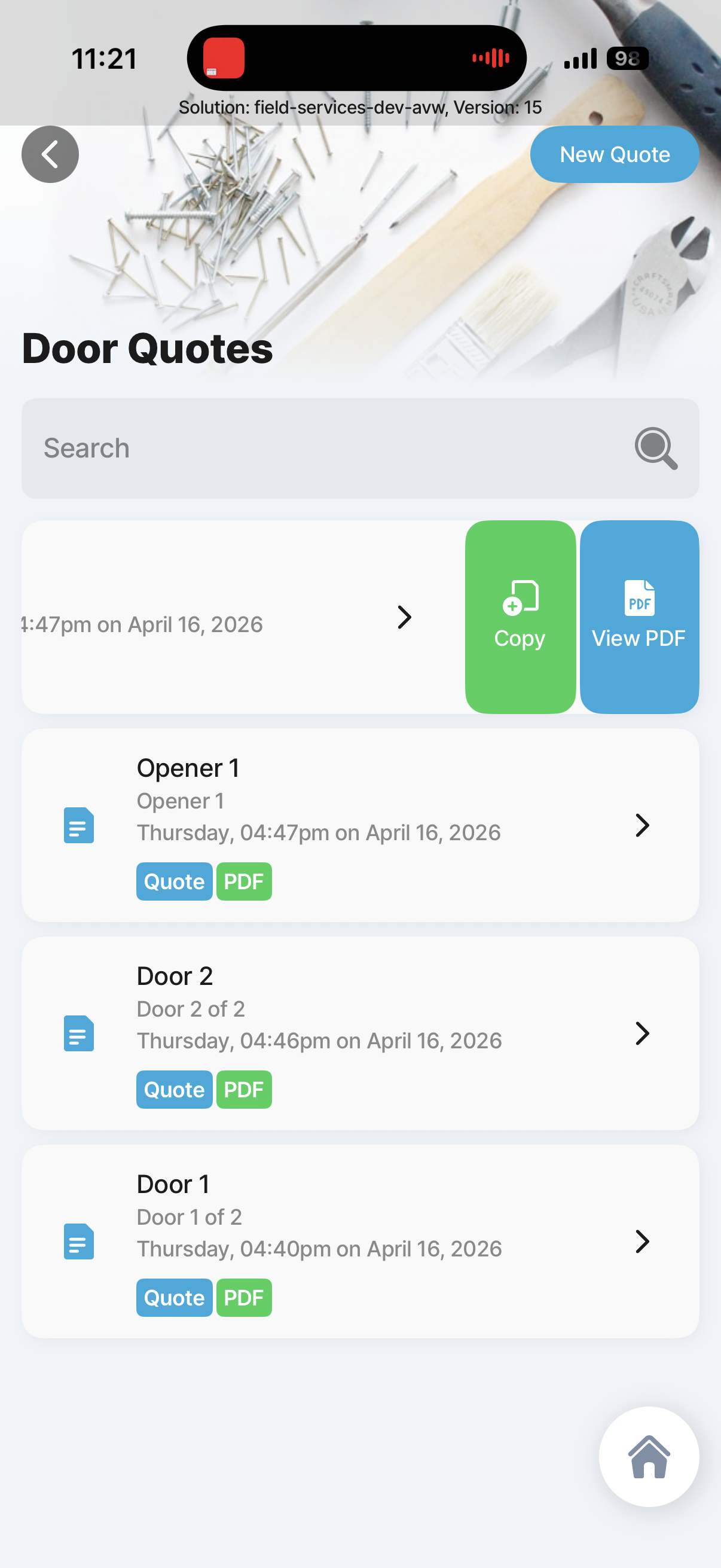
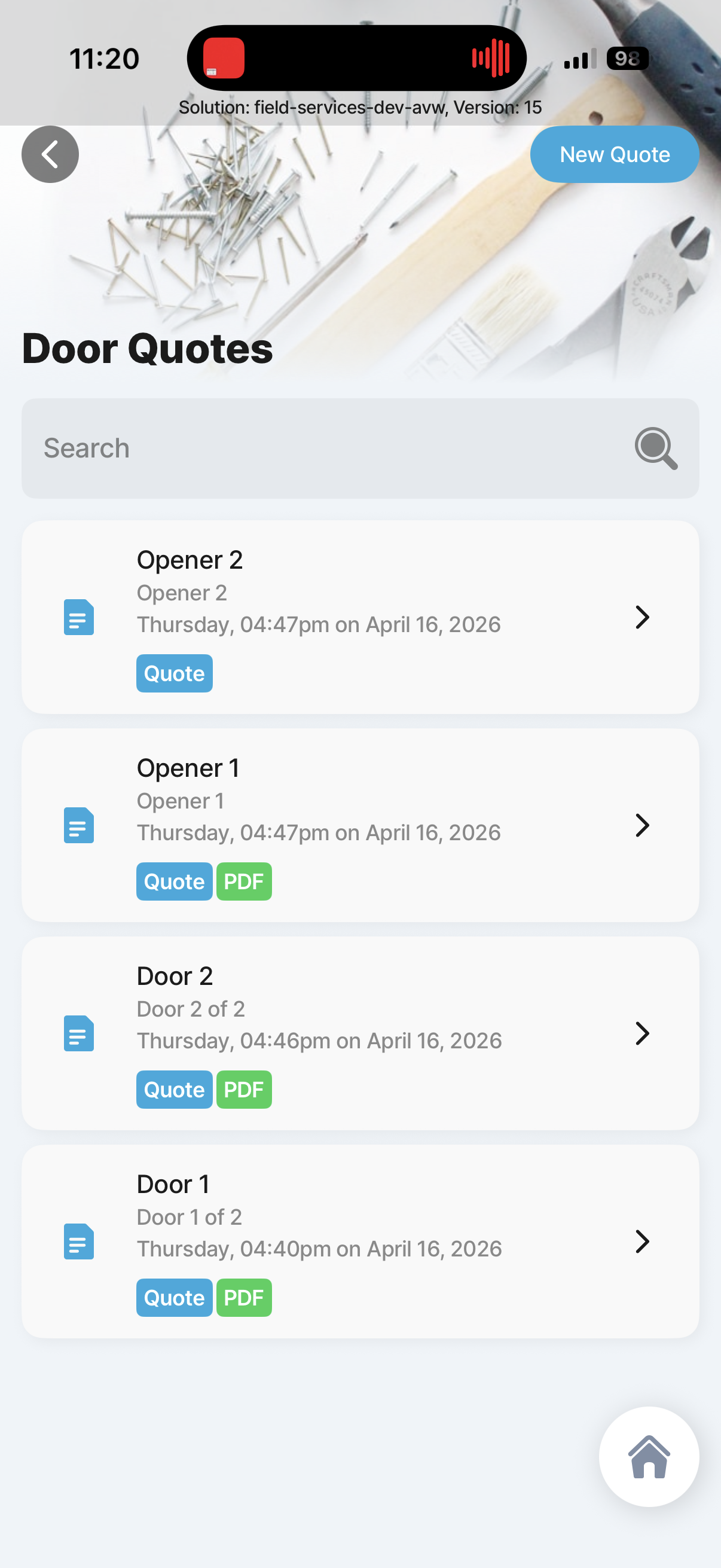
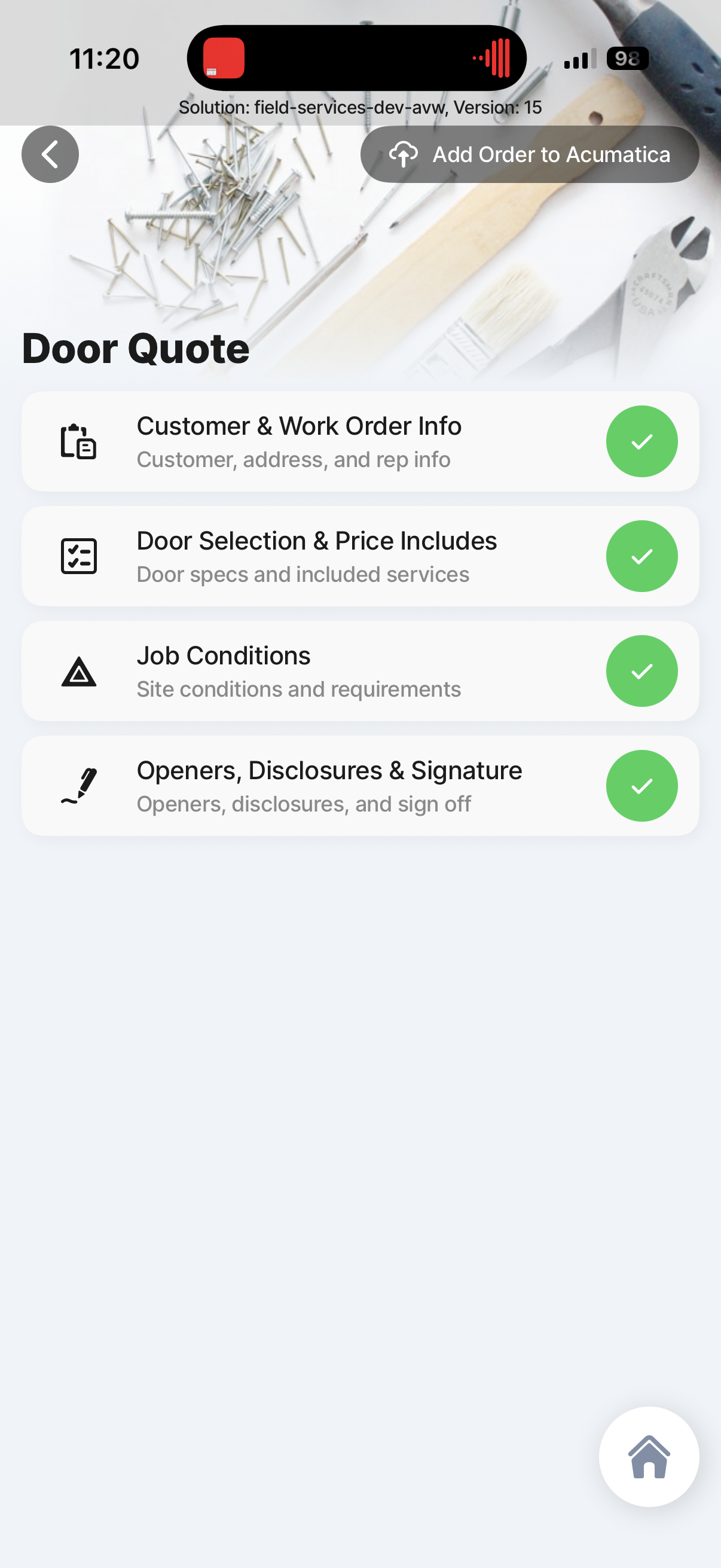
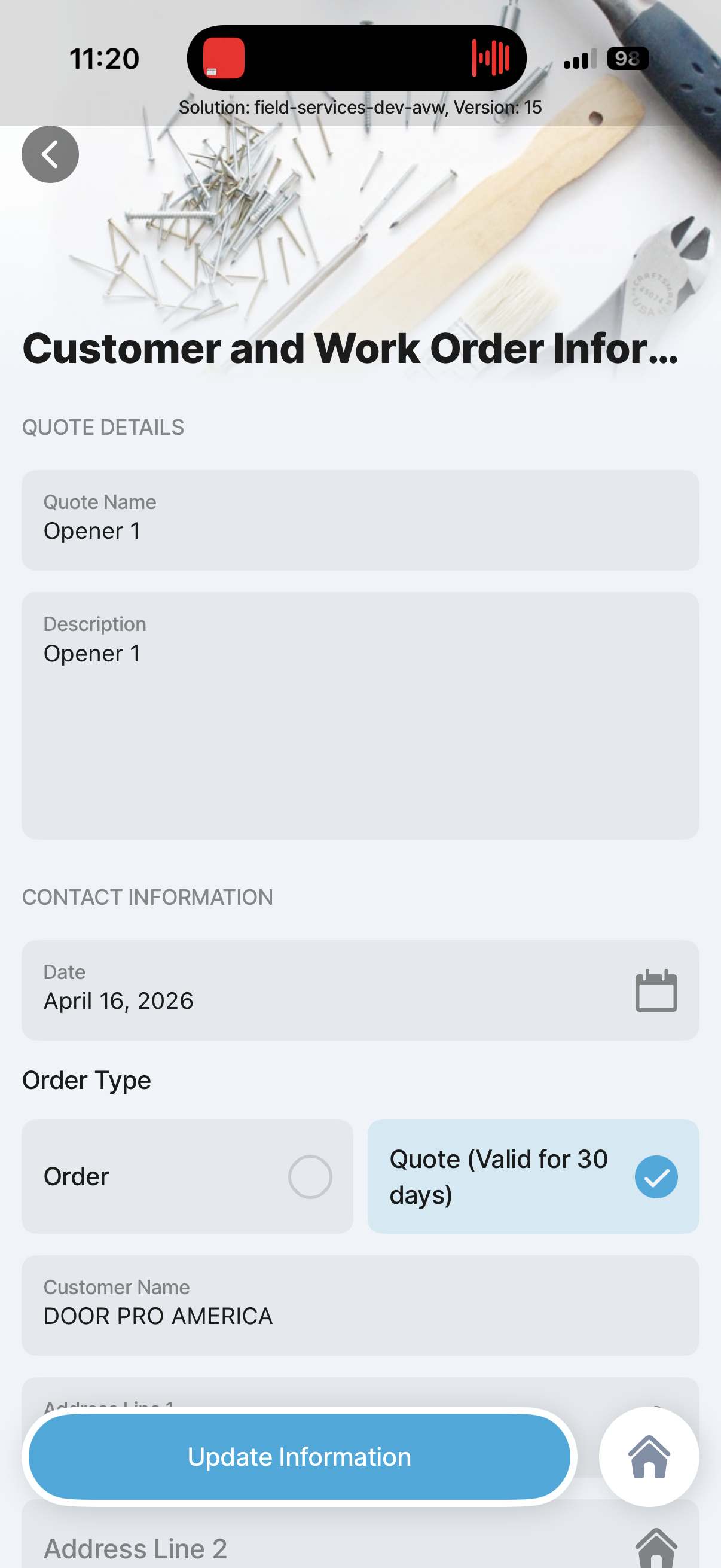
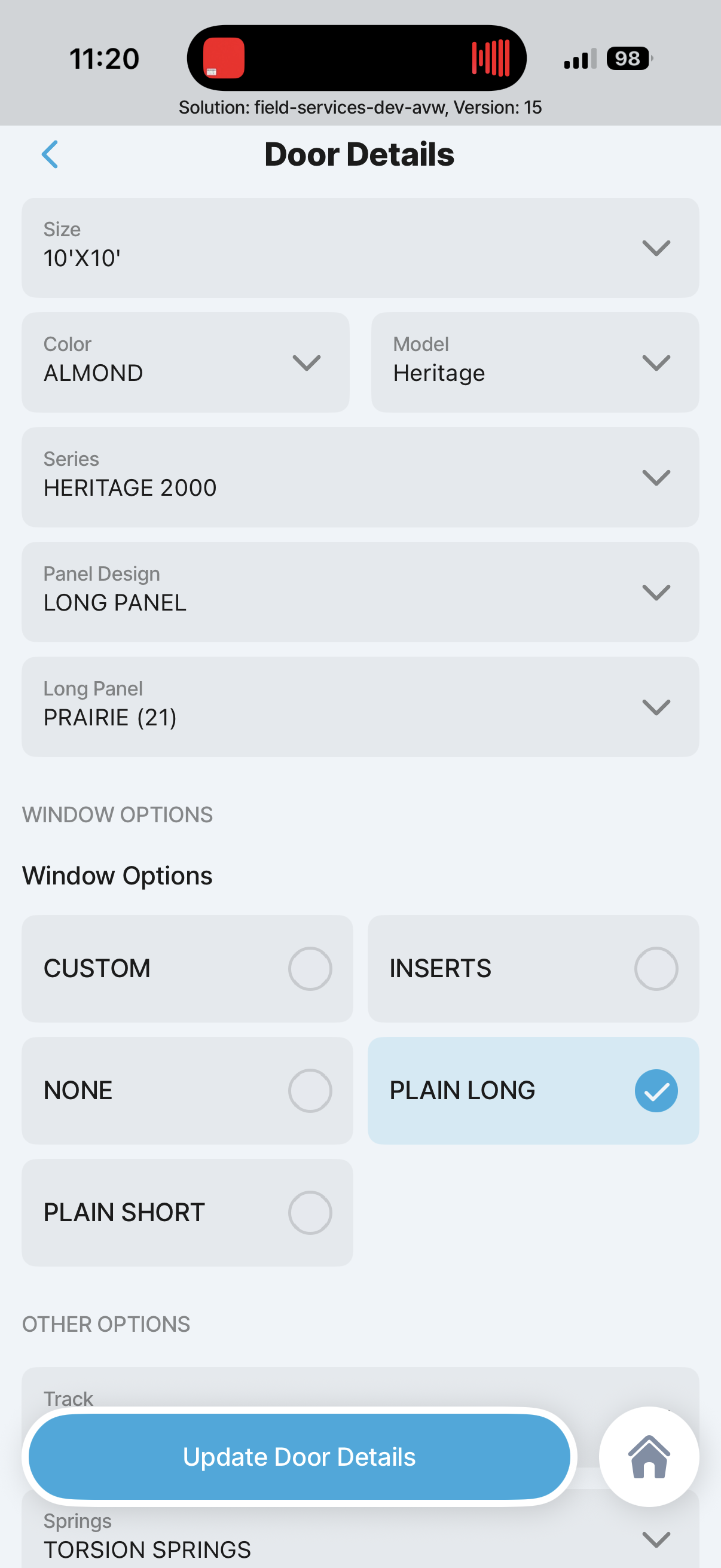
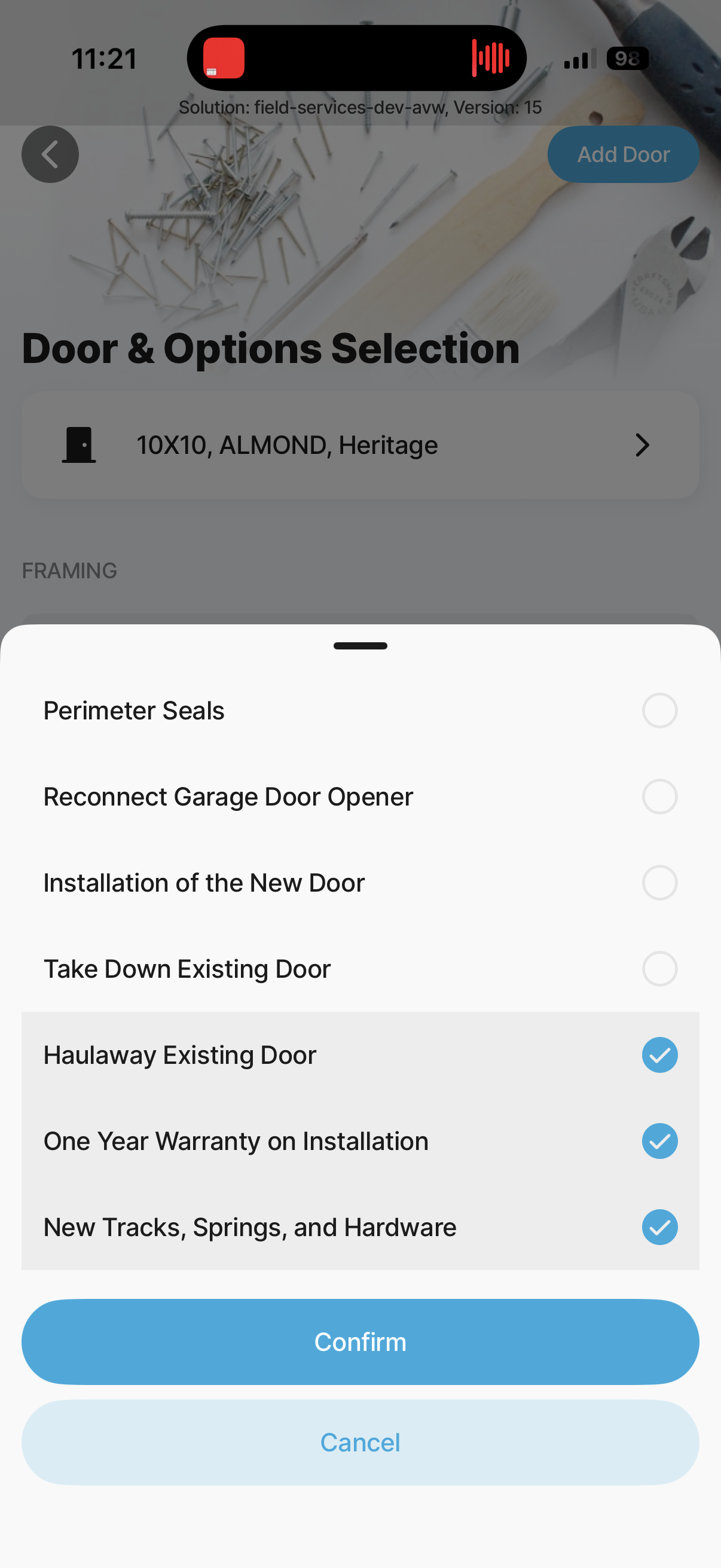
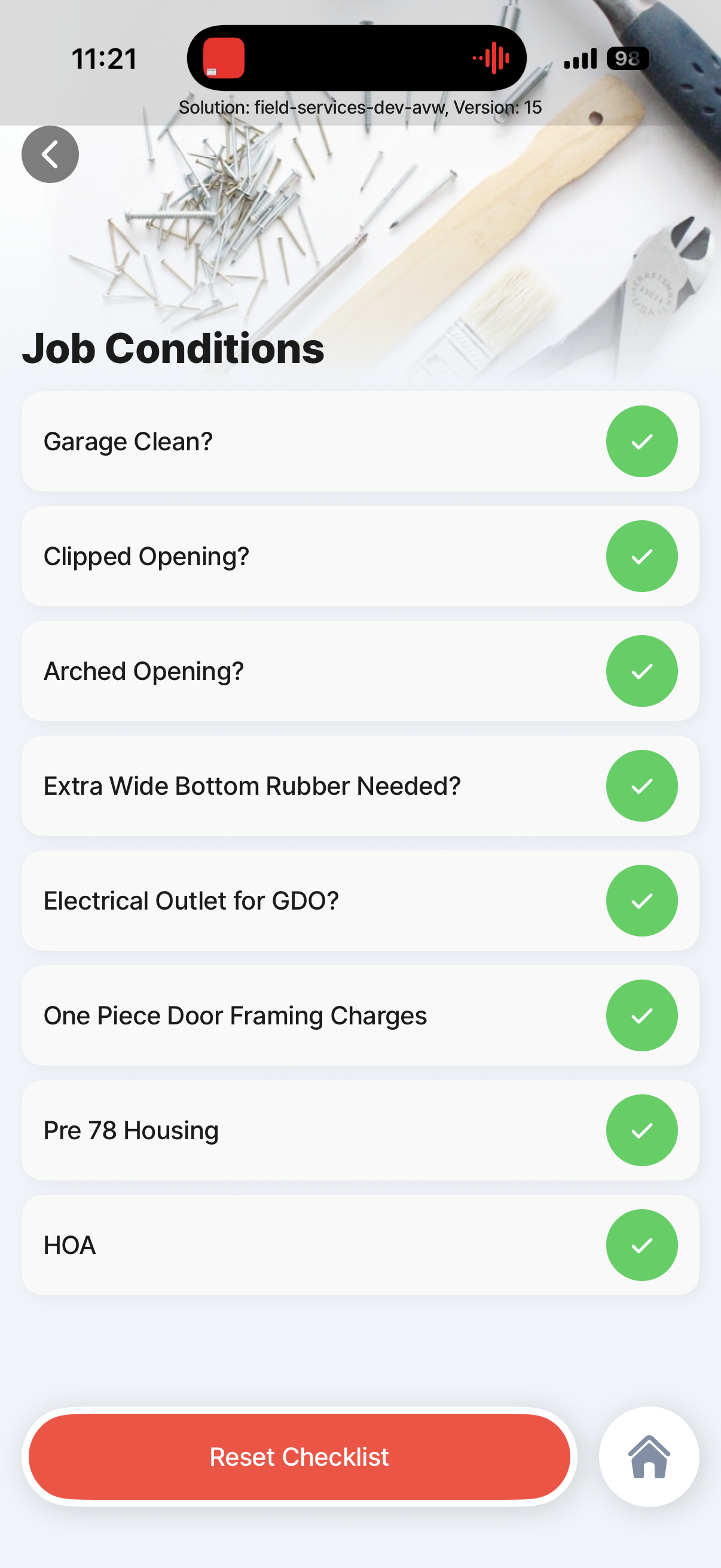
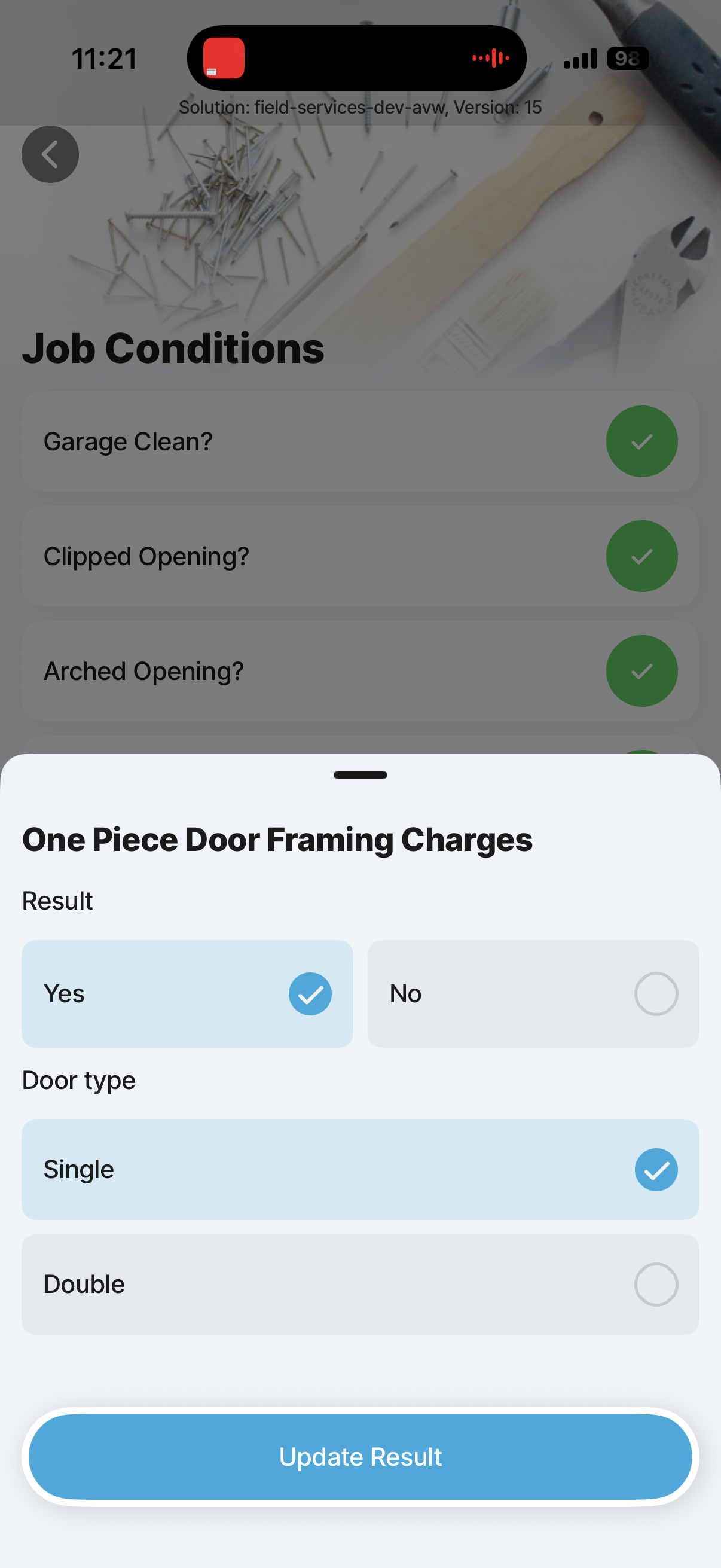
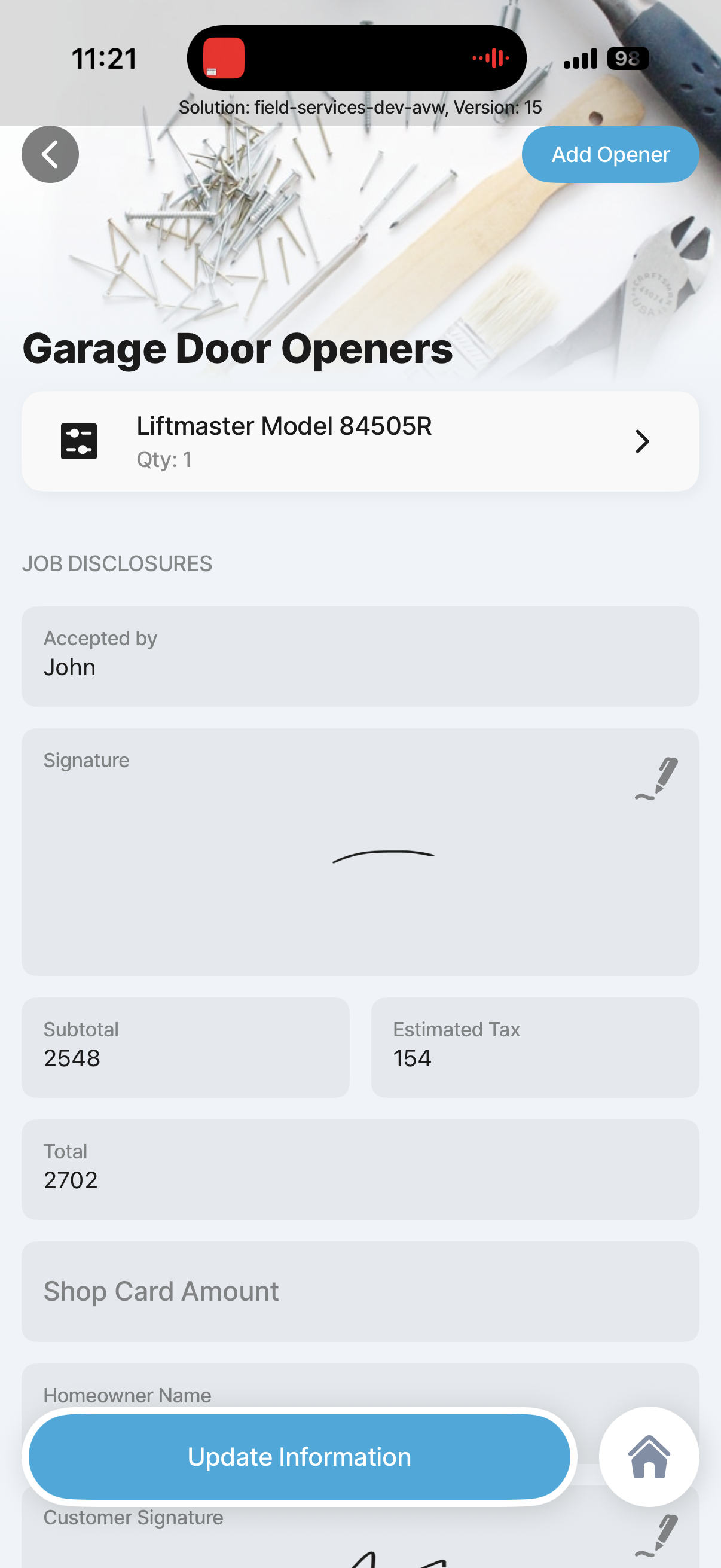
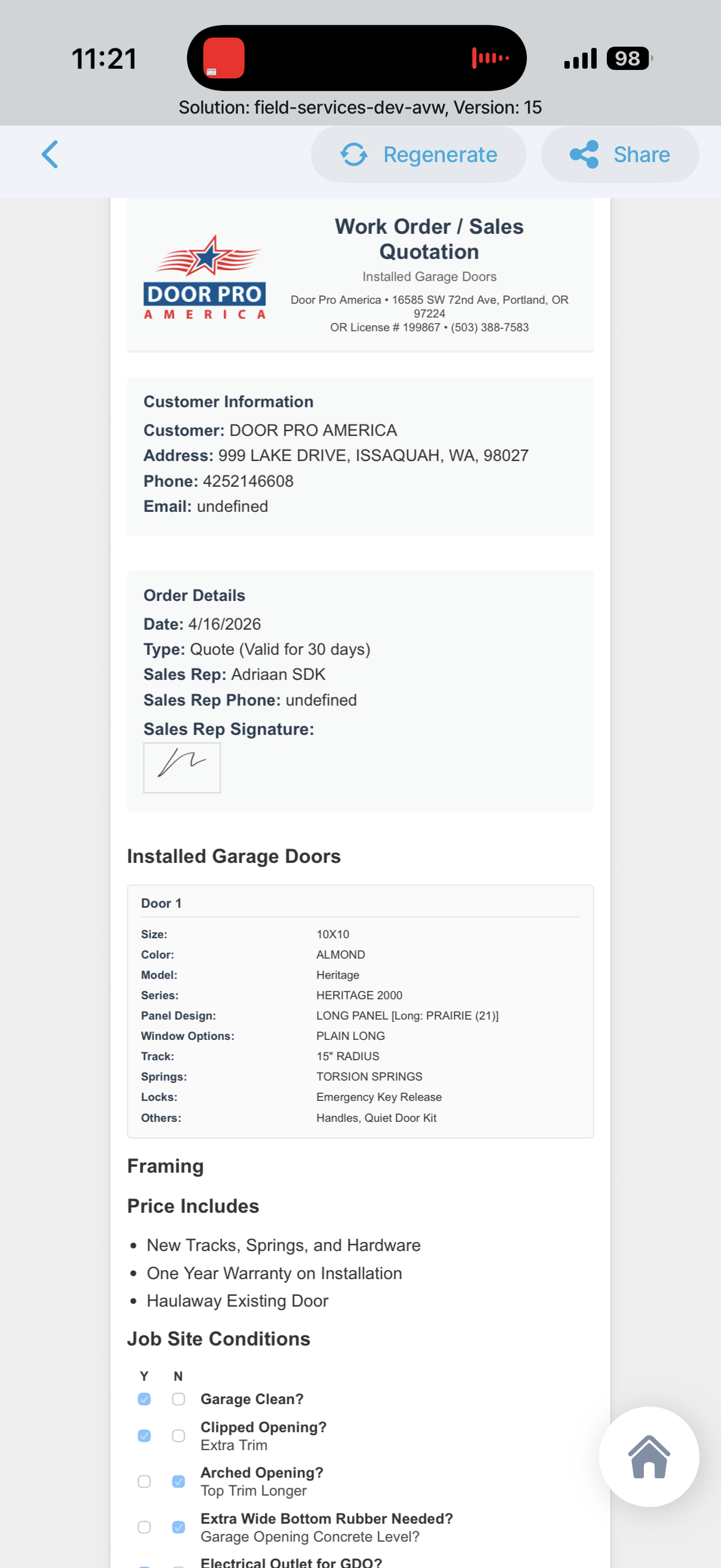
This tab contains a selection of screenshots from the existing Jigx field services application and related Jigx solutions. These references are here so we can review proven patterns and decide which of them should be carried into the new field services solution.
This estimate assumes we are building both the Acumatica field-services mobile application and the underlying Jigx platform capability needed to support per-customer deployment, customer-specific workflow variation, targeted rollout, and ongoing change delivery without treating every customer difference as a separate mobile app project.