FS v2 - Mobile Project Summary and Screen Flow

Built from the original customer walkthrough, transcript, design document, and source screenshots. The overview below focuses on a Jigx mobile app that prioritizes ease of use, low keyboard dependency, and voice-first field execution.

Key Goals and Objectives

This mobile plan is built from the original customer demo, the transcript and design document, the 49 source screenshots in this folder, the existing derived screen-flow, and the customer's follow-up email from April 16, 2026. The target is a Jigx mobile experience for field users that is optimized for mobile execution, reduces keyboard input, and treats voice, scan, and guided capture as first-class interaction models.

Primary design goal
Low-friction execution
Technicians should complete work with the fewest possible taps, almost no keyboard dependency, and minimal context switching.
Primary interaction goal
Voice-first input
Voice commands and voice data capture should be first-class interaction patterns across the mobile experience, reducing keyboard dependency wherever possible.
Core structural decision
Work Event drives day, Work Ticket drives execution
The technician calendar and day view are driven by work events. From each work event, the technician creates or opens their own work ticket to capture time, materials, notes, and closeout.
Operational model
Work Order is record of truth
Work order remains the central job record, with service location driving operations and customer/location driving billing.
Core experience model
Acumatica branded and seamlessly authenticated
The mobile app should be fully Acumatica branded, with seamless sign-in and session handling through Acumatica authentication.
Offline operation
Work fully offline, sync when connected
The solution should allow the technician to perform all core field tasks without an internet connection and then sync seamlessly with Acumatica when a data connection is available. The main exceptions are actions that rely on cloud connectivity, such as online AI or actions that depend on Acumatica server-side logic for execution.

What We Simplified for Usability

Navigation
Focused mobile routes for the most common field actions
The mobile flow prioritizes Today, Work Ticket, task execution, sign-off, and the finance context the field user actually needs.
Capture
Save early with minimum required fields
Service locations and work orders should become usable fast, then deepen gradually. Required capture is front-loaded only where it directly unlocks workflow.
Actions
One home base instead of screen hopping
Time, materials, expense, notes, guided forms, and closeout all start from the work ticket so the technician can stay in one connected execution flow.
Input
Voice, scan, and lookup before typing
Voice dictation, receipt scanning, quick-pick lookups, truck inventory filters, and defaulted values replace long keyboard-driven forms wherever possible.
Feedback
Primary actions stay visible and status stays obvious
Docked actions, count badges, clear step states, and lightweight confirmations should keep the user oriented and make the next step easy to spot.

Mobile Architecture We Are Designing Around

  • Service Location becomes the operational anchor, separate from the billing customer, and can support multiple customers and contacts for the same site.
  • Work Order remains the central hub and record of truth for scope, tasks, materials, actuals, related customers, and financial handoff.
  • Work Event is the scheduling record for a work order and drives the technician calendar, day view, route, and assignment context.
  • Work Ticket is created from a work event, is technician-specific, and is the execution surface for time, materials, expenses, tasks, activities, sign-off, and status.
  • Customer output should come directly from the captured field data as a clean work summary and, where needed, feed the invoice package.

Voice and AI First Design Focus

Voice entry
Route speech into the visible task
The active screen should be the default target for dictation so the user can speak without naming fields every time.
Translation
Support multilingual field capture
The transcript explicitly points to Spanish-to-English and other language translation patterns for field notes flowing back to the back office.
Smart scan
Turn photos into usable records
Receipts, expense documents, and potentially inventory barcodes should drive PO and expense flows instead of manual rekeying.
Safe automation
Confirm before high-risk workflow actions
Voice can prepare or prefill actions, but completion, invoicing, cancellation, and payment steps should still require explicit confirmation.

Jigx Delivery Approach

1. AI processing strategy
Use on-device AI first, then cloud models where needed
We will use on-device AI, Apple's LLM, and Android core AI for voice transcription where available. We will use on-device Apple LLM for action processing where available. For Android and where on-device AI is not available we will use OpenAI or Anthropic models for voice and action processing. When the device is offline and on-device voice processing and LLM is not available, we can still capture input for notes and async actions, but not realtime actions.
2. Platform deployment and customer-specific rollout
Deploy customer-specific workflows and fixes without app-store approval for every customer
The underlying Jigx platform allows us to deploy customizations, workflow changes, new features, and production fixes without having to go through Apple App Store approval for every customer release. That means we can roll out improvements rapidly across all customers where needed, or target customer-specific changes where a single account needs a tailored workflow. This is a core platform capability that the Acumatica app will benefit from.

Customization and Forms

Platform customization
Jigx supports custom solutions, forms, and packages beyond the base module
The Jigx platform supports both broader customizations and custom forms using packages and AI prompting. These are outside the scope of what is included in the standard field services box and are available as add-ons where customers need more tailored workflows.
Customer-built forms
Custom forms can be built directly by customers
Custom forms are intended to be accessible for customers to build directly so they can support their own operational and compliance capture needs without waiting for a full product release.
Partner-led extensions
General field service customizations are partner focused
Broader field services customizations are partner-focused add-ons. Customers can engage Jigx or Acumatica partners to design and build these when they want workflows, actions, or screens beyond the packaged module.

Plan, Steps, and Task List

1
Lock the field-user information architecture
Finalize which capabilities live in Today, Work Ticket, task forms, sign-off, and specialist operational views so the mobile app is intentionally opinionated.
2
Design the core screens around the technician day
Morning route, work-event review, work-ticket creation, task execution, materials/expense capture, and closeout should be designed as one connected technician flow for mobile use.
3
Define guided forms and evidence capture by task stage
Map which work task templates require structured forms, required answers, picture counts, and completion gating.
4
Lock the API, sync, and server-side business-logic dependency model
This is a high-priority workstream. We need to define the phase-1 endpoint strategy, the REST and GI mix, the sync boundaries, and exactly which workflow and validation logic executes in mobile versus in Acumatica cloud.
5
Specify voice, scan, and offline behavior per screen
Each major screen should document what can be spoken, scanned, queued offline, and confirmed later.
6
Validate handoff to billing, summary output, and notifications
Ensure the closeout flow produces a reliable work summary, clear status updates to the back office, and the minimum invoice visibility the field role needs.
Task 01
Define the technician landing screen
Day view, map/route state, alerts, and assigned-vs-unscheduled visibility.
Task 02
Define API, sync, and business-logic boundaries
High priority. Confirm the phase-1 REST and GI approach, offline sync model, and the split between what the mobile app does locally versus what must execute in Acumatica cloud.
Task 03
Finalize the work-ticket home-base model
Tabs, grouped actions, and what is editable vs read-only from the ticket.
Task 04
Map guided forms to work tasks
Required readings, pass/fail, photos, and evidence rules tied to task templates.
Task 05
Design time, materials, PO, and expense capture
Clocking, inventory lookup, request materials, and receipt-scan paths.
Task 06
Define voice intents and confirmations
Prefill fields by voice, translate when needed, and confirm high-risk actions.
Task 07
Specify closeout and customer-facing output
Signature, work summary, email/share actions, and back-office status update.

Need More Information or Clarification

Release 1 scope
What must be in the first technician release vs future
Unscheduled self-assignment, universal resource scheduling, and broader resource-board behavior were discussed as future-facing ideas and should not be treated as committed release-1 scope without confirmation.
Save rules
Minimum required fields for service location, work order, and work ticket
The mobile flow assumes early save is possible. We still need the exact Acumatica constraints for each record before finalizing the capture order.
Forms governance
Who defines the required forms and when they trigger
We need the ownership model for form templates, required evidence rules, and whether completion should be blocked until mandatory inputs are satisfied.
Offline model
Which actions must work offline and which can queue
Notes, photos, signatures, time capture, and status changes are obvious candidates, but some actions may need online validation or deferred sync rules.
API and sync
Which endpoint mix and sync design should phase 1 use
We need to discuss whether the mobile app should use a combination of REST and GI for phase 1, and which option is fastest to deliver while remaining the most resource-optimized.
Workflow boundaries
Where business logic lives between mobile and Acumatica cloud
We need clear handoff boundaries for workflow and business logic so it is explicit what runs in the mobile app, what runs in Acumatica in the cloud, and where orchestration and validation should sit.
Role boundary
How much invoice and financial detail the field user should actually see
The source flow includes detailed invoice areas. The mobile proposal keeps finance lightweight unless a field role genuinely needs more than status and summary.
Payments
Whether field payment and prepayment are in the first mobile phase
Jigx already supports payments today, and these should be available in the new module as part of phase 1. The remaining design work is how they are surfaced in the field flow, not whether the capability exists.
This is the storyboard-driven mobile journey for the technician and supporting field workflow. It reorganizes the source material into a clear execution story while keeping the important order of work, work events, work tickets, pre-payments, and finance visibility intact. Click any card to open the closest supporting source screen.
Foundation and Job ContextScope and Commercial DetailScheduling and Technician DayTechnician ExecutionCloseout and Billing

Foundation and Job Context

3 steps
to Scope and Commercial Detail

Scope and Commercial Detail

4 steps
to Scheduling and Technician Day

Scheduling and Technician Day

5 steps
to Technician Execution

Technician Execution

5 steps
to Closeout and Billing

Closeout and Billing

3 steps

Jigx Reference Libraries

This tab contains a selection of screenshots from the existing Jigx field services application and related Jigx solutions. These references are here so we can review proven patterns and decide which of them should be carried into the new field services solution.
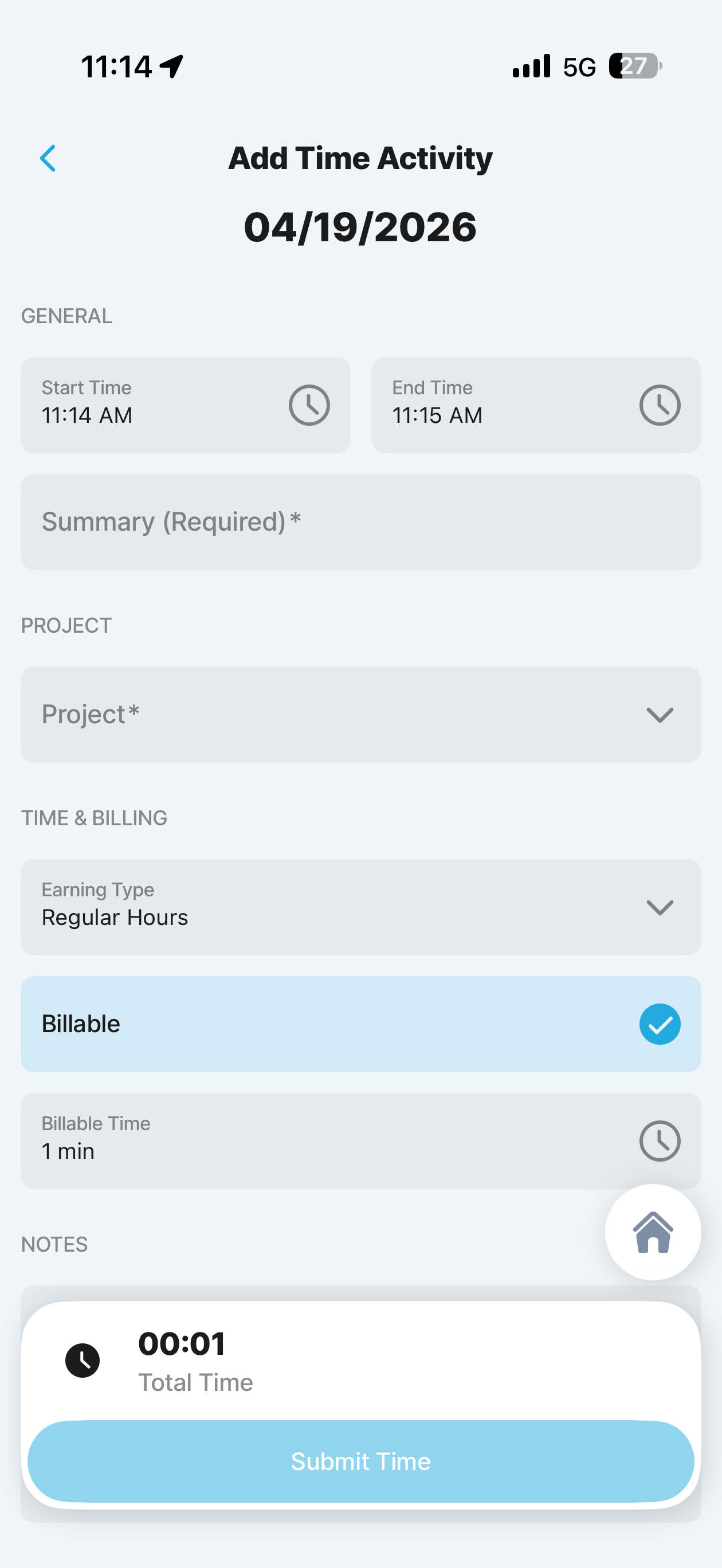
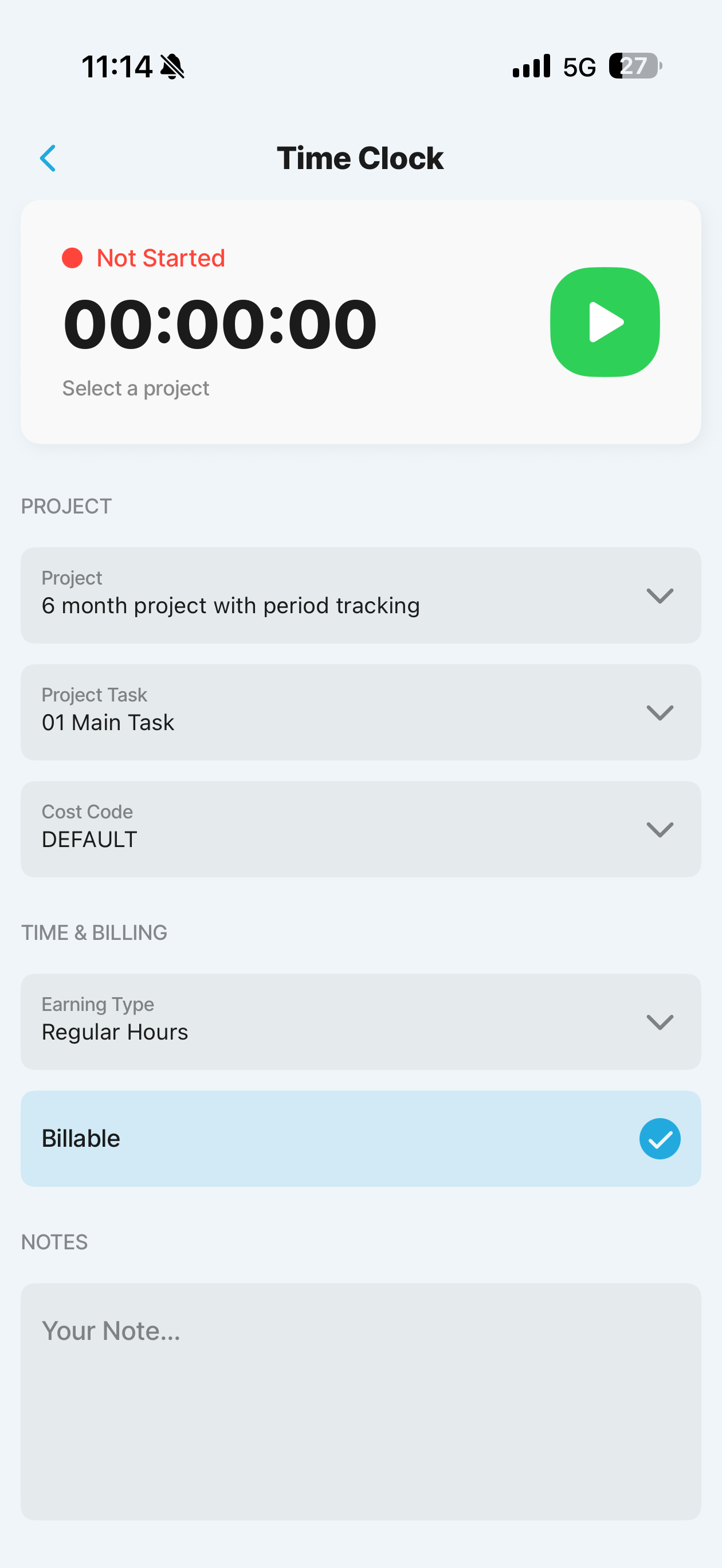
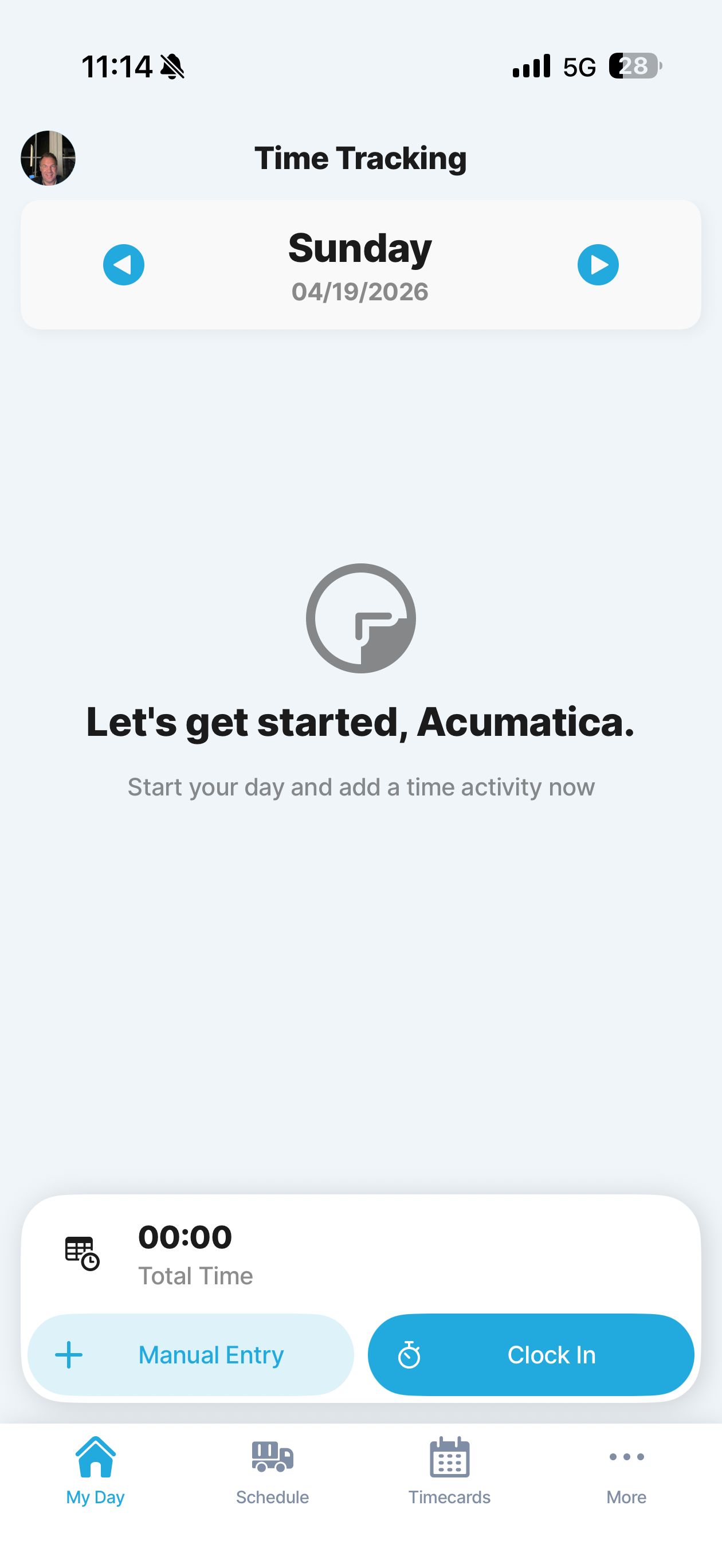
Time Capture
Jigx Time Capture References
Existing Jigx time-tracking patterns used as references for technician labour capture, including manual entry, live clock events, and timer guardrails.
Time Tracking Home
01
Time Tracking Home
Landing screen for technician time capture. Shows the day total and gives two clear entry points: Manual Entry or Clock In.
Manual Time Entry
02
Manual Time Entry
Manual add or edit flow for retroactive or corrected time. Supports explicit start and end times, summary, earning type, billing, and notes.
Start Time Clock
03
Start Time Clock
Clock screen before starting time. Lets the technician choose project, task, cost code, earning type, and billable state before they start the live timer.
Time Clock Running
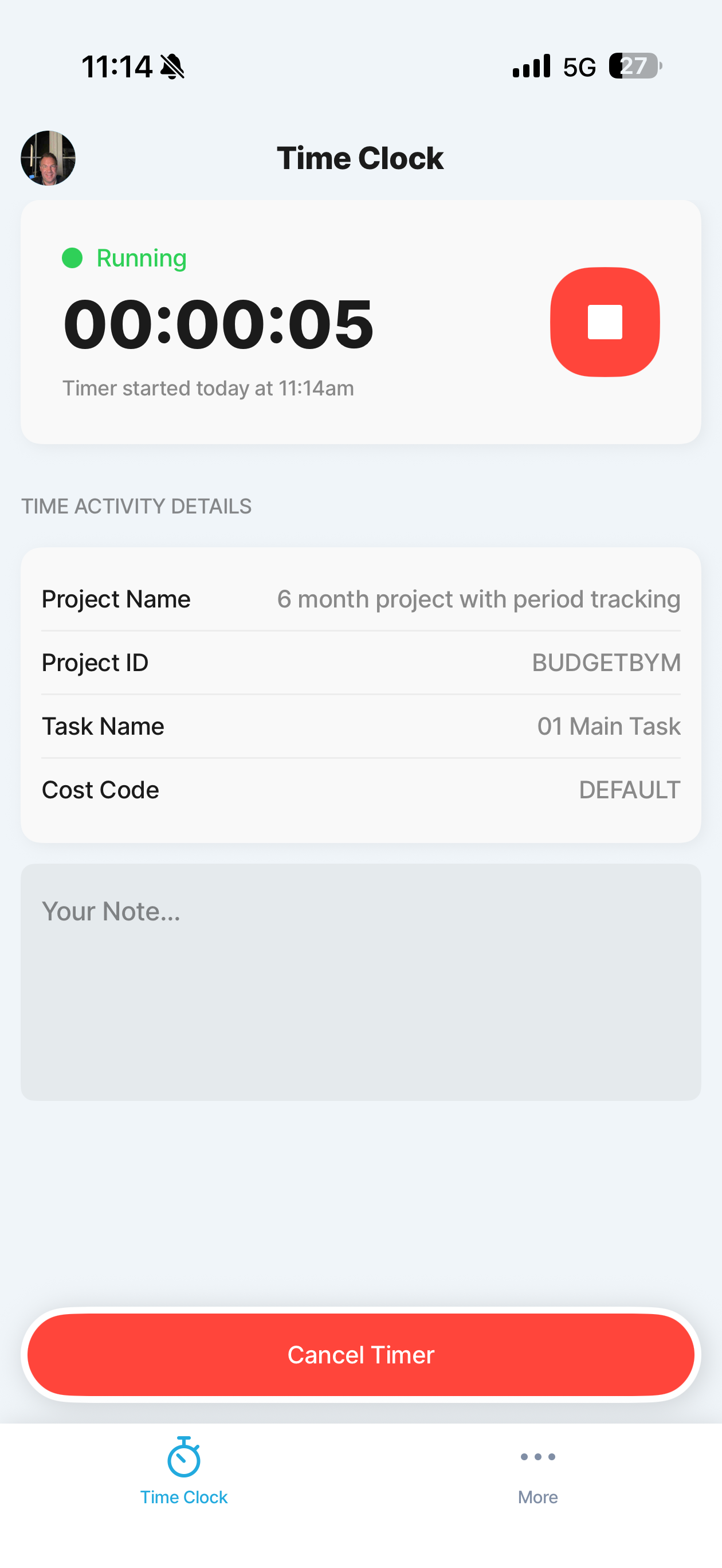
04
Time Clock Running
Active timer state with elapsed time, task context, and note capture. This is the reference for the background-safe running clock experience.
Time Clock Guardrail
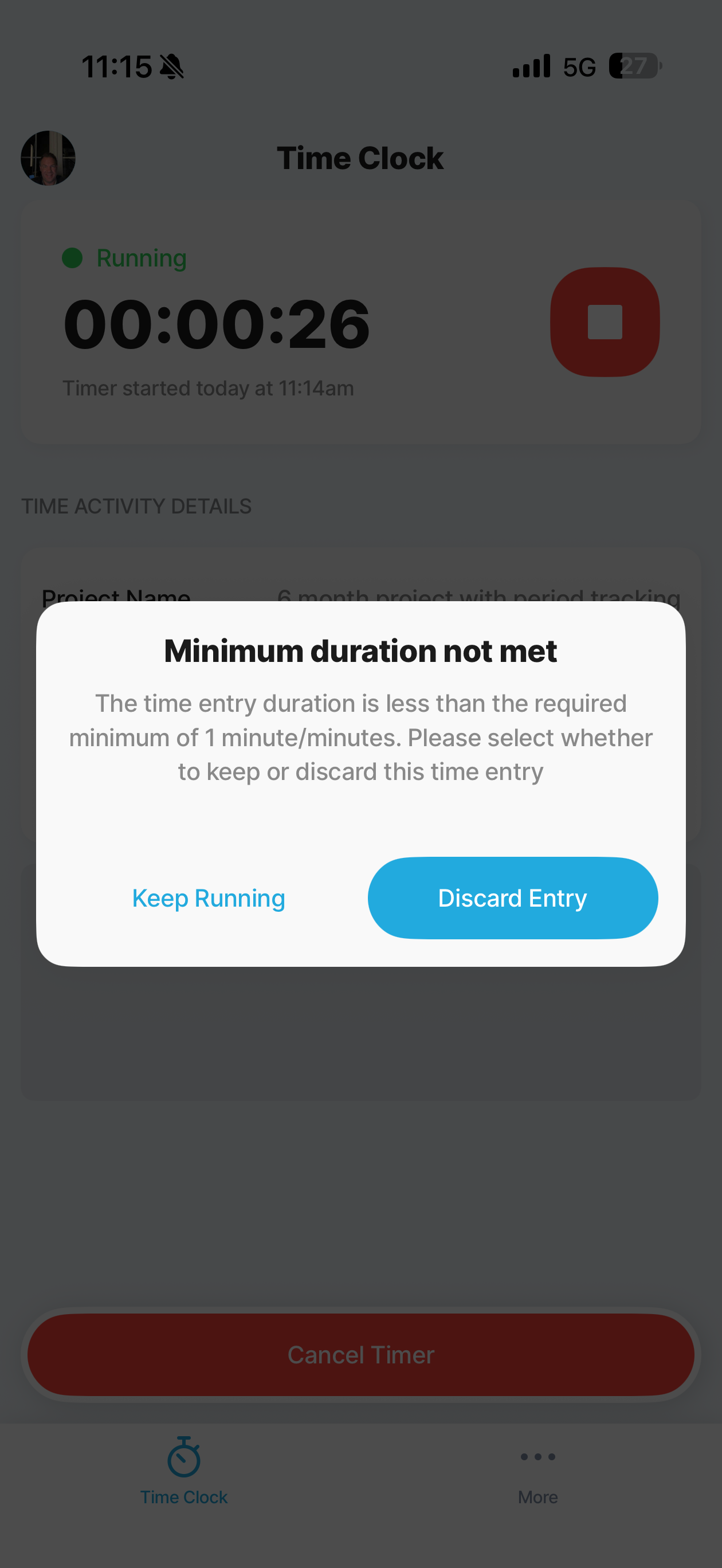
05
Time Clock Guardrail
Protects against accidental stop events by checking minimum duration and asking whether to keep running or discard the entry.
Field Service
Jigx Field Service Flow References
Existing Jigx field-services appointment flow. The numbering reflects navigation order and hierarchy in the current app, so the cards are shown in that sequence.
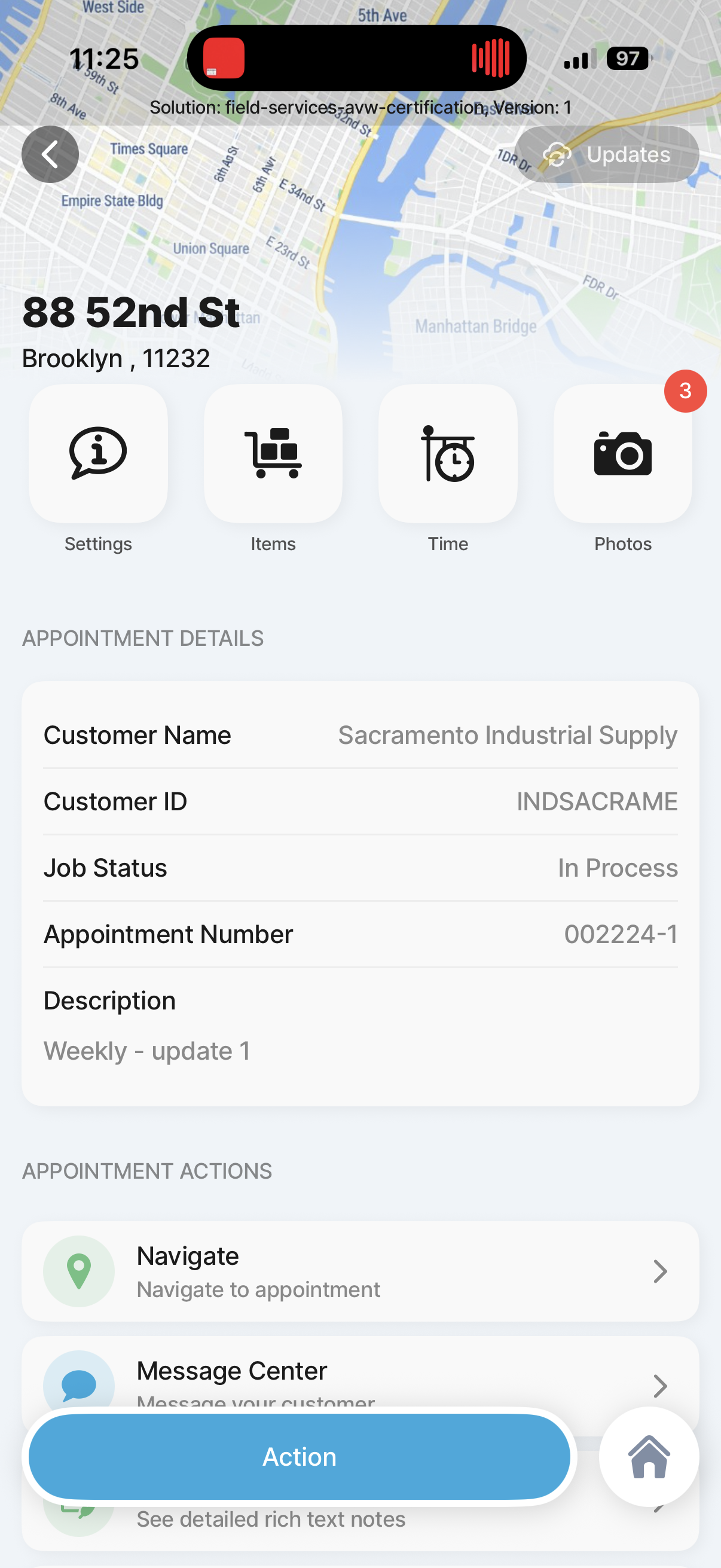
Appointment Overview
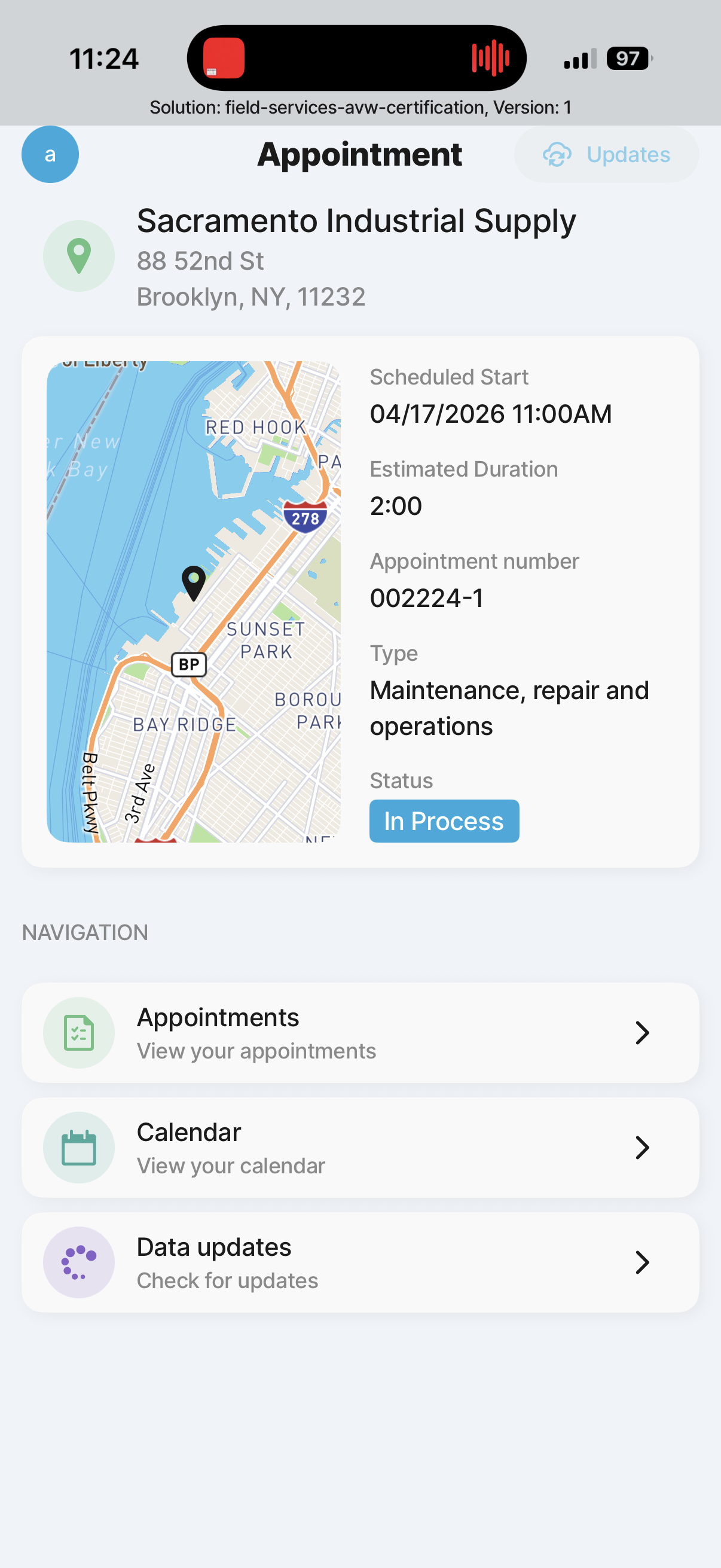
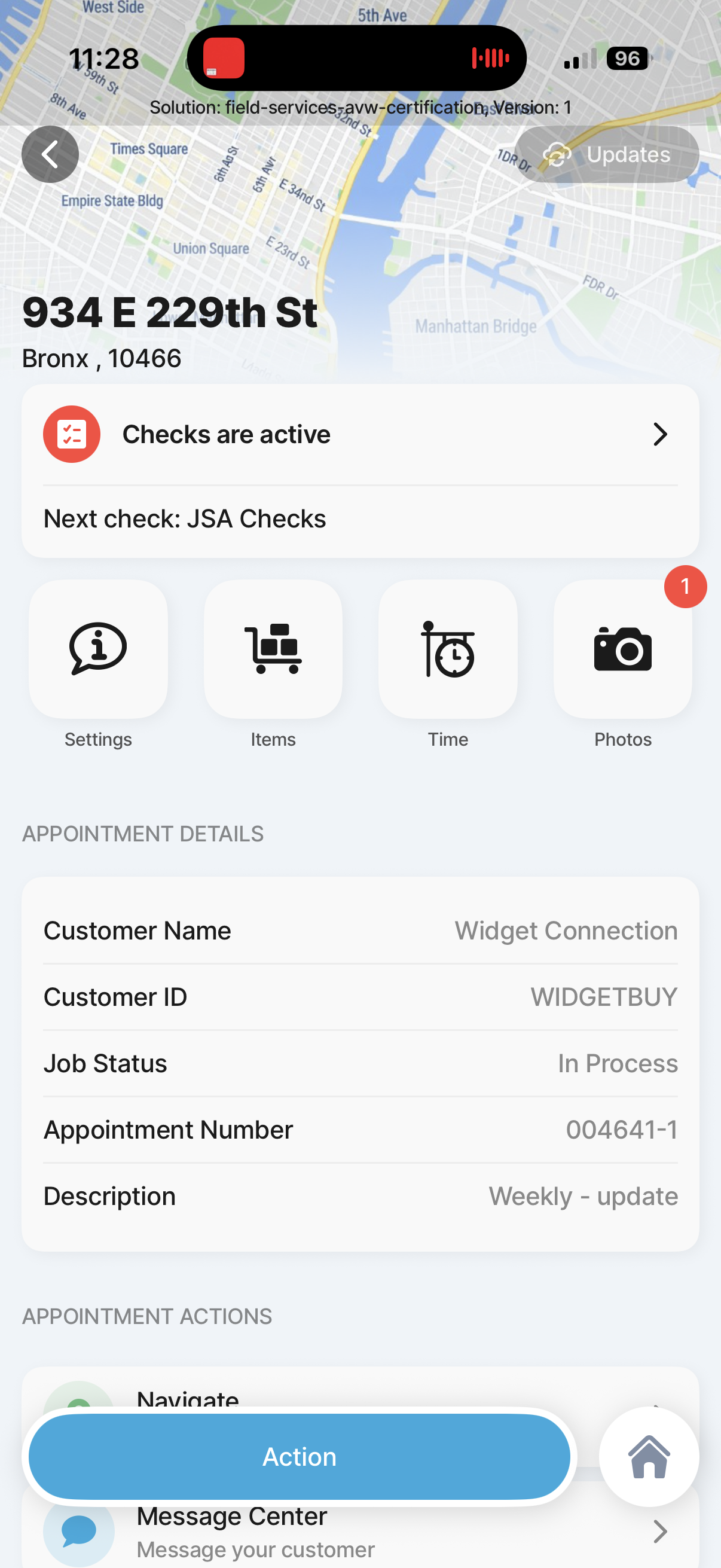
2
Appointment Overview
Existing field-services reference screen for Appointment Overview.
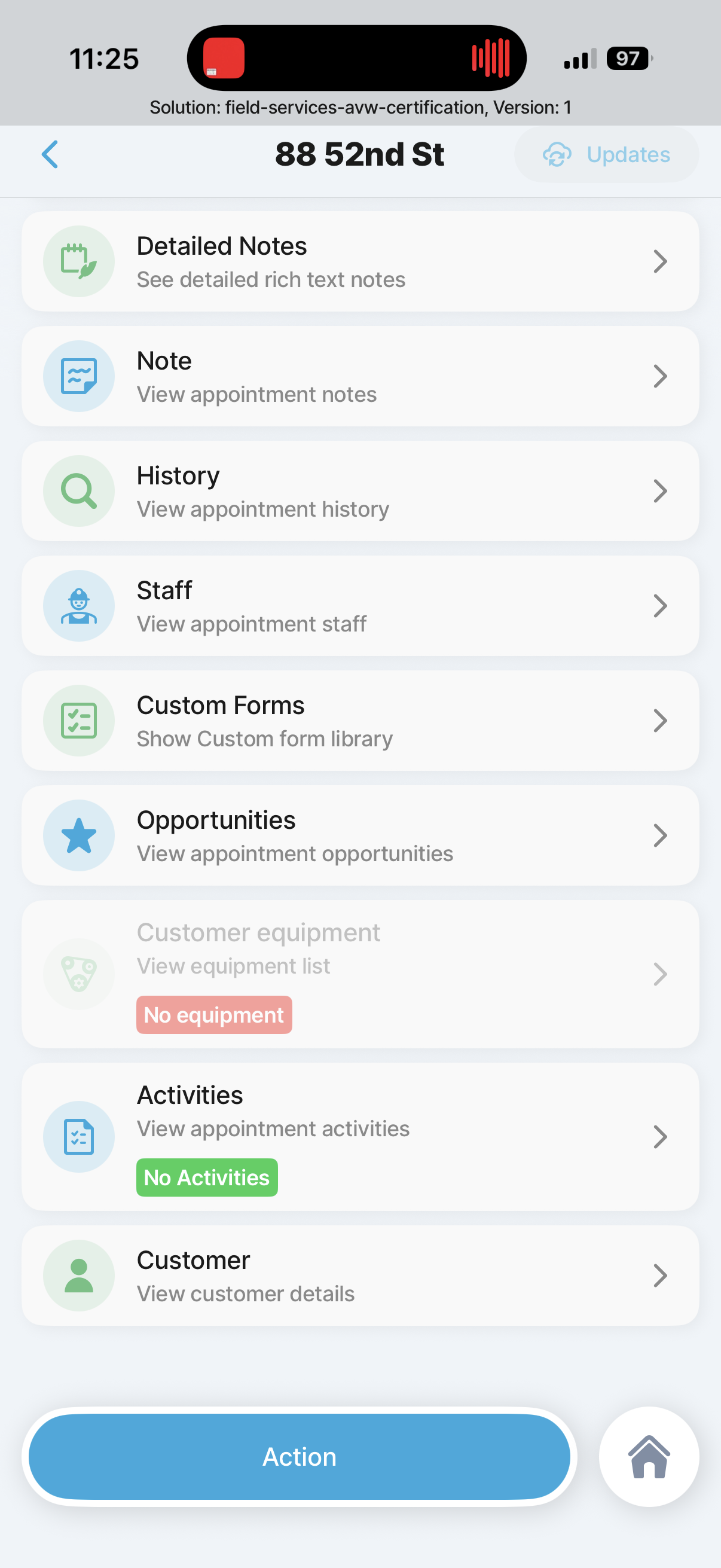
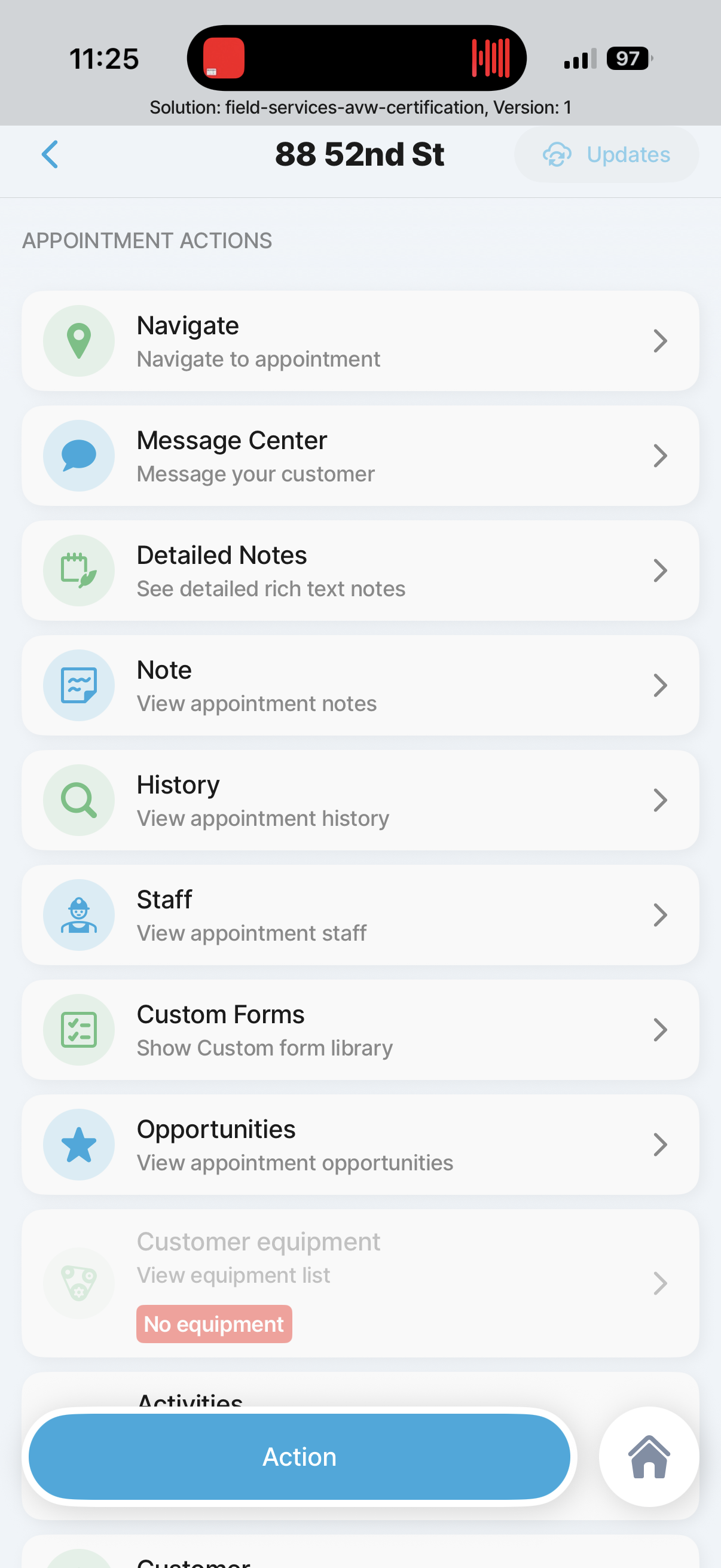
Appointment overview action list continued
2.1
Appointment overview action list continued
Existing field-services reference screen for Appointment overview action list continued.
Appointment Landing Page
2.1
Appointment Landing Page
Existing field-services reference screen for Appointment Landing Page.
Appointment overview action list
2.1
Appointment overview action list
Existing field-services reference screen for Appointment overview action list.
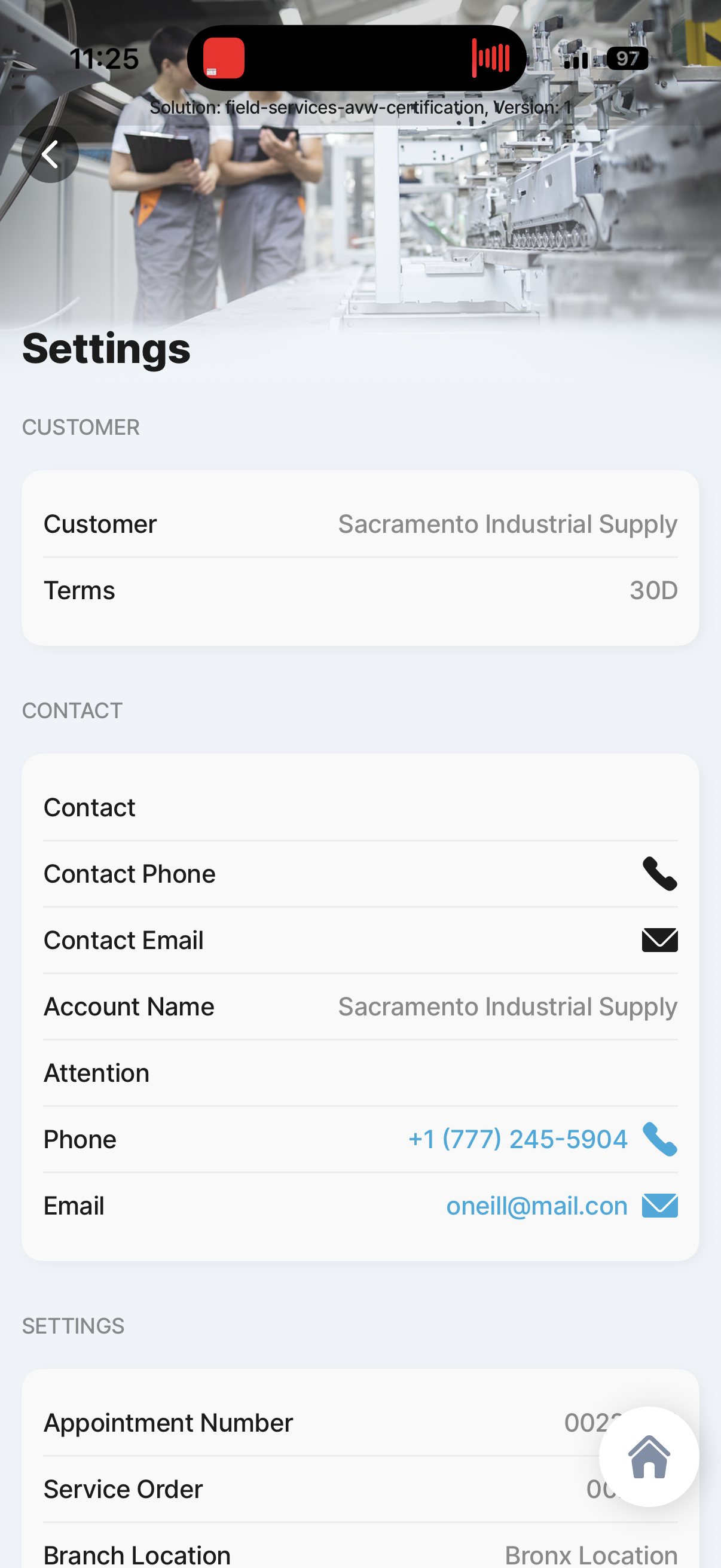
Appointment Header info
2.1.1
Appointment Header info
Existing field-services reference screen for Appointment Header info.
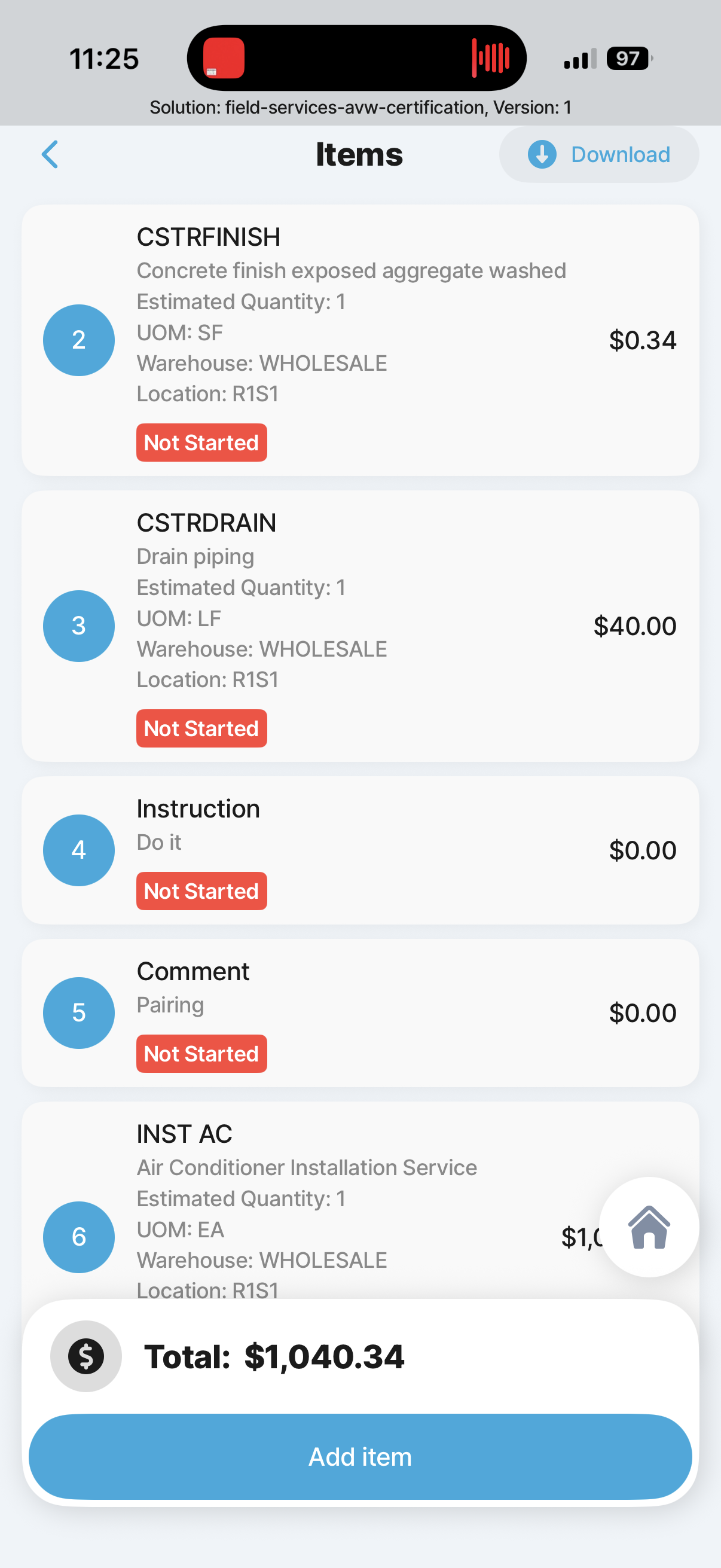
Appointment Items List
2.1.2
Appointment Items List
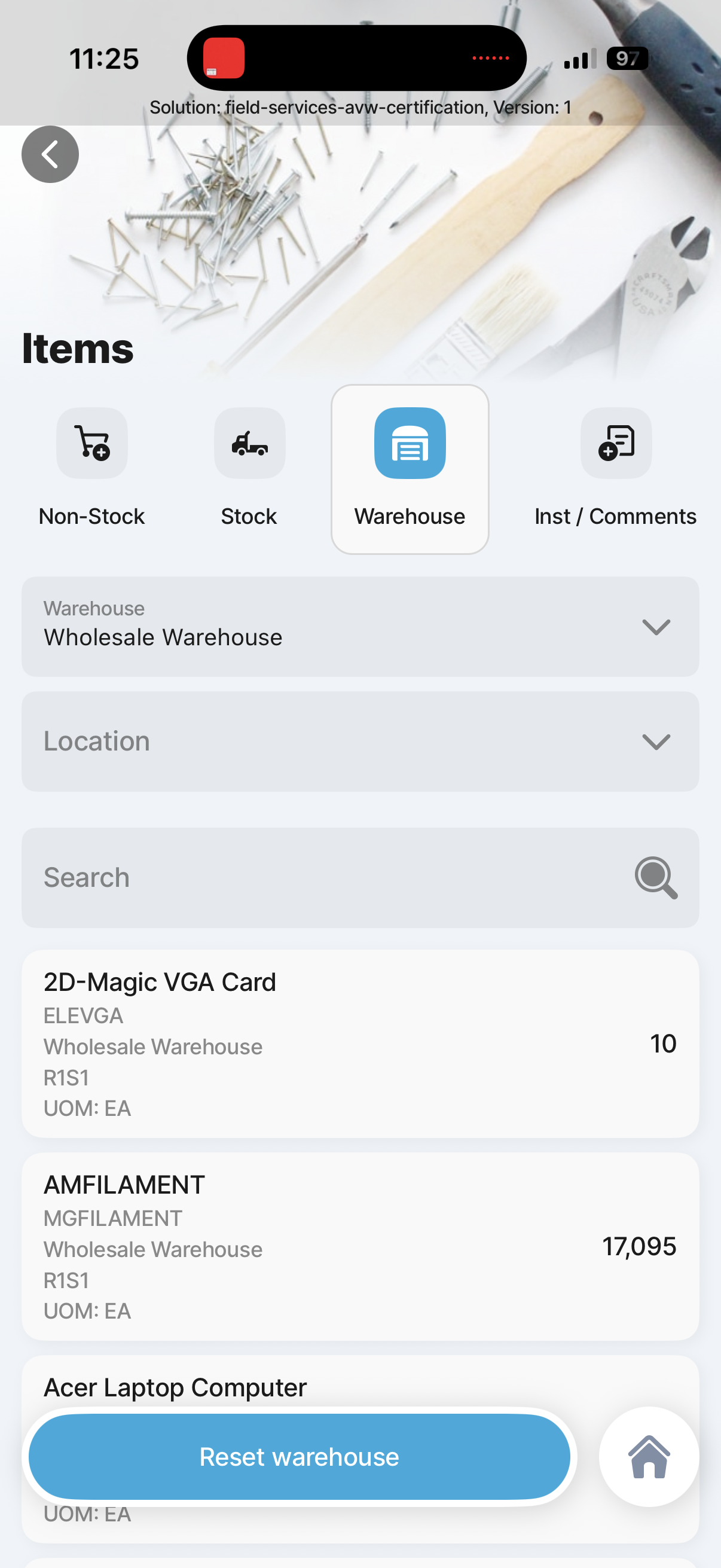
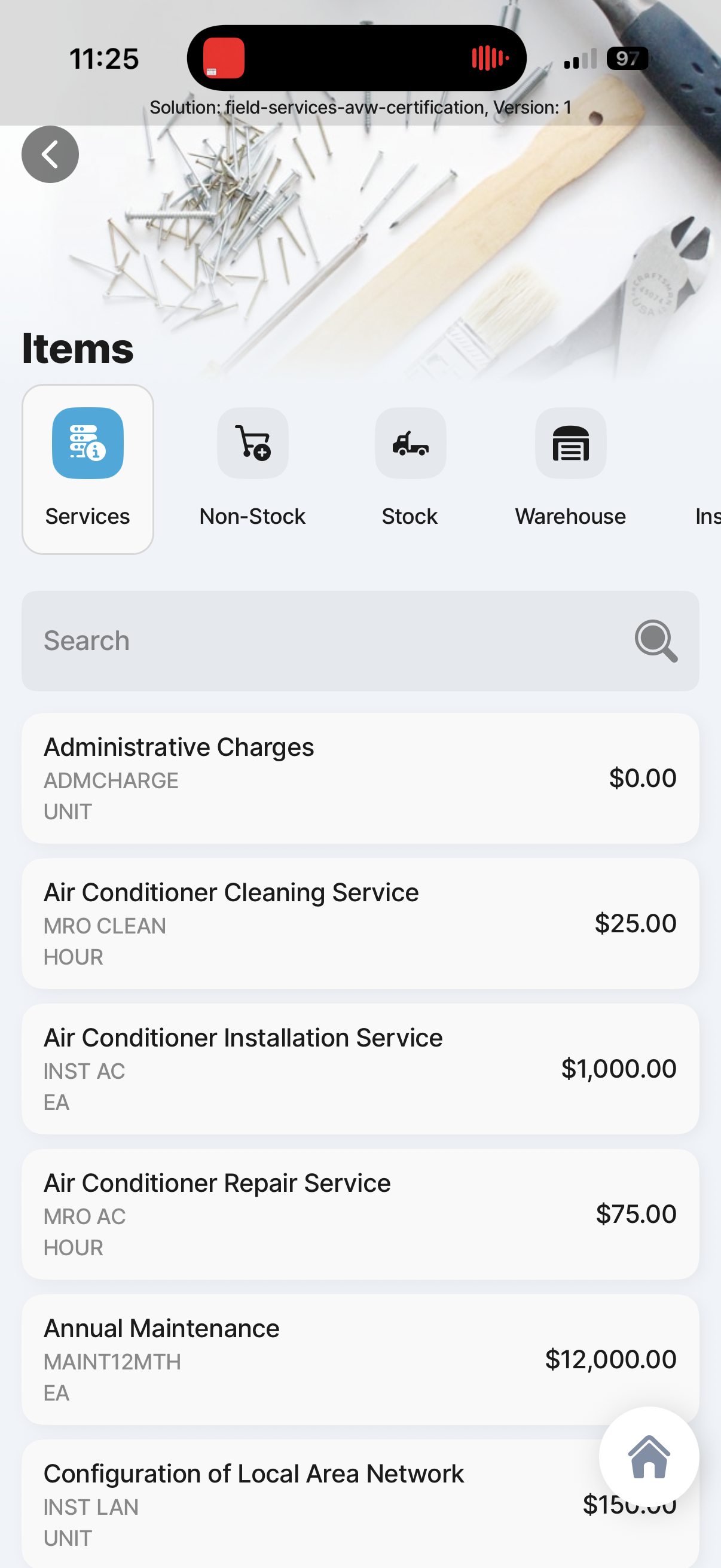
Existing field-services reference screen for Appointment Items List.
Appointment Add Warehouse Item
2.1.2.1
Appointment Add Warehouse Item
Existing field-services reference screen for Appointment Add Warehouse Item.
Appointment Add Service Item
2.1.2.1
Appointment Add Service Item
Existing field-services reference screen for Appointment Add Service Item.
Appointment Add Time Entry
2.1.3.1
Appointment Add Time Entry
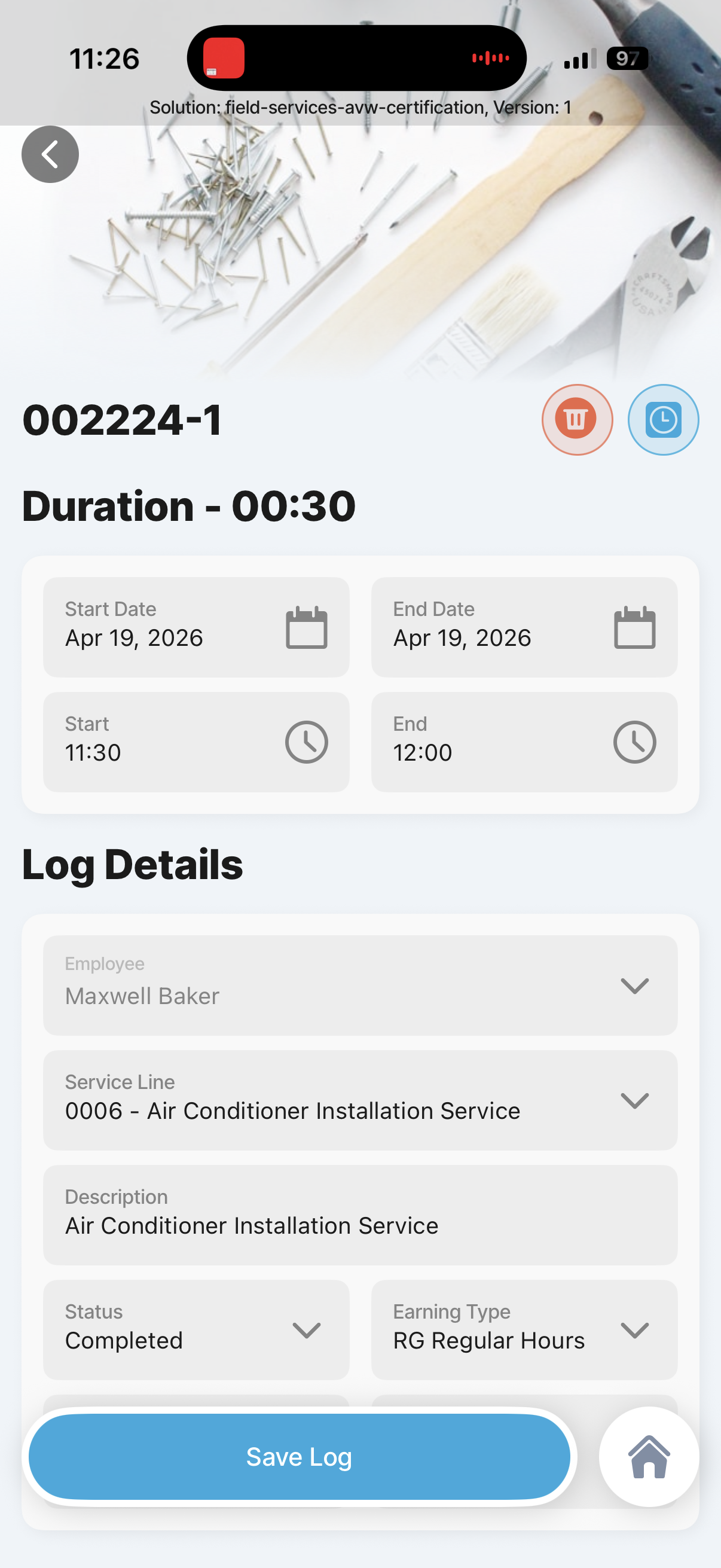
Existing field-services reference screen for Appointment Add Time Entry.
Appointment Time Entry Customer Log
2.1.3.2
Appointment Time Entry Customer Log
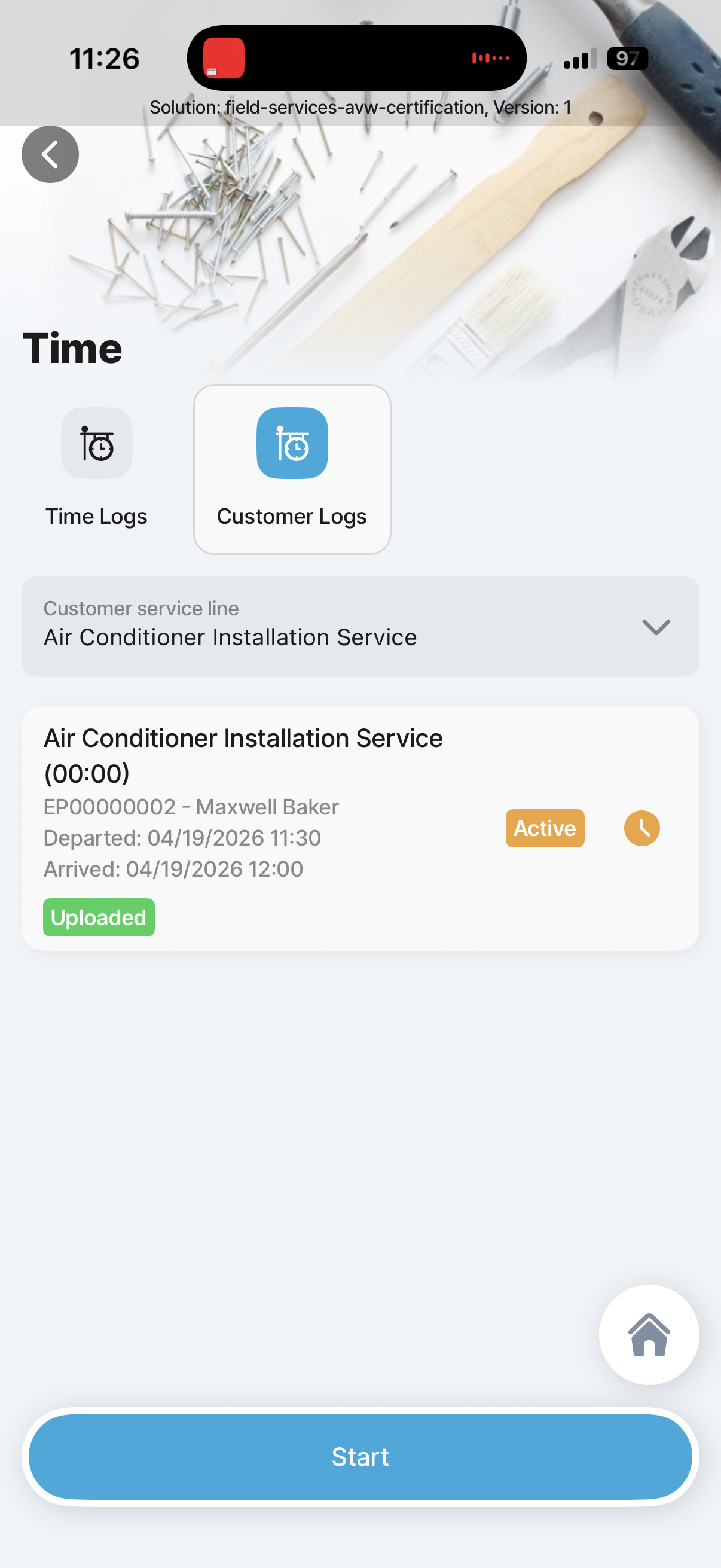
Existing field-services reference screen for Appointment Time Entry Customer Log.
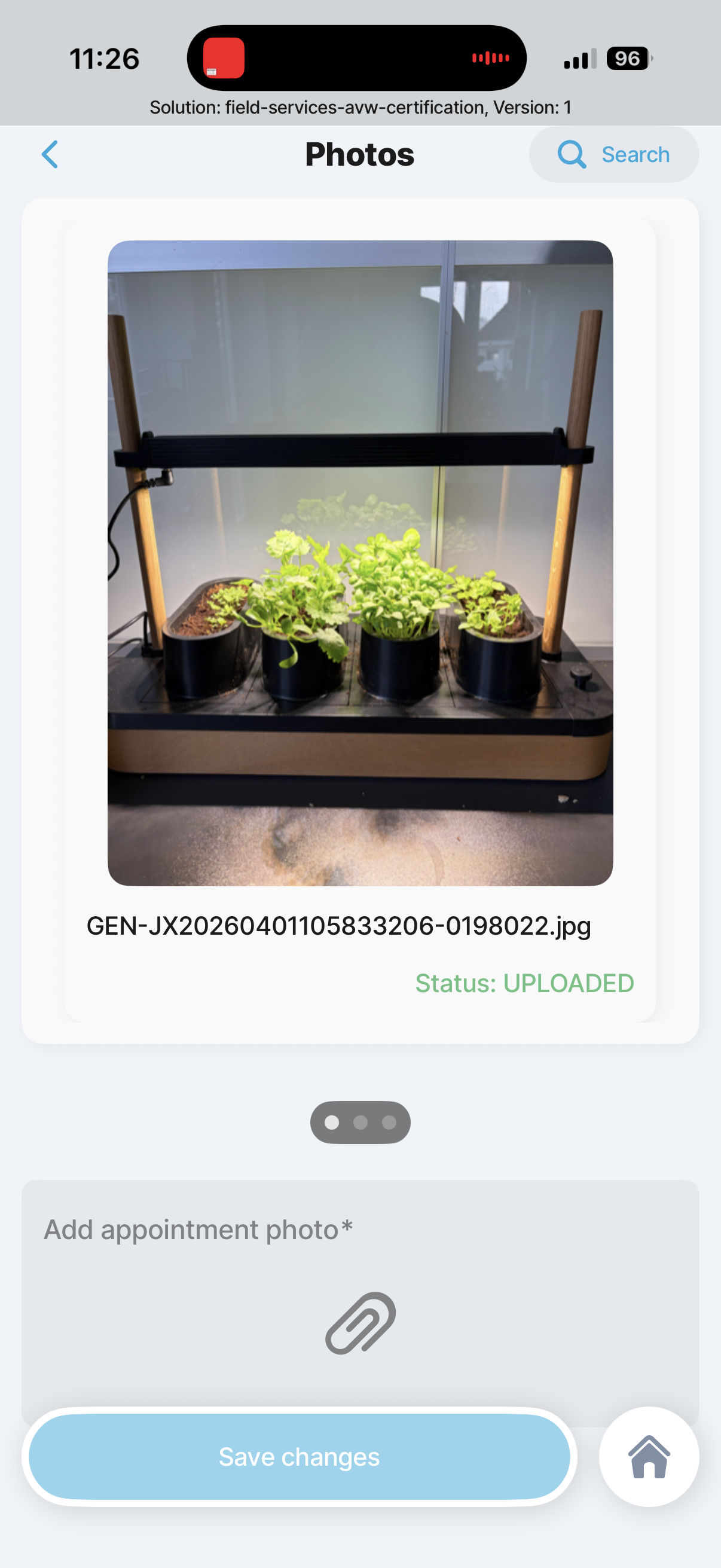
Appointment Add and View Photos or Documents
2.1.4
Appointment Add and View Photos or Documents
Existing field-services reference screen for Appointment Add and View Photos or Documents.
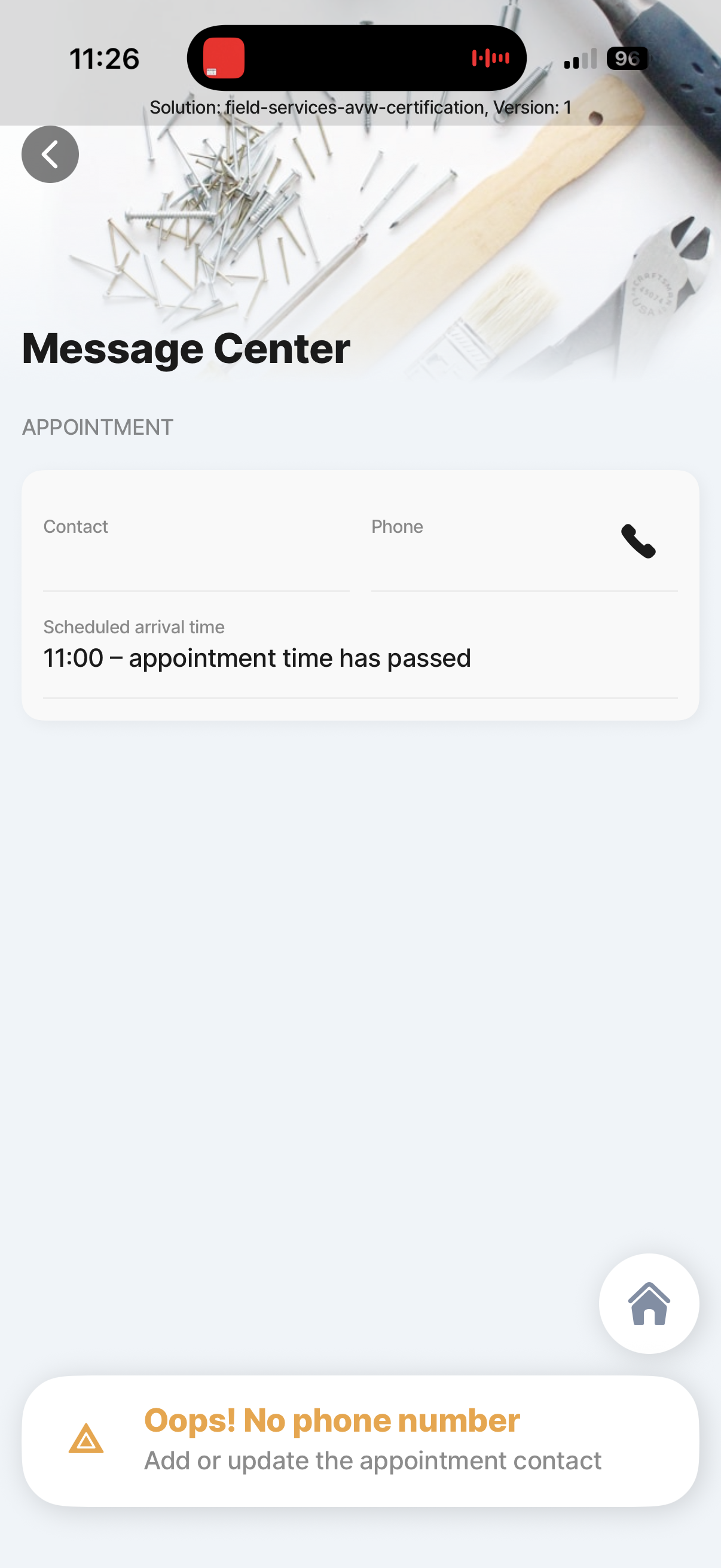
Appointment Message Center
2.1.5
Appointment Message Center
Existing field-services reference screen for Appointment Message Center.
Appointment Appointment History
2.1.6
Appointment Appointment History
Existing field-services reference screen for Appointment Appointment History.
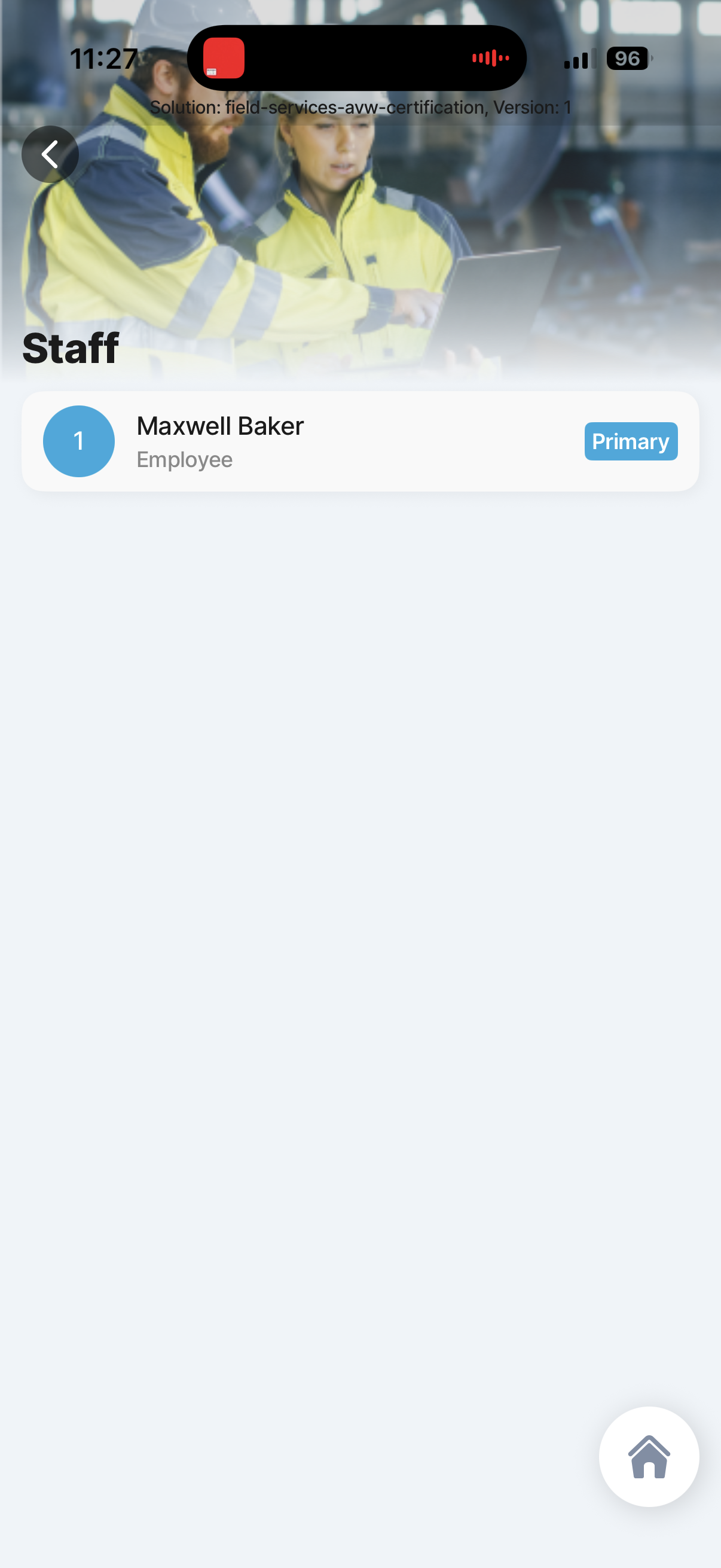
Appointment Staff
2.1.7
Appointment Staff
Existing field-services reference screen for Appointment Staff.
Appointment Create and manage opportunities
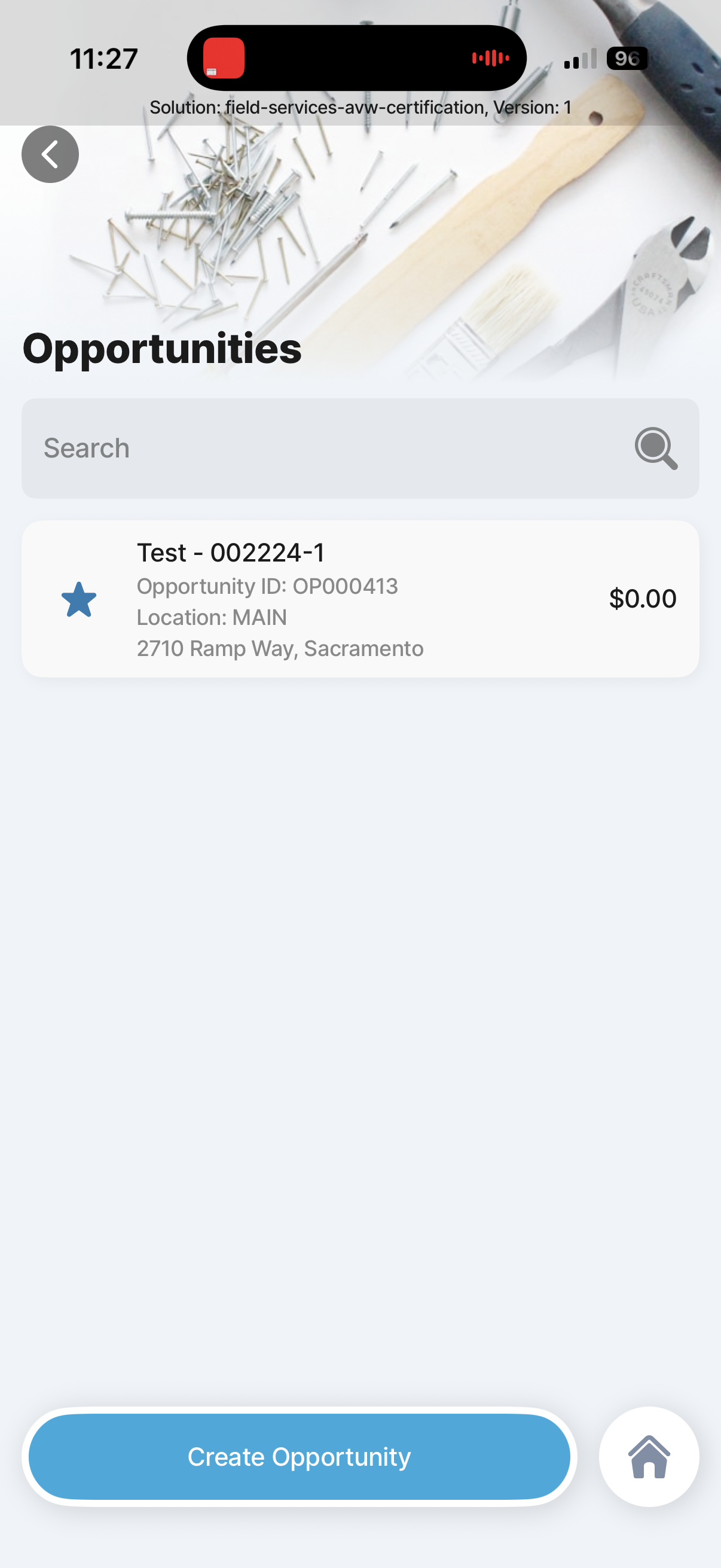
2.1.8
Appointment Create and manage opportunities
Existing field-services reference screen for Appointment Create and manage opportunities.
Appointment Activities and Tasks
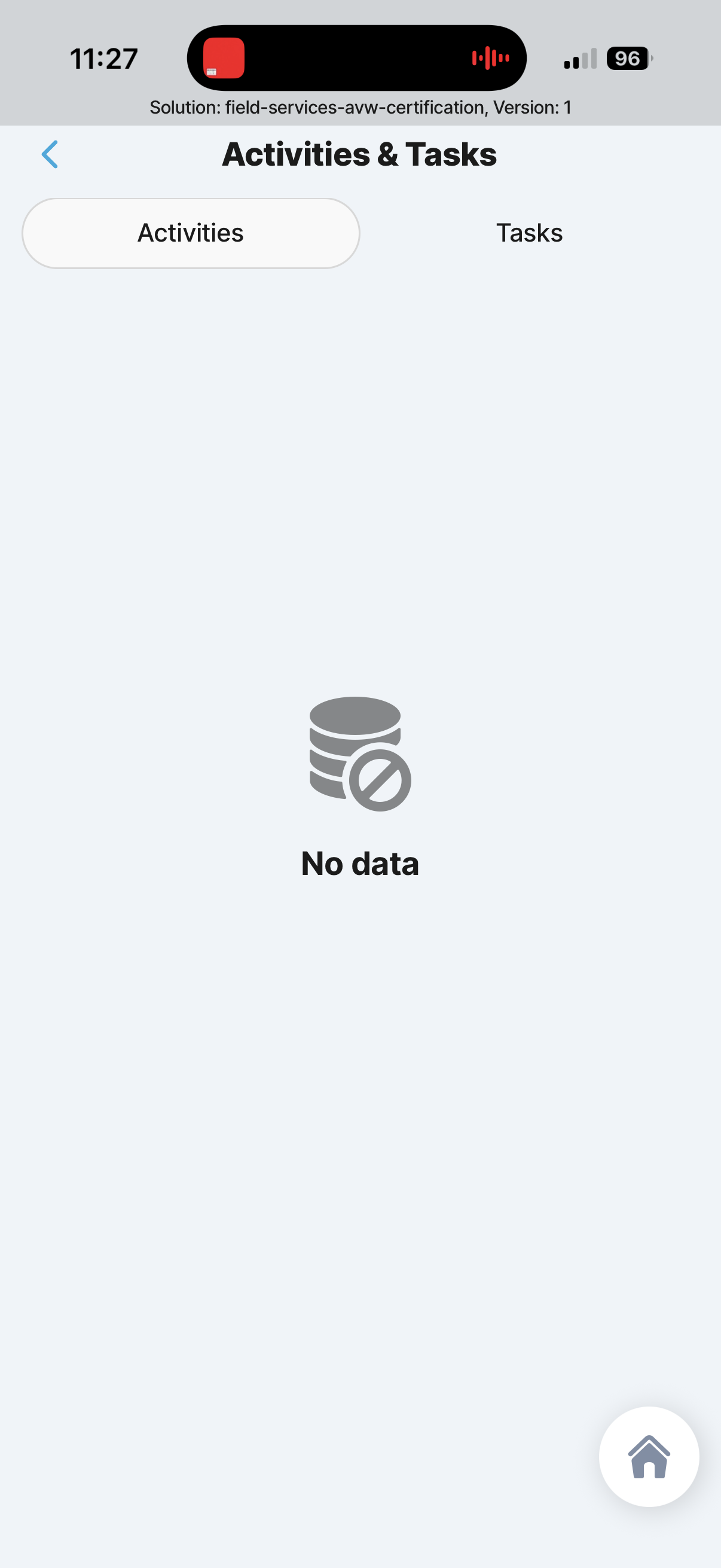
2.1.9
Appointment Activities and Tasks
Existing field-services reference screen for Appointment Activities and Tasks.
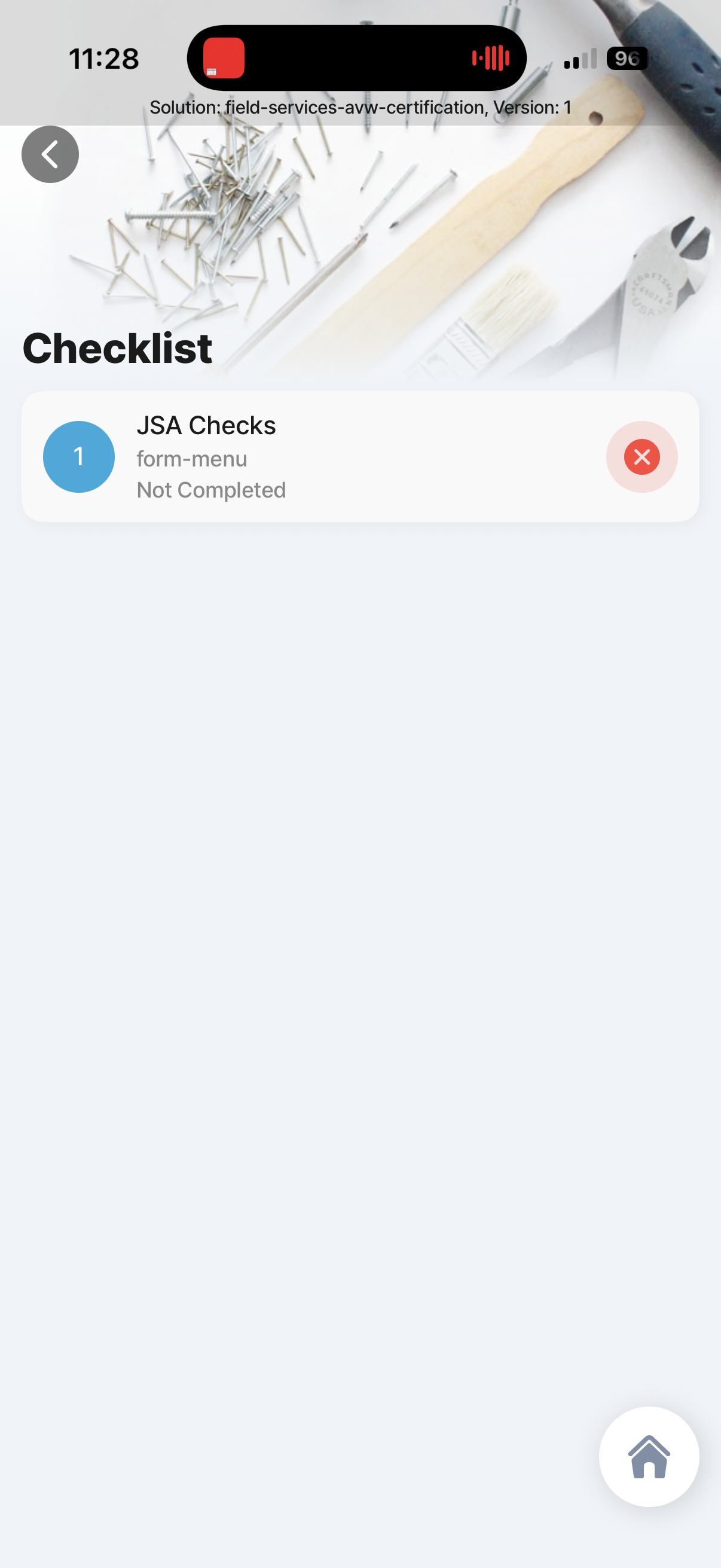
Appointment Pre start checklist
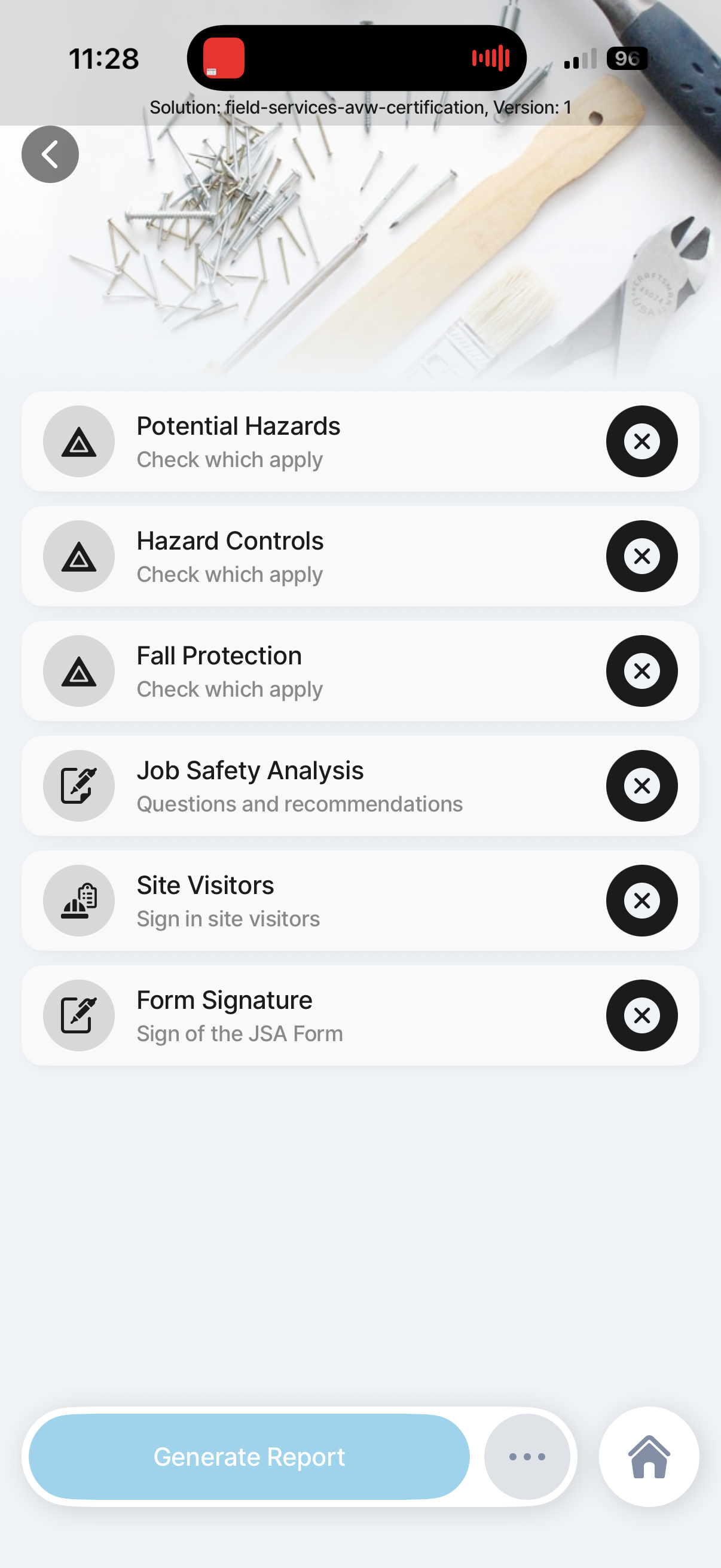
2.1.10
Appointment Pre start checklist
Existing field-services reference screen for Appointment Pre start checklist.
Appointment Pre start checklist details
2.1.10.1
Appointment Pre start checklist details
Existing field-services reference screen for Appointment Pre start checklist details.
Appointment Pre start checklist
2.1.10.1
Appointment Pre start checklist
Existing field-services reference screen for Appointment Pre start checklist.
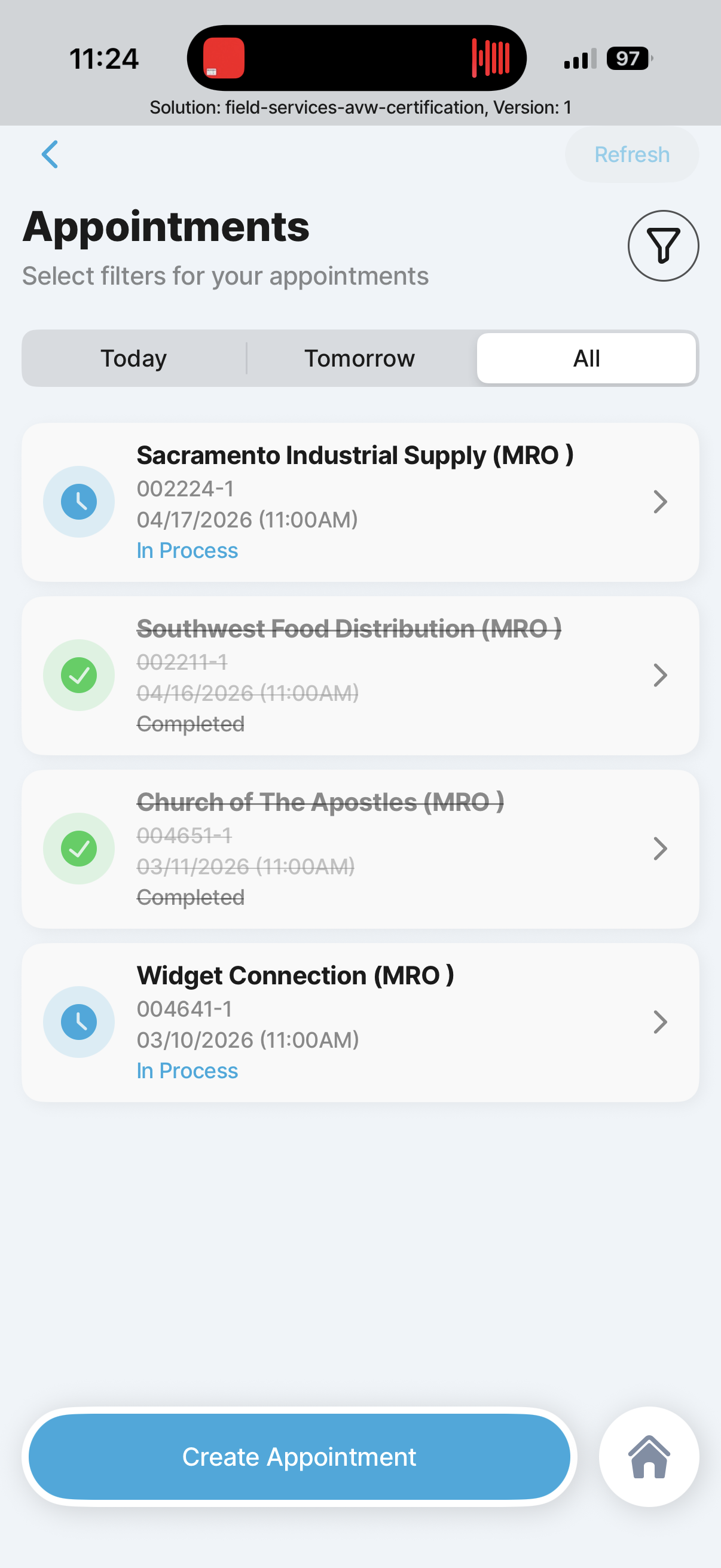
Appointment list
2.2
Appointment list
Existing field-services reference screen for Appointment list.
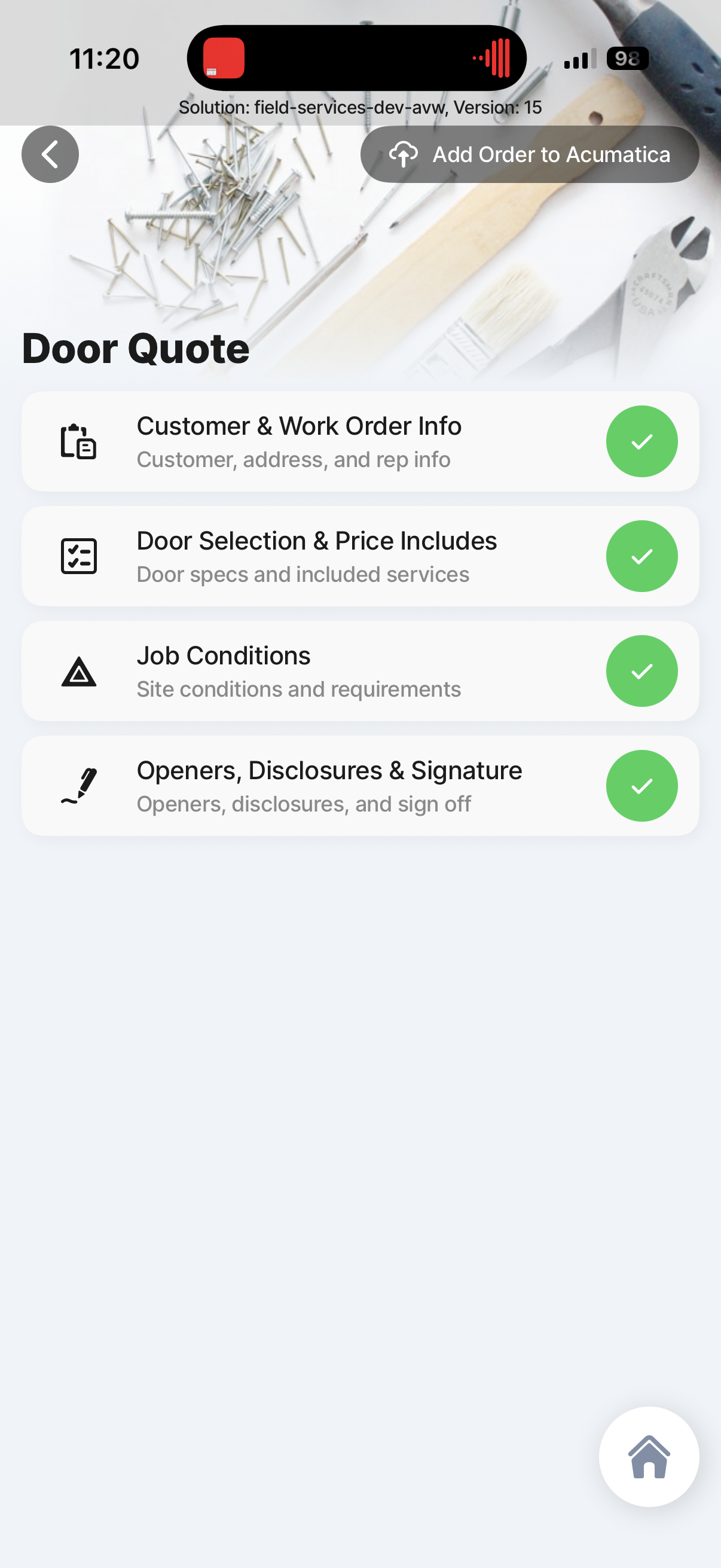
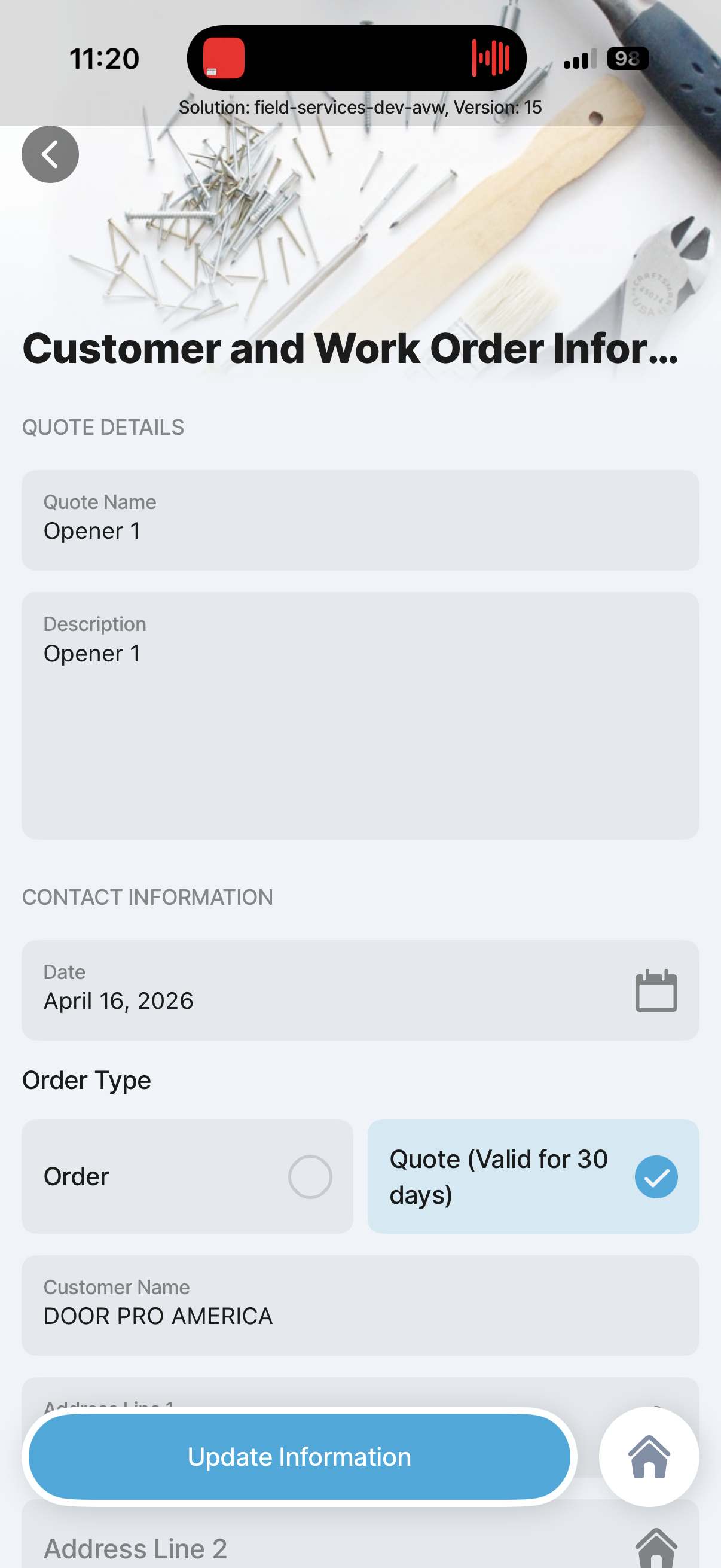
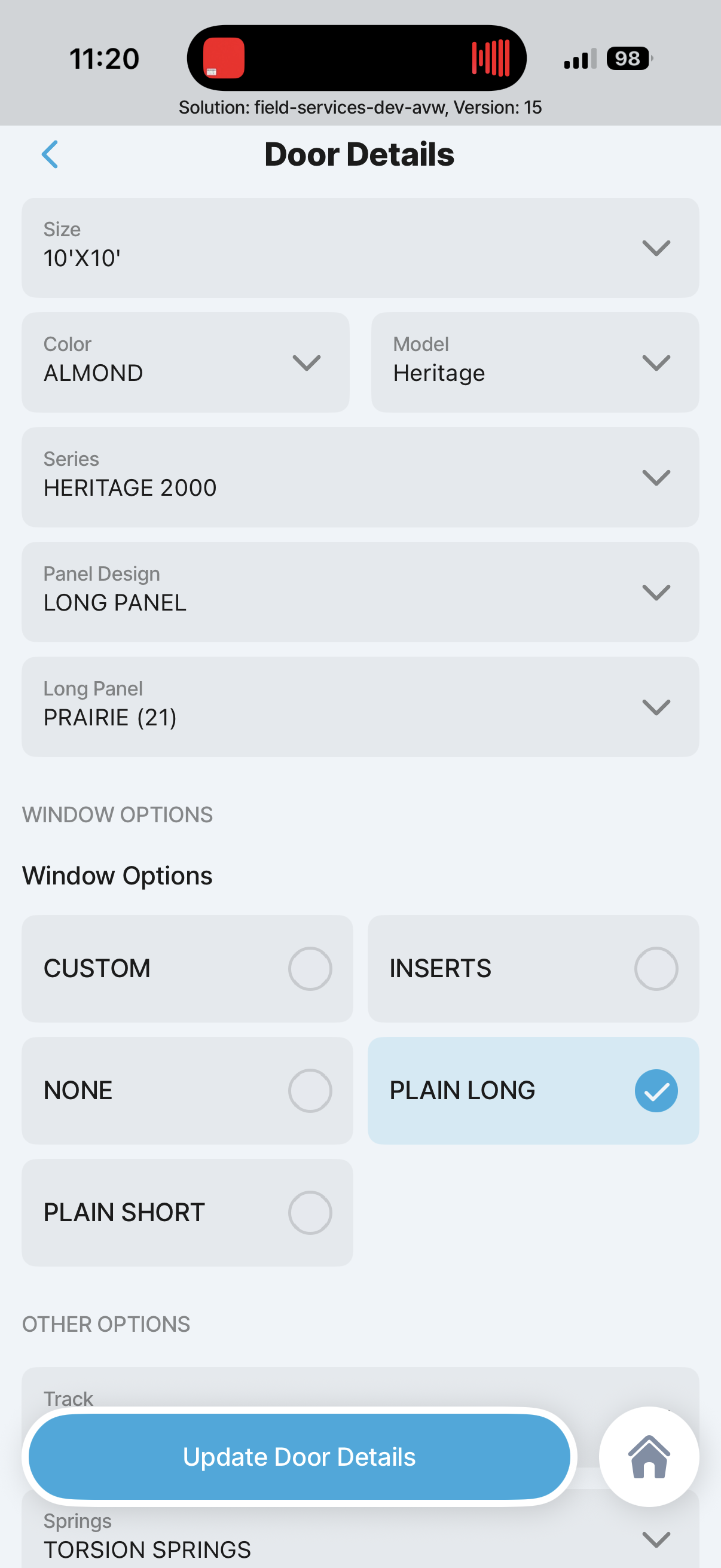
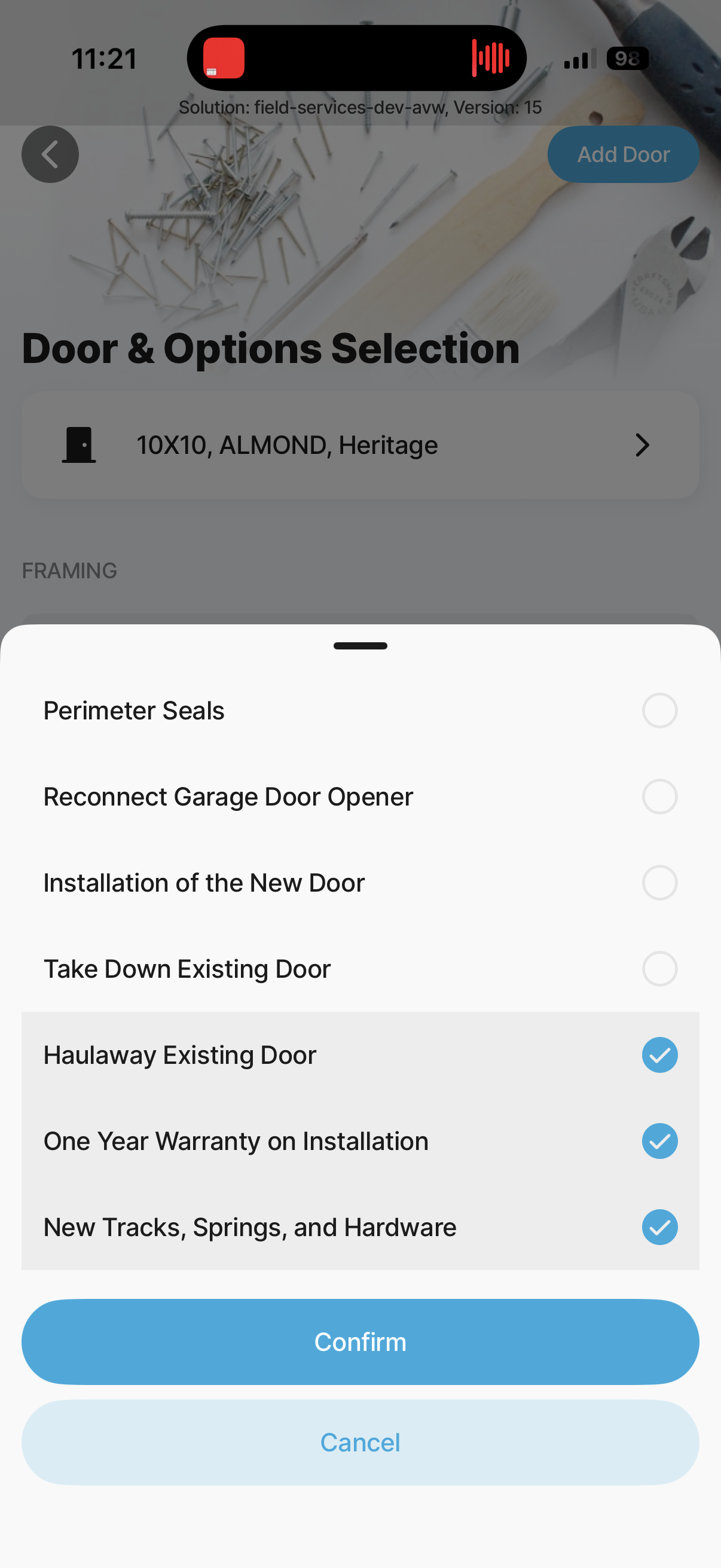
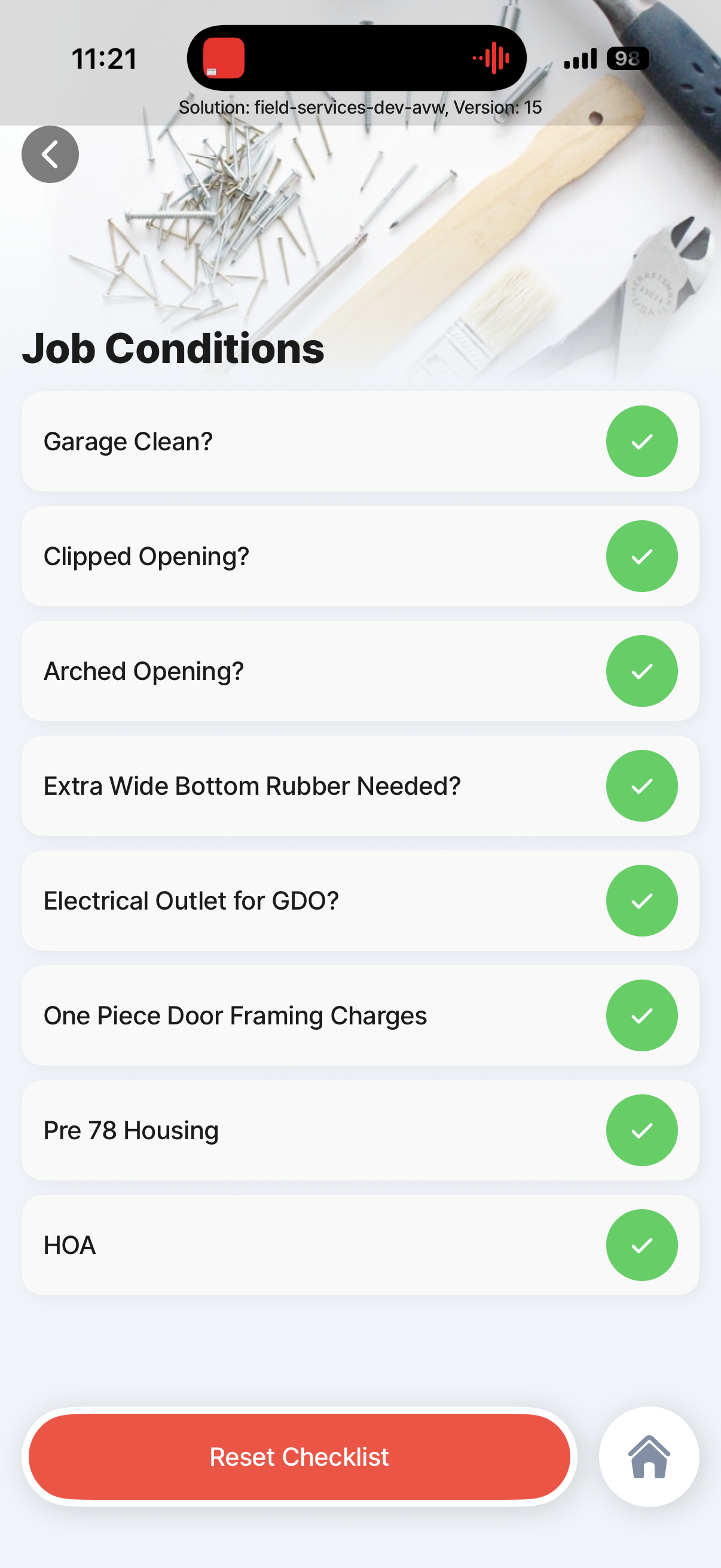
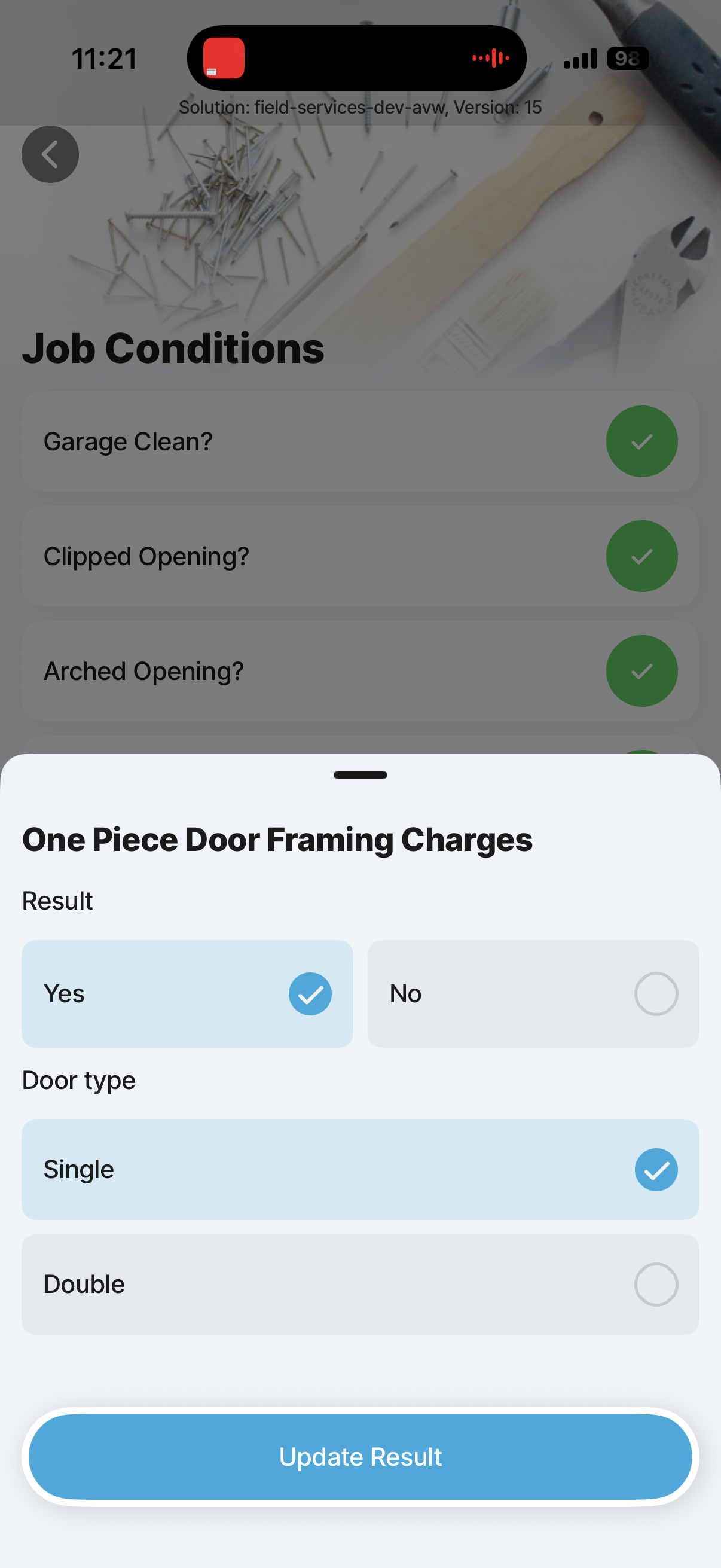
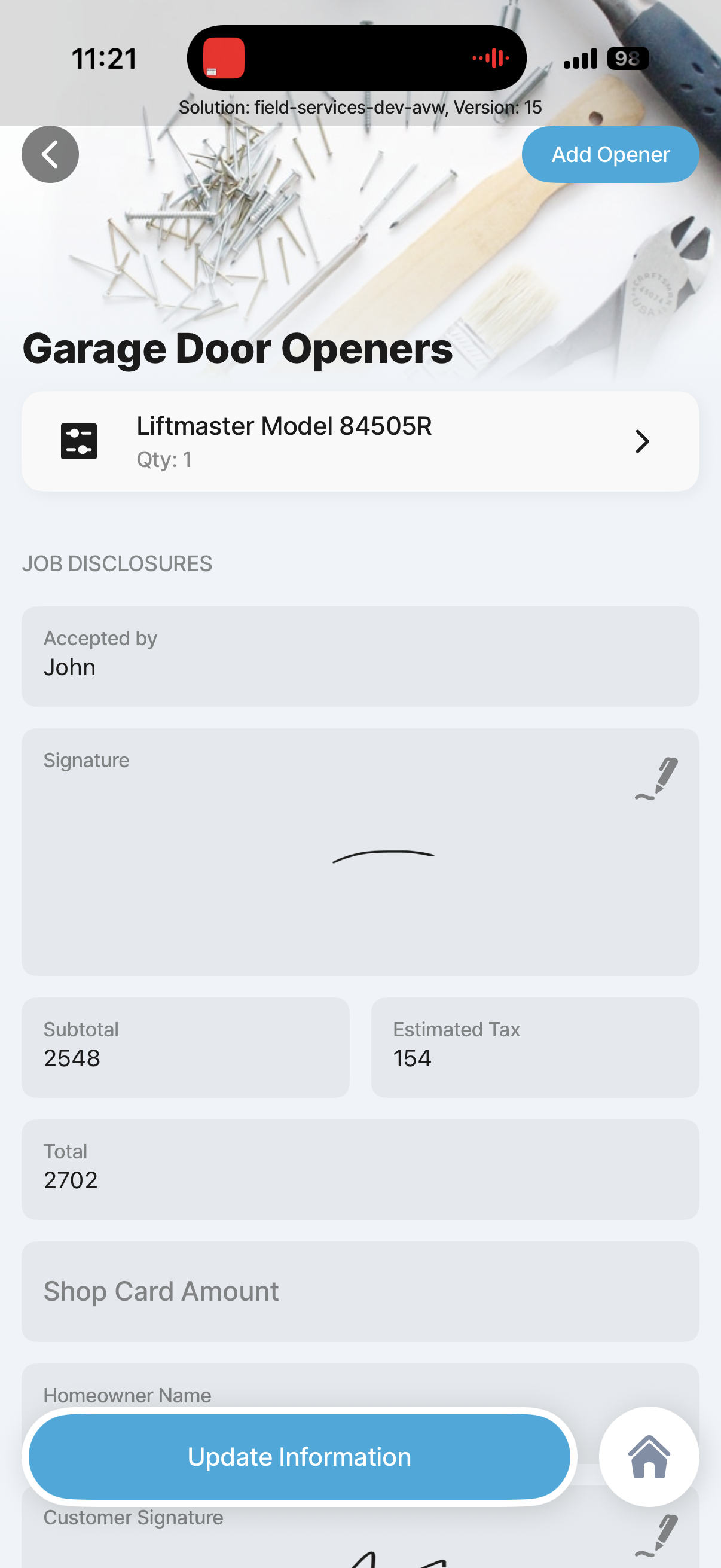
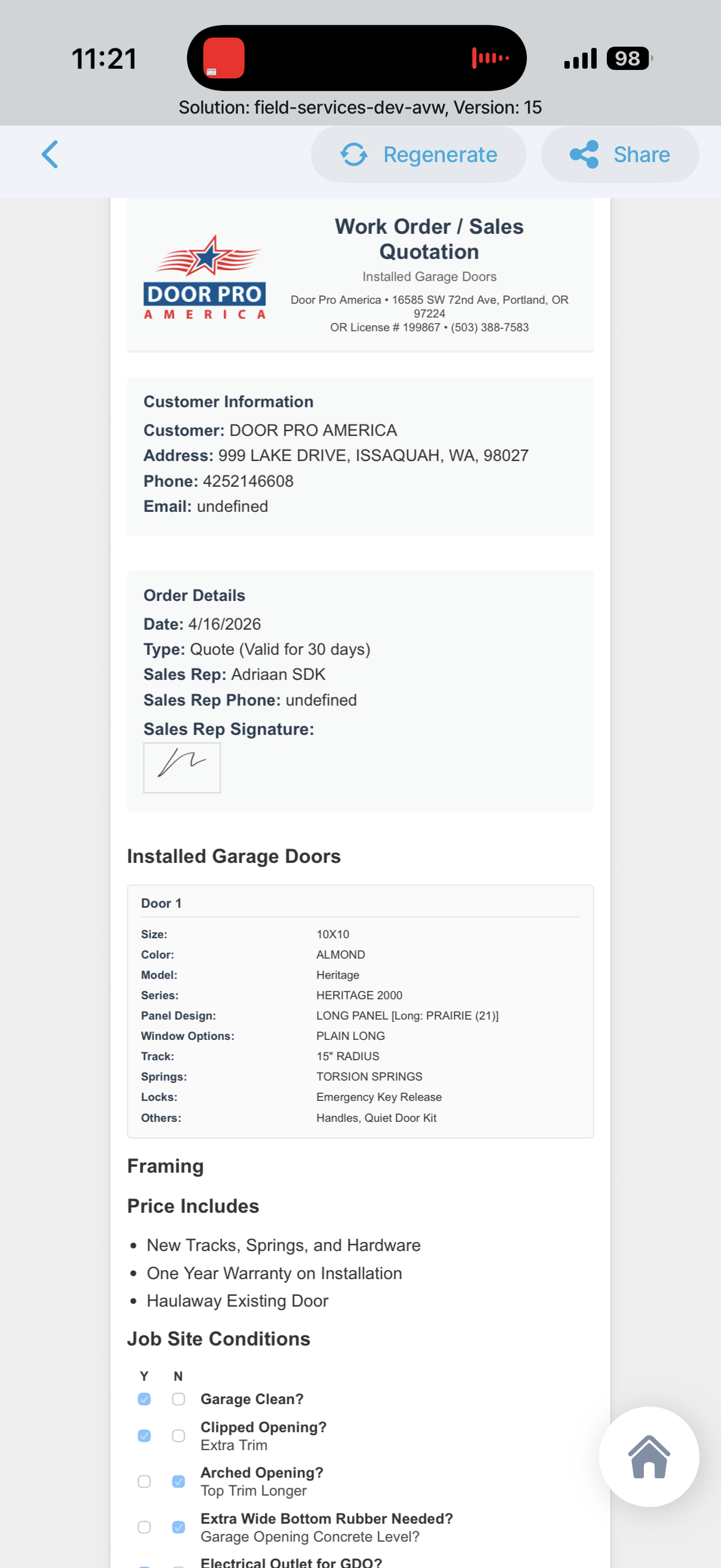
Custom Quote
Custom Garage Quote References
Example of a more custom Jigx solution built outside the packaged field-services flow, showing how deeper custom experiences can be delivered with AI-assisted prompting and customization.
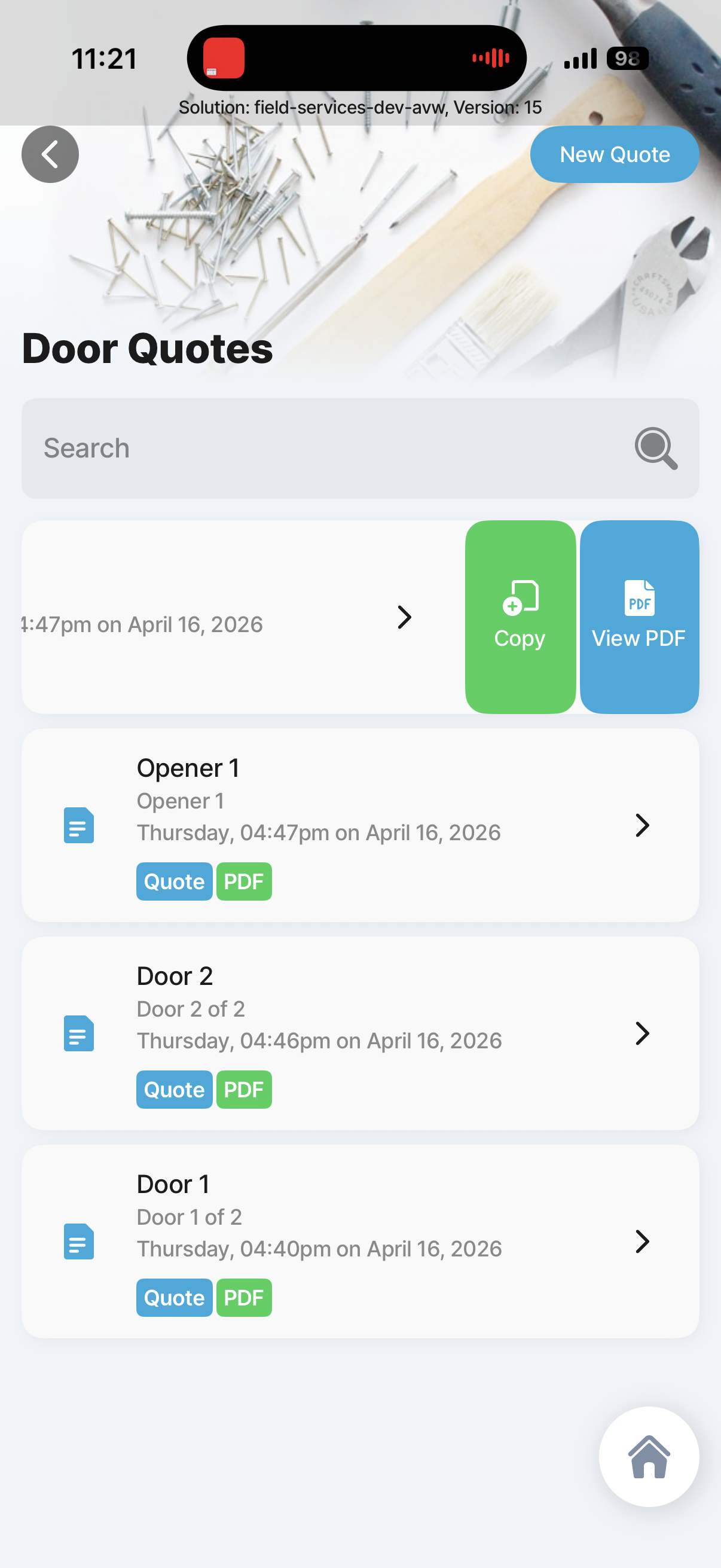
Custom quote copy or pdf generate
1
Custom quote copy or pdf generate
Existing custom quote reference screen for Custom quote copy or pdf generate.
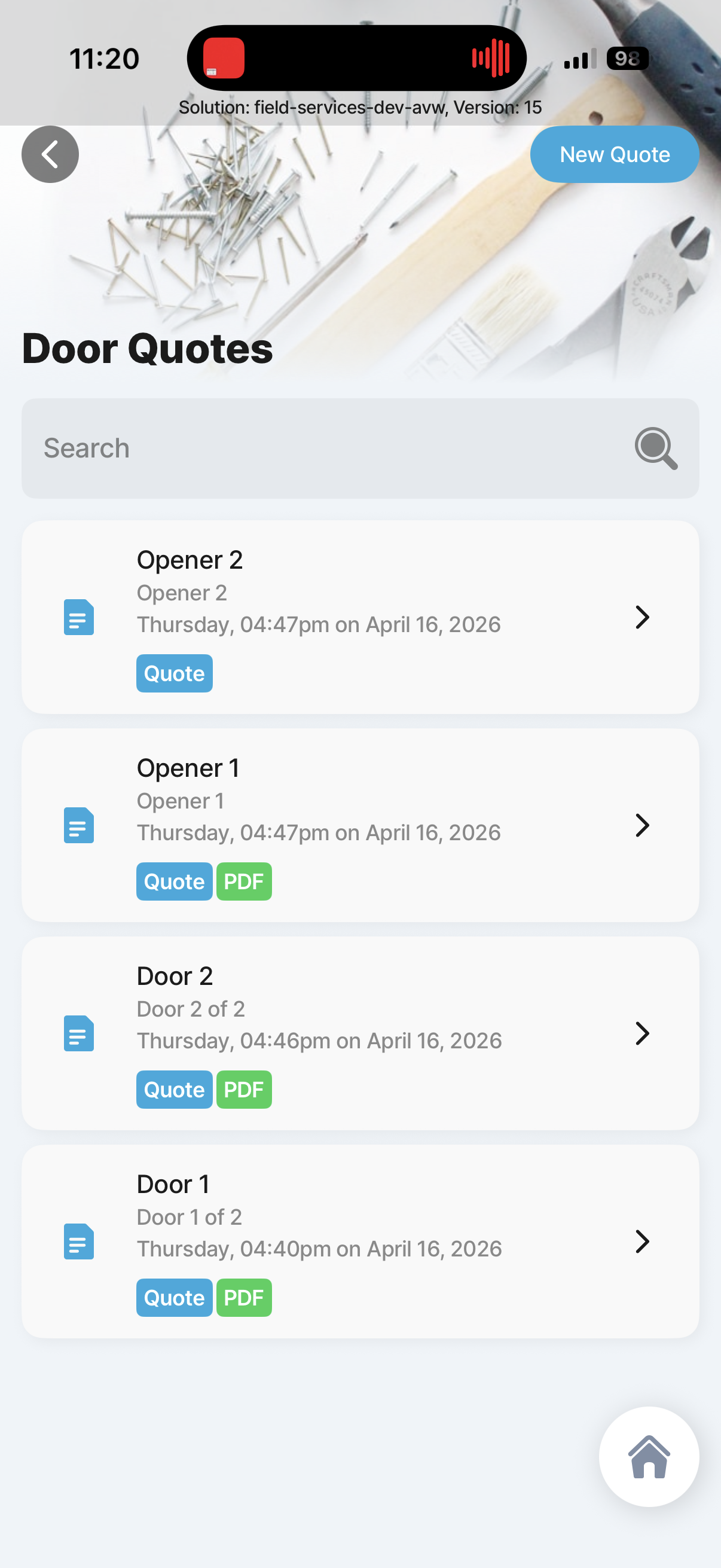
Custom door quotes
1
Custom door quotes
Existing custom quote reference screen for Custom door quotes.
Customer quote sections
1.1
Customer quote sections
Existing custom quote reference screen for Customer quote sections.
Customer quote details
1.1.1
Customer quote details
Existing custom quote reference screen for Customer quote details.
Custom Door Details
1.1.2
Custom Door Details
Existing custom quote reference screen for Custom Door Details.
Customer Door Services
1.1.3
Customer Door Services
Existing custom quote reference screen for Customer Door Services.
Customer quote checklist
1.2
Customer quote checklist
Existing custom quote reference screen for Customer quote checklist.
Customer quote checlist comple answers
1.2.1
Customer quote checlist comple answers
Existing custom quote reference screen for Customer quote checlist comple answers.
Customer quote opener and sign off
1.4
Customer quote opener and sign off
Existing custom quote reference screen for Customer quote opener and sign off.
View Custom quote pdf and share with customer
1.5
View Custom quote pdf and share with customer
Existing custom quote reference screen for View Custom quote pdf and share with customer.

Combined Delivery Estimate

This estimate assumes we are building both the Acumatica field-services mobile application and the underlying Jigx platform capability needed to support per-customer deployment, customer-specific workflow variation, targeted rollout, and ongoing change delivery without treating every customer difference as a separate mobile app project.

Working estimate
7,500 to 11,500 hours
Realistic enterprise phase-1 range for the mobile app, offline sync, Acumatica integration, AI features, QA, and the customization platform capability.
Safer budget estimate
9,000 to 13,500 hours
Use this range if you want more contingency for customer change requests, rollout tooling, tenant variation, and broader QA/UAT hardening.

Combined Work Breakdown

Workstream 01
Product definition, solution design, and story refinement
300 to 500 hours
Workstream 02
UX, detailed flows, wireframes, and interaction design
350 to 600 hours
Workstream 03
Core mobile UI implementation
1,000 to 1,400 hours
Workstream 04
Authentication, session handling, and permissions
180 to 300 hours
Workstream 05
Offline data model, local storage, sync engine, and conflict handling
900 to 1,400 hours
Workstream 06
Acumatica integration layer, APIs, GI/REST shaping, and error handling
500 to 900 hours
Workstream 07
Core field-service workflows
1,300 to 1,900 hours for work orders, work events, work tickets, time, materials, expenses, prepayments, activities, sign-off, and invoice visibility.
Workstream 08
AI, voice, OCR, and barcode scanning
450 to 850 hours
Workstream 09
Payments and prepayment handling
200 to 450 hours
Workstream 10
Customer-specific configuration and entitlements
300 to 600 hours
Workstream 11
Workflow and package customization framework
500 to 1,000 hours
Workstream 12
Per-customer deployment, rollout controls, and release management
400 to 800 hours
Workstream 13
Admin and support tooling, audit, rollback, and visibility
400 to 900 hours
Workstream 14
Config versioning, migration handling, and tenant-safe updates
250 to 600 hours
Workstream 15
QA, regression, UAT, device testing, and offline testing
900 to 1,400 hours
Workstream 16
PM, coordination, customer changes, and polish buffer
500 to 900 hours

Phase View

1
Foundation and architecture
1,200 to 1,800 hours
2
Core technician workflows
2,200 to 3,200 hours
3
AI, scanning, payments, and advanced capture
900 to 1,600 hours
4
Customization and deployment platform layer
1,450 to 2,900 hours
5
QA, rollout, UAT, and change handling
1,300 to 2,100 hours

Key Cost Drivers

  • Offline sync and conflict handling are still one of the largest engineering risks and effort drivers.
  • Acumatica integration boundaries will materially affect effort depending on how much business logic stays server-side.
  • Customer-specific workflow and configuration support adds platform complexity well beyond a single-tenant mobile app.
  • QA across tenant variants grows quickly once rollout controls and per-customer behavior differences are introduced.